Home › Payroll Software in India › Payroll Software for Small Business in India
Industry PayrollPayroll Software for Small Business in India
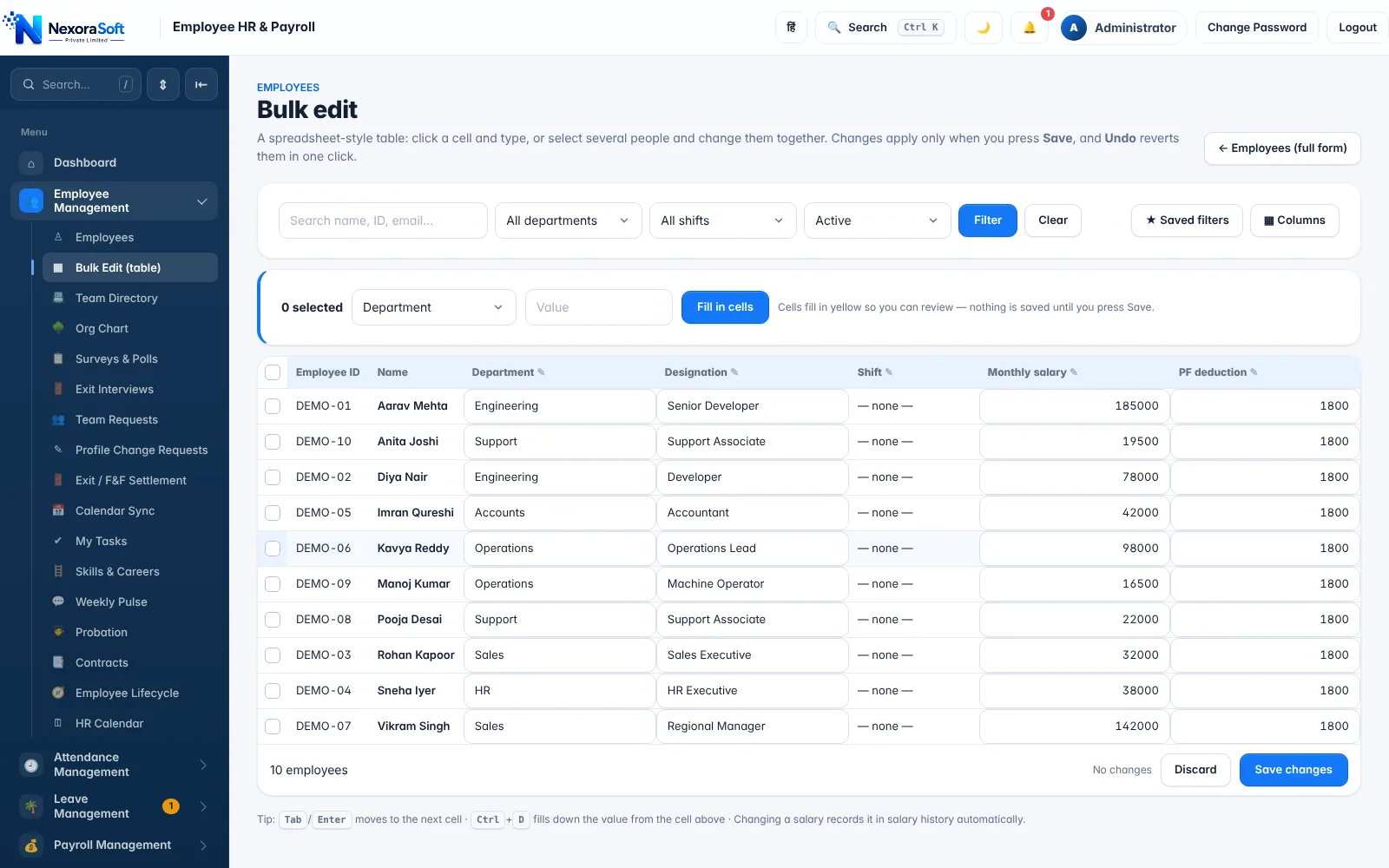
A small business needs payroll that is easy to start, correct from day one, and ready for PF, ESI and TDS the month they apply. NexoraHRMS lets you begin simply and switch on more as you grow.
Easy setupStart with what you needPF/ESI when applicableTally export
What Makes Payroll Different Here
Small businesses face the same payroll rules as large ones but without a payroll team. The owner, an accountant or an HR executive usually runs payroll alongside other work, so the software has to be simple and safe.
Payroll Challenges and How NexoraHRMS Handles Them
Payroll takes a week of the owner's time
Attendance, leave and salary live in one place, so monthly payroll becomes a review of a preview, not a rebuild of last month's sheet.
Compliance starts mid-way
PF generally applies from 20 employees and ESI from 10 (20 in some states), so rules switch on as you grow. Settings let you enable PF, ESI, PT and TDS when they become applicable.
No payroll specialist
A setup wizard, demo data and an "about this page" help box on every screen mean the owner or an accountant can run it.
Budget is tight
Start with payroll and attendance only; add modules later. Fixed-scope quote after a demo, with no per-feature surprises.
Start Simple, Grow Without Switching Software
Day one: company details, a basic salary structure and your employees (typed in or imported from Excel). Run a trial month on demo data if you want to learn first. As you add staff, turn on attendance by app or kiosk, PF and ESI when applicable, Professional Tax for your state, and TDS for taxable salaries.
Because everything is in one system, nothing needs re-entry when you grow from 10 to 100 employees.
- Setup wizard and optional demo data
- Bulk import from Excel/CSV or migration from another tool
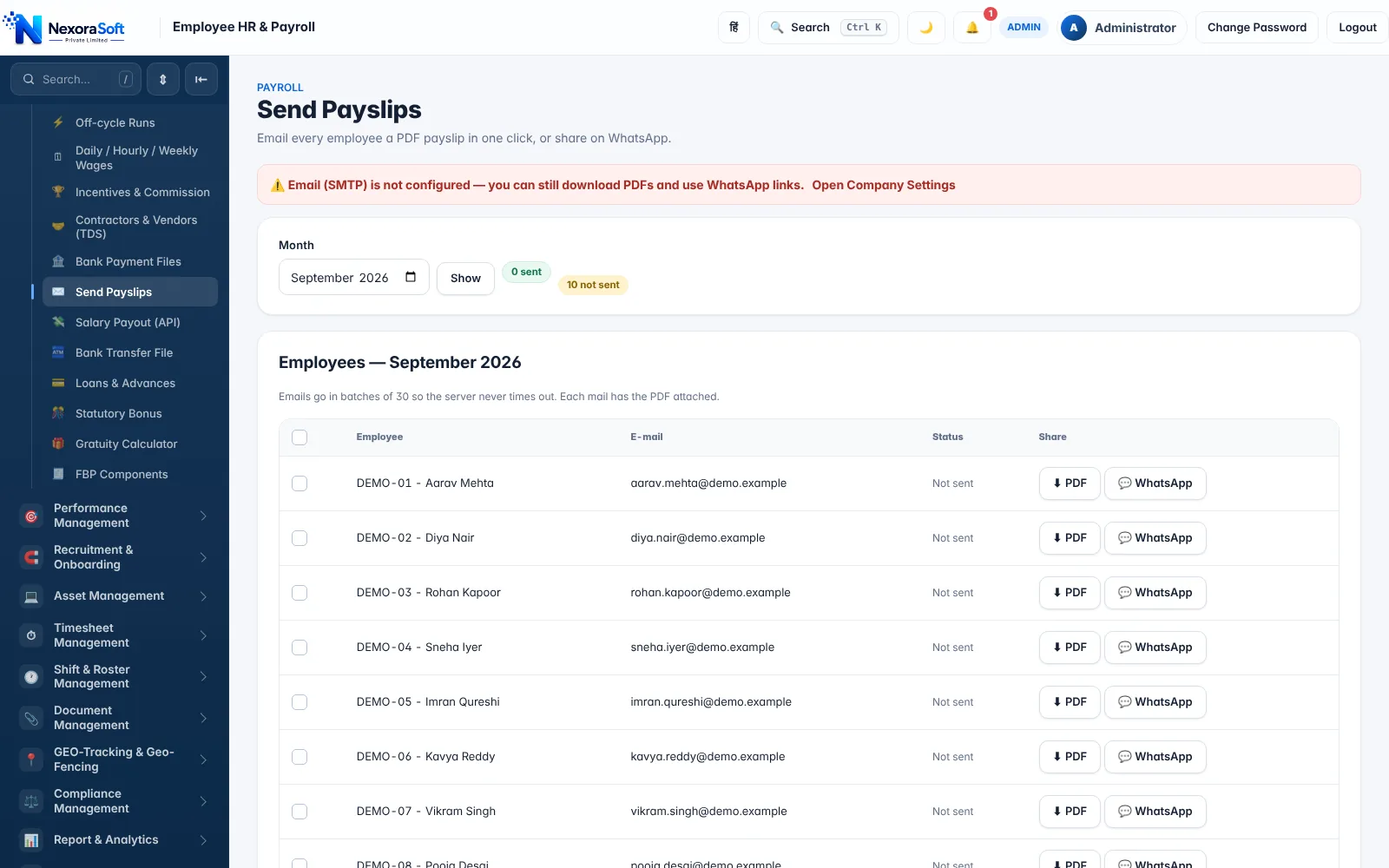
- Payslips by email or WhatsApp
- Tally XML and bank file when your accountant needs them
What Small Businesses Switch On, and When
| Need | NexoraHRMS setting | Typical time |
|---|---|---|
| Basic monthly salary and payslips | Salary and Basic/HRA percentages | Day one |
| Attendance and leave | Mobile check-in, kiosk or bulk upload; leave policy | When you outgrow a register |
| PF and ESI | Company Settings: PF, ESI switches and ceilings | When you cross applicability limits |
| Professional Tax | State-wise slab or flat PT | If your state levies it |
| TDS | Automatic TDS with regime per employee | When salaries become taxable |
| Accounts and bank | Tally XML, bank file | Month-end |
Applicability thresholds and rates are set by law and change over time; confirm what applies to your business with your CA.
More for Small Teams
See payroll software for startups, MSME payroll, pricing explained and the small business payroll guide.
Related Payroll Guides
Payroll Software in India (full guide)Payroll Management SoftwarePayroll Software PricingStartupsMSME
Payroll Software for Small Business in India – FAQ
Not at five employees, perhaps; but once you have PF/ESI, shifts, leave and monthly payslips, software saves time and prevents errors. It becomes essential as headcount and compliance grow.
PF generally applies to establishments with 20 or more employees, and ESI to 10 or more (20 in some states), subject to wage limits. Check with your CA for your situation.
Yes. They are settings you switch on when they apply to you.
A small team can be set up in a few days. A demo-data option lets you practise a full payroll cycle first.
Yes. Bulk import from Excel/CSV and a migration tool from other payroll systems are available.
Yes. Export the monthly journal voucher as Tally XML.
See NexoraHRMS Payroll on Your Own Data
Share your salary structure and get a free live demo of NexoraHRMS & Payroll. No commitment; we typically respond within 24 hours.