Power BI and a custom dashboard solve different problems. Here is a side-by-side comparison, when to pick each and a quick test to decide.
Two Different Jobs
Power BI and a custom dashboard are often compared as if they were rivals. They solve different problems. Power BI is built for analysts who explore data and publish reports. A custom operational dashboard is built for managers who need to know what to do today.
Side-by-Side
| Question | Power BI or similar BI tool | Custom or product dashboard |
|---|---|---|
| Main user | Analysts and report builders | Owners, managers, NOC and department heads |
| Best at | Exploring data, ad-hoc reports, many chart types | Attention lists, alerts, tasks, actions on records, role-based screens |
| Actions on data | Mostly read-only | Buttons that open screens, create tickets, acknowledge alarms |
| Look and flow | Tool-defined, users learn the tool | Designed around your workflow and brand |
| Real-time and wallboards | Possible but needs planning and licensing | Auto refresh and wallboard mode designed in |
| Licensing | Per-user licences that grow with headcount | One build or licence, users not metered by the tool |
| Time to first value | Fast for simple reports on clean data | Fast when starting from a ready engine, longer for full custom |
| Embedding in your app | Depends on licence and embedding setup | Built into your product or portal |
Choose a BI Tool When
- You have analysts who will build and maintain reports.
- Questions change every week and exploration matters more than workflow.
- Your data is already in a warehouse or well-modelled sources.
Choose a Custom or Product Dashboard When
- Managers need an action list, not a canvas to explore.
- You need role-based screens inside your own product or portal.
- Screens run on a wall in a NOC or a control room.
- Per-user licence cost becomes large as more people need access.
- You want buttons that start the next step, such as Create PO or Acknowledge.
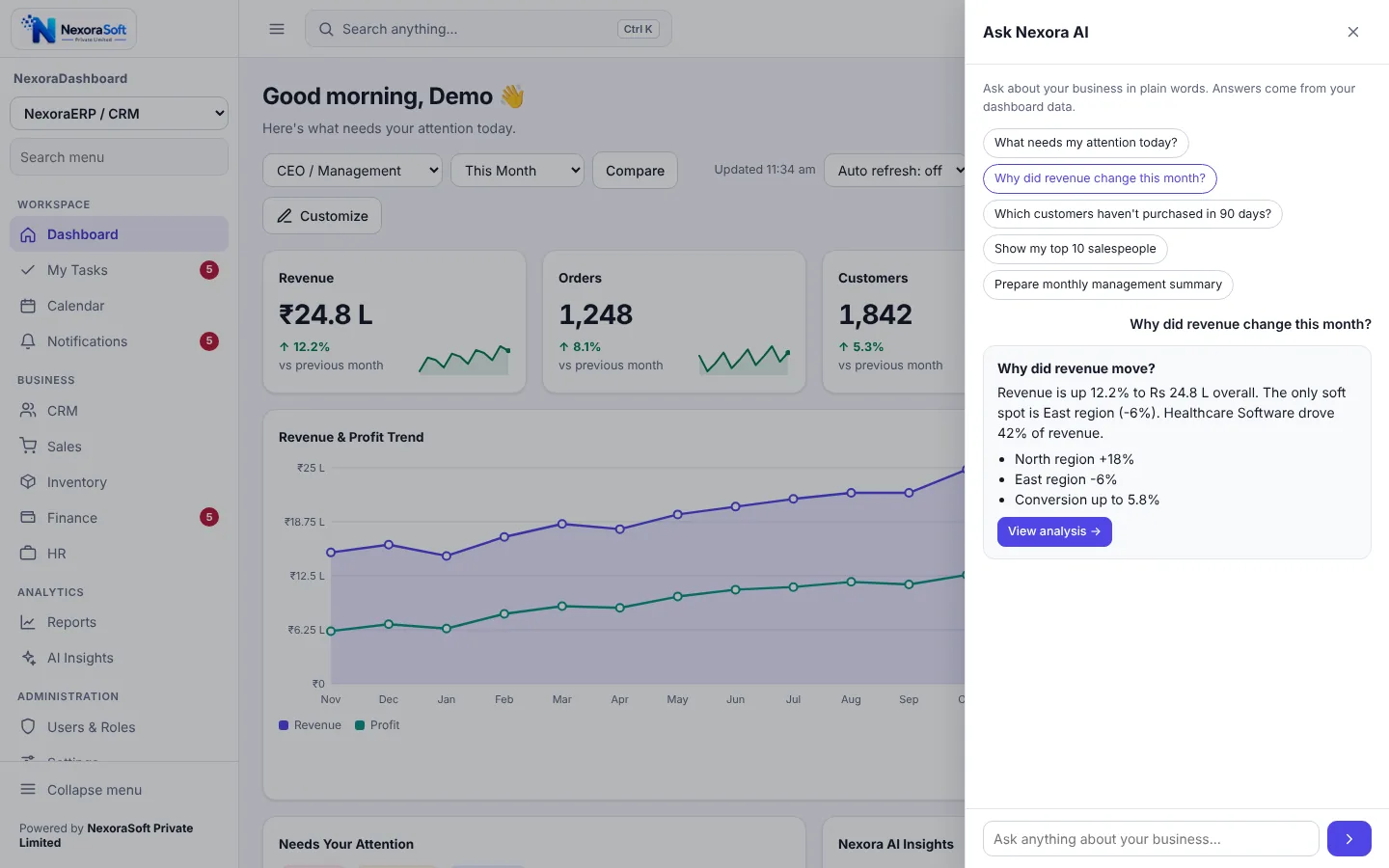
Many companies use both: a BI tool for analysts and a dashboard for operations and management, reading the same data.
A Quick Decision Test
Ask who opens the screen and what they do next. If the answer is "an analyst explores", use a BI tool. If it is "a manager decides and acts", use an operational dashboard. For metric choice read the KPI dashboard design guide and the BI dashboard guide.
Where We Can Help
NexoraSoft builds both custom dashboards and ready packs. See NexoraDashboard and our dashboard development services, and compare budgets in dashboard development cost in India.
Business Dashboard SoftwareDashboard Development ServicesKPI Dashboard DesignBI Dashboard Guide
Choose the Right Dashboard Approach
Free consultation, no commitment. We usually reply within 24 hours.
Book a Free Demo +91 98115 51004