Excel is flexible and familiar. For a tiny shop it can be enough. But stock has rules a spreadsheet cannot enforce, and the cost of one wrong number usually exceeds the cost of software.
Where Excel works
For fewer than about 50 products, one location, no batches and one person entering data, a careful sheet can do. The danger is that it grows with the business and nobody moves on.
Where Excel fails
| Task | Excel | Inventory software |
|---|---|---|
| Stock accuracy | Typed numbers; no link to billing | Computed from every movement |
| Two people at once | Version clashes, overwritten data | Concurrent safe posting |
| GST invoices | Separate tool | Integrated, stock-linked |
| Batch and expiry | Manual columns | FEFO and recall trace |
| Reserving stock | Not possible | Sales orders reserve stock |
| Audit trail | None | Every change logged |
| Reorder | Visual scan | Automatic list and draft POs |
| Multiple warehouses | Many tabs | Warehouse-wise with transfers |
Hidden costs of Excel
Time
Daily updates and month-end reconciliation take hours.
Stock-outs and dead stock
No reorder signals and no view of slow items.
No control
Anyone can edit any cell; no approvals.
Billing mismatch
Stock and invoices drift apart.
How to move from Excel
- Clean the product list: SKU, unit, GST rate, reorder level.
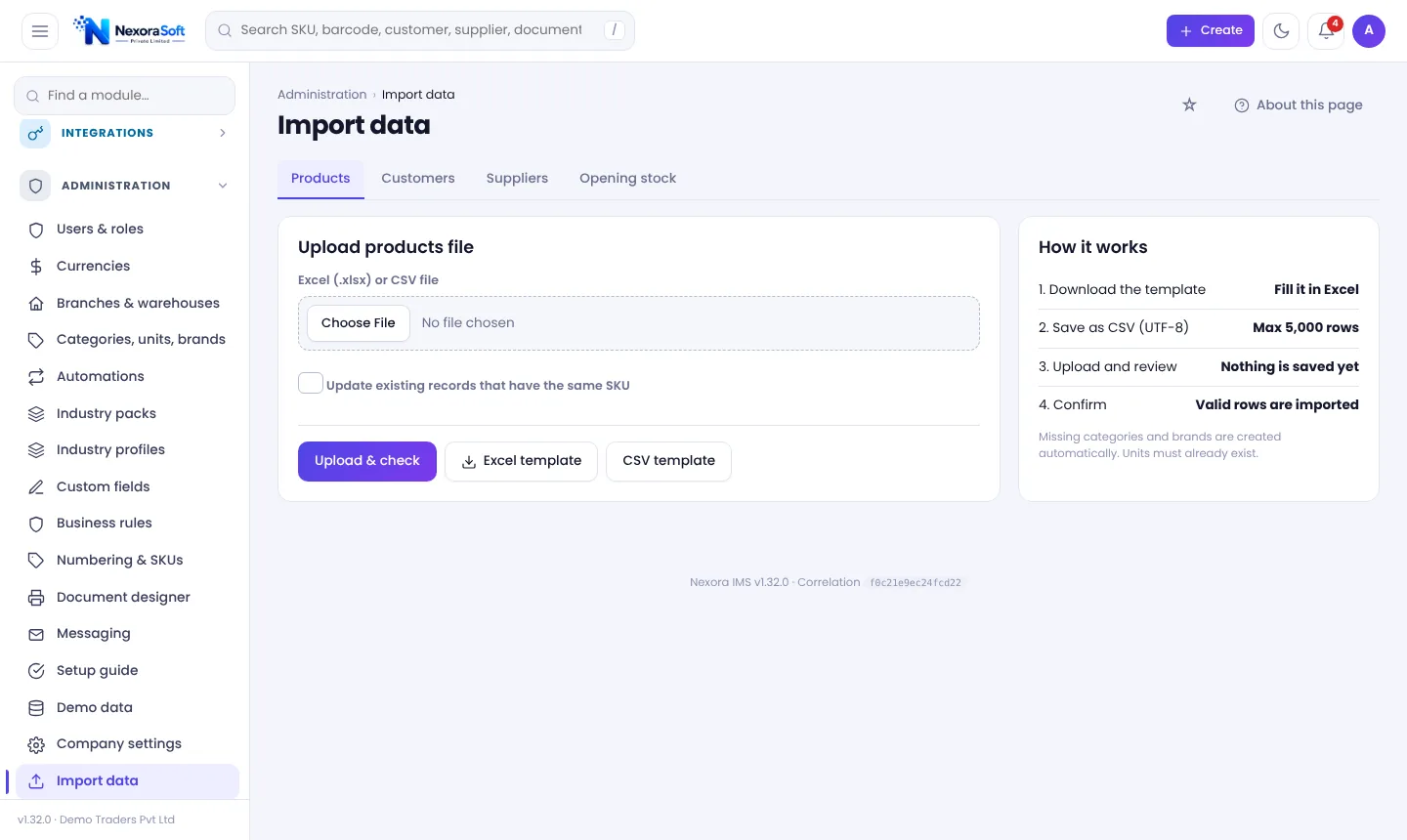
- Import products, parties and opening stock from Excel with a dry-run check.
- Run both in parallel for a short period.
- Count stock and fix differences.
- Switch over and lock the Excel file.
NexoraIMS has an Excel import wizard and a sample-data tour. See inventory software for small business and the buyer's guide.
Related guides: Inventory Management Software in India (complete guide)
Stock Management SoftwareInventory Software Pricing in IndiaInventory Software for Small BusinessWhat Is Inventory Management Software?Cycle Counting vs Physical Stock TakingInventory Software for Small Business: Buyer's Guide
See NexoraIMS in Action
Book a free live demo and see stock, purchasing, GST billing and reports run on your own products.
Book a Free Demo +91 98115 51004