Excel is flexible and familiar, and for a tiny team it can be enough. But payroll in India has rules that spreadsheets cannot enforce, and the cost of one error often exceeds a year of software.
Where Excel works
For fewer than about 10 employees, a single office, no PF or ESI and no shift work, a carefully built spreadsheet can run payroll. The danger is that the sheet grows with the business, and nobody remembers to move on.
Where Excel fails
| Task | Excel payroll | Payroll software (NexoraHRMS) |
|---|---|---|
| PF, ESI, PT, TDS | Manual formulas updated by hand | Calculated automatically; slabs and ceilings editable |
| Attendance to salary | Copy-paste from attendance files | Attendance, leave and LOP flow straight into the run |
| Error detection | Found after payment | Pre-check before the run |
| Payslips | Built and sent one by one | Generated and emailed in bulk |
| Form 16 and returns | Separate tool or CA rework | Generated from the same data |
| Bank file and Tally | Re-keyed | One-click exports |
| Access control | Anyone with the file sees everything | Role-based access |
| Audit trail | None | Every important change logged |
| Month lock | Not possible | Locked months frozen |
The hidden costs of Excel payroll
Time
Payroll that takes two days every month is 24 days a year, before corrections.
Errors
Wrong PF or TDS leads to notices, interest and employee disputes.
Key-person risk
Only one person understands the sheet; if they leave, so does the logic.
Confidentiality
Salary data shared by email or pen drive is hard to protect.
How to move from Excel to payroll software
- List salary structures, statutory settings and special rules
- Clean employee data: PAN, UAN, bank account, IFSC, joining dates
- Import employees from Excel/CSV
- Run one past month in parallel and compare net pay
- Fix differences, then go live from the next month
- Lock past months and keep the old sheets for reference
Rule of thumb
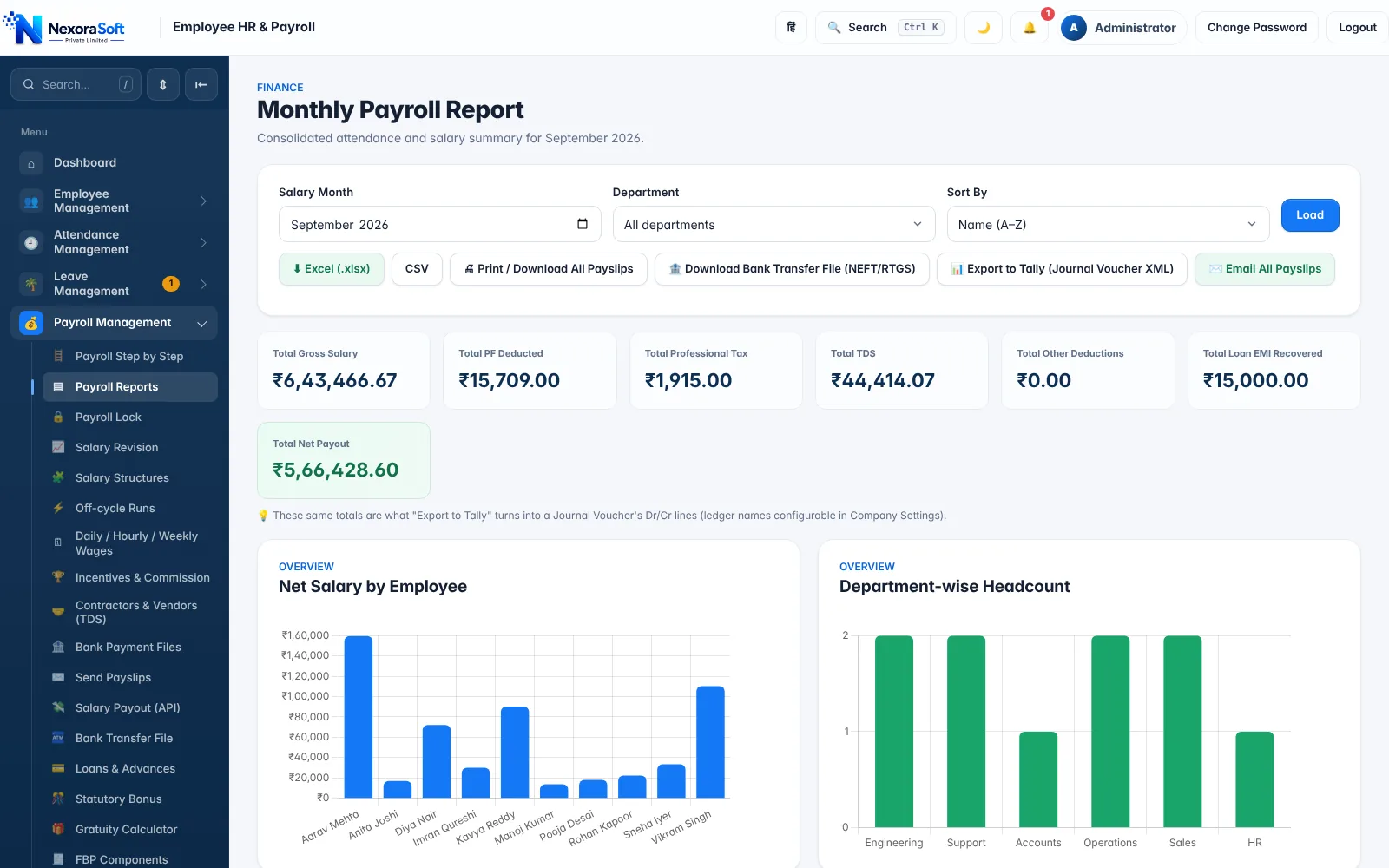
Switch when you cross about 15–20 employees, when PF/ESI/PT apply, when you have shifts or multiple locations, or when payroll errors have already cost you money. See payroll software for small business and payroll management software.
Related guides: Payroll Software in India (complete guide)
Payroll Management SoftwarePayroll Software PricingSmall BusinessWhat Is Payroll Software? Complete Guide for Indian BusinessesBest Payroll Software in India: Features to Look ForHow to Automate Monthly Salary Processing
See NexoraHRMS Payroll in Action
Book a free live demo and see payroll, PF, ESI, TDS and payslips run on your own salary structure.
Book a Free Demo +91 98115 51004