Payroll software calculates salaries, applies statutory deductions and produces payslips and returns. In India, that means PF, ESI, Professional Tax and TDS on top of attendance and leave. Here is what it does, how it works and when you need it.
What payroll software does
At its simplest, payroll software turns three inputs into one output. The inputs are who works for you and what they are paid (employee records and salary structures), how much they worked (attendance and leave), and which rules apply (statutory rates, ceilings, tax regime). The output is net pay for every employee, with payslips, bank payment, accounting entries and statutory files.
Basic tools stop at the payslip. A complete payroll management system also handles approvals, month lock, bank files, Tally export and returns. See payroll management software for that wider view.
How payroll software works, step by step
- Set up company details, statutory settings (PF, ESI, PT, TDS), salary structures and employee records.
- Capture attendance and leave from an app, kiosk, biometric file or HR entry.
- Calculate payable days, earnings, deductions and net pay.
- Check and approve: pre-checks flag errors; a manager or finance lead approves.
- Lock the month so figures cannot change.
- Pay and account: bank file, payslips, journal entry.
- File: PF ECR, ESI challan, TDS return data, Form 16 data.
What makes payroll in India different
Statutory deductions
PF, ESI, Professional Tax and TDS each have their own rates, ceilings, due dates and files. Professional Tax is state-specific, so it varies with where an employee works.
Two tax regimes
Employees can be in the New or Old income-tax regime, which changes how TDS is calculated and what declarations matter. See TDS payroll software.
Paperwork every month and year
ECR, challans, Form 24Q data, annual TDS statements, Form 16 Part B, registers and bonus all follow from payroll data.
Bank and accounting links
Salaries are paid by bulk bank file and booked in Tally or another accounting tool, so payroll must produce both cleanly.
Payroll software vs Excel
Excel works for a handful of employees, then breaks: formulas get overwritten, PT slabs are forgotten, attendance is copied by hand, and nobody can say who changed a figure. Software applies the same rules to every employee, flags errors before payment and keeps an audit trail. Read the full comparison.
When does a business need payroll software?
- You have more than 10–15 employees, or PF/ESI apply to you.
- Staff work shifts, overtime or from multiple locations.
- Payroll takes more than a day each month or has had errors.
- Employees ask for payslips, Form 16 or leave balances repeatedly.
- You want Tally entries and bank files without retyping.
- You are preparing for audits, inspections or growth.
💡 Tip: Judge software by a live demo on your own salary structure, not a brochure. Our buyer's checklist lists what to test.
Related guides: Payroll Software in India (complete guide)
Payroll Management SoftwareSalary Calculation SoftwareHRMS Software IndiaBest Payroll Software in India: Features to Look ForPayroll Processing in India: Step-by-Step GuidePayroll Software vs Excel: Which Is Better?
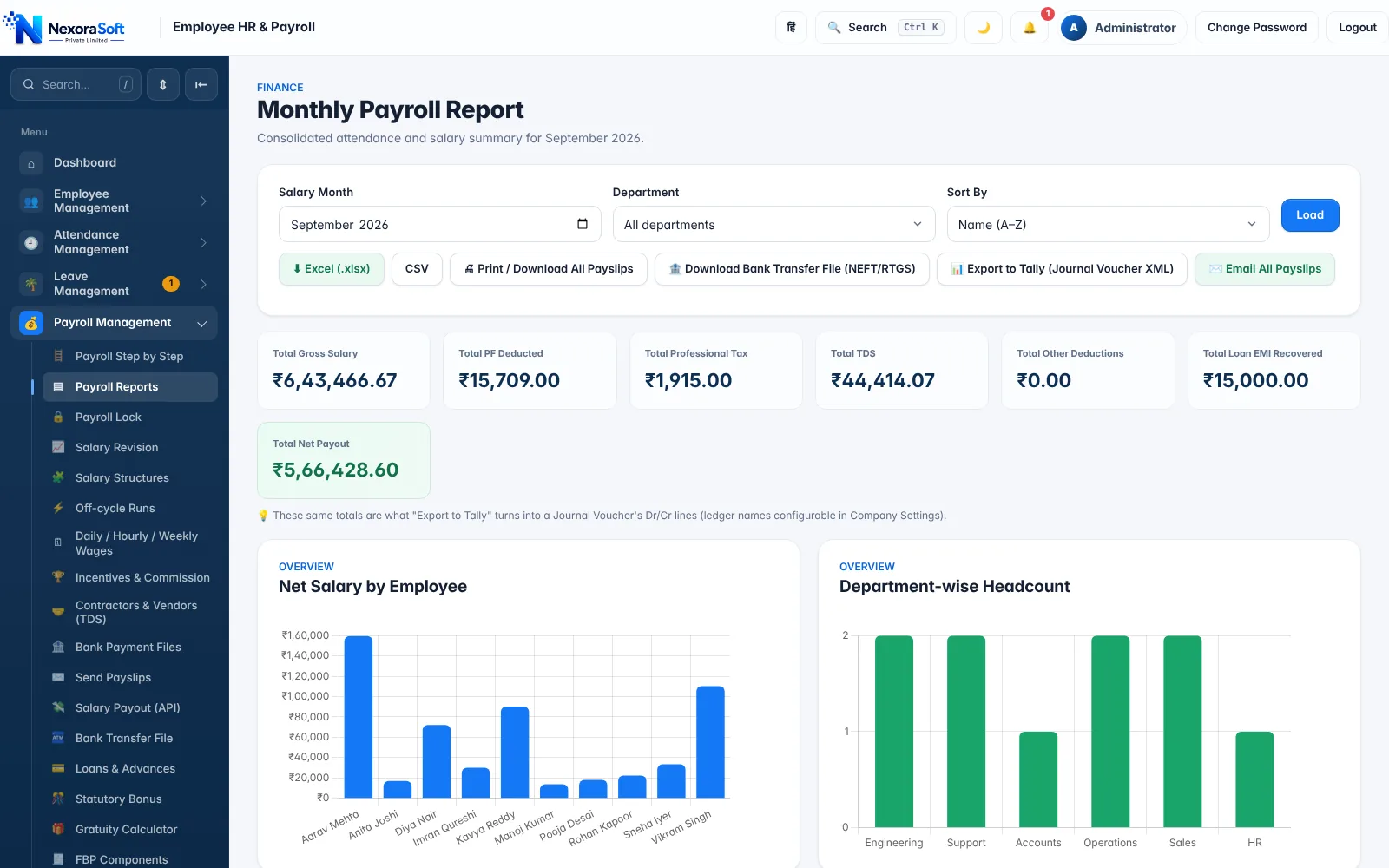
See NexoraHRMS Payroll in Action
Book a free live demo and see payroll, PF, ESI, TDS and payslips run on your own salary structure.
Book a Free Demo +91 98115 51004