Restaurant POS software is the system at your counter that takes orders, prints kitchen tickets and GST bills, accepts payments and records every sale. Here is how it works and what to expect.
The short definition
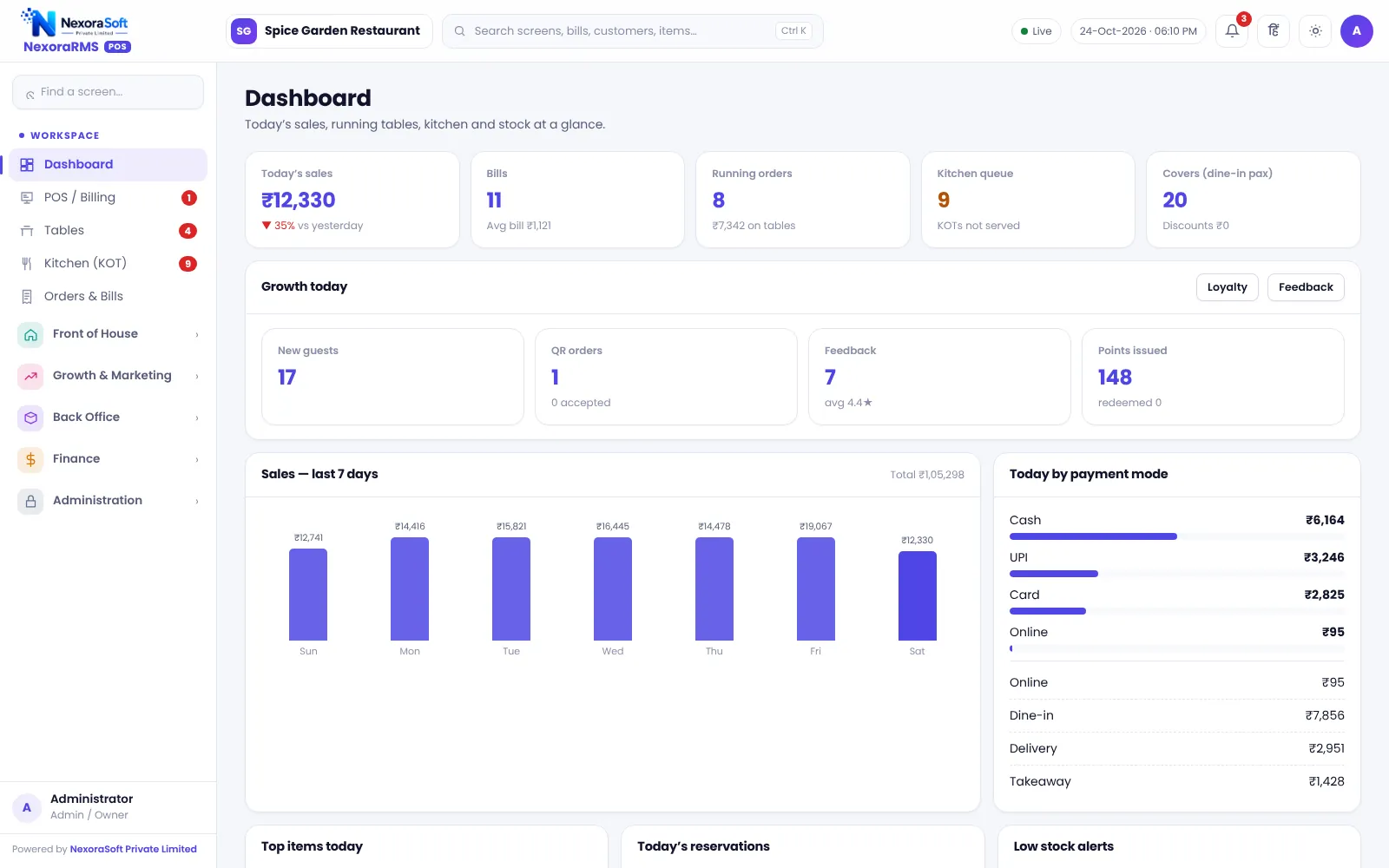
A restaurant point-of-sale (POS) system is software, often with a printer and a screen, that handles the point where an order becomes a bill. A modern one also connects the kitchen, the tables, loyalty, stock and reports, so the owner sees the whole restaurant.
What it does
- Takes dine-in, takeaway, delivery and online orders
- Sends a kitchen order ticket (KOT) to the kitchen
- Prints GST bills and accepts cash, card, UPI and wallet
- Manages tables, reservations and guest requests
- Tracks loyalty, coupons and feedback
- Deducts ingredient stock based on recipes
- Shows sales, tax and cash reports
How it works in practice
- The captain or cashier opens a table or a takeaway order.
- Items are added with size and add-ons, and the KOT is sent.
- The kitchen prepares and marks the dish ready.
- The bill is printed, payment taken and stock and points updated.
- At close, the cash is counted and the Z report shows the day.
POS vs a simple billing app
A billing app prints bills. A restaurant POS ties the bill to the kitchen, floor, stock and staff, and keeps a trail of who did what. See POS vs manual billing and Excel.
Who needs it
| Business | Typical need |
|---|---|
| Dine-in restaurant | Tables, KOT, split bills |
| Cafe or QSR | Fast billing, tokens, loyalty |
| Cloud kitchen | Delivery orders, channel prices |
| Bakery | Pre-orders, sizes |
| Chain | Head office and control |
What to check
Look for GST billing, KOT, reports, user roles, backups and clear limits such as offline mode and aggregator integration. Our buyer’s guide has a checklist.
Hardware you usually need
- A counter PC, laptop or tablet with a browser
- A thermal bill printer (58 or 80 mm)
- A kitchen printer or a screen for the kitchen display
- Reliable internet or a local network connection to the server
- Optional: cash drawer, second screen for guests, tablets for captains
Questions to ask before you buy
Ask how GST bills are formatted, what happens when the internet drops, who can give discounts, how backups work and what the vendor will not do. Written answers beat a verbal demo. If you want a hands-on look, NexoraSoft offers a free demo with sample restaurant data.
Related guides: Restaurant POS Software in India (complete guide)
Restaurant Billing SoftwareKOT & Kitchen Display SoftwareHow to Choose Restaurant POS SoftwareRestaurant POS vs Manual Billing and Excel
See NexoraRMS-POS in Action
Book a free live demo and see billing, KOT, tables, QR ordering and reports run on your own menu.
Book a Free Demo +91 98115 51004