Home › Payroll Software in India › Payroll Software for Construction Companies
Industry PayrollPayroll Software for Construction Daily Wages & Site Attendance
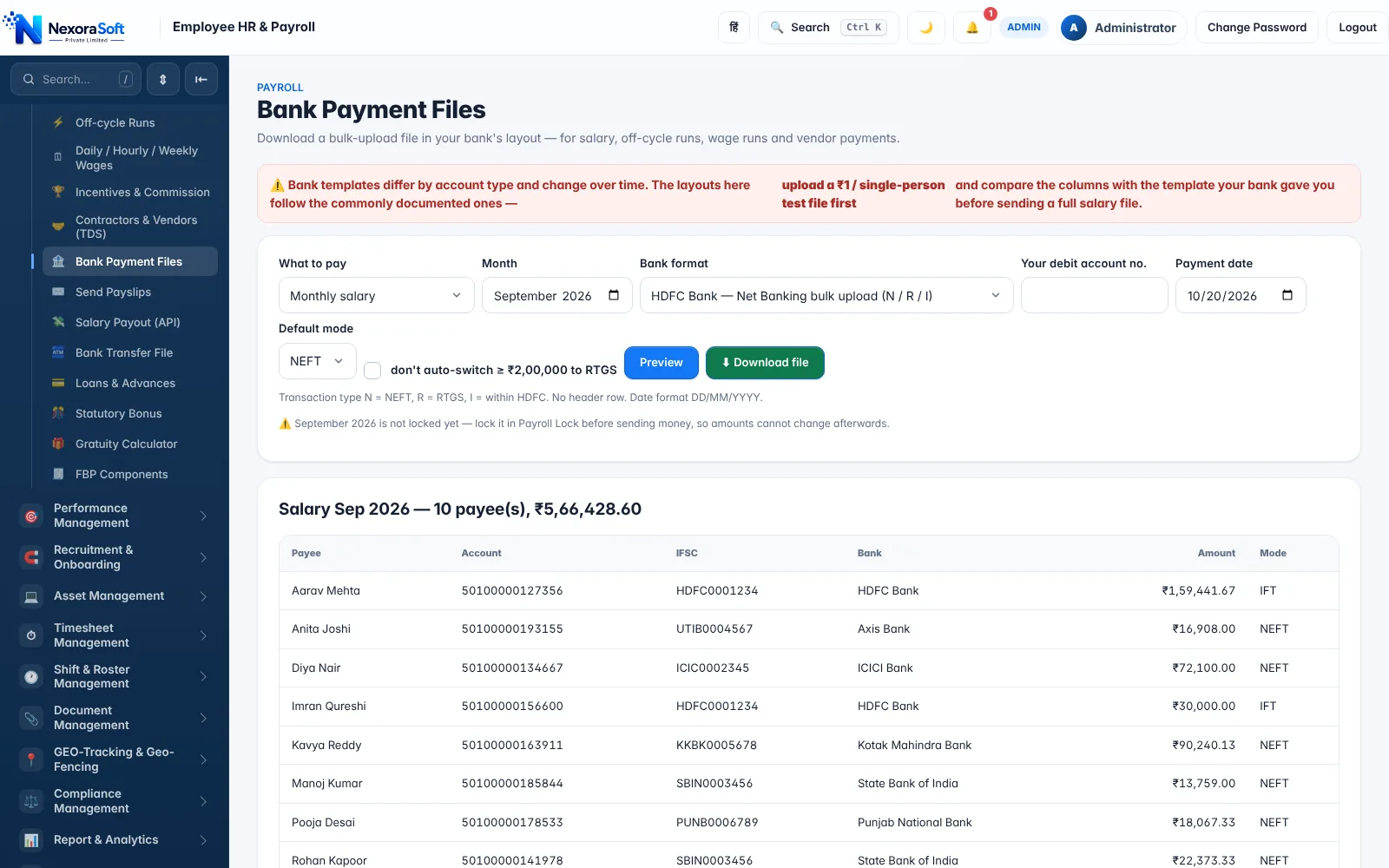
Construction payroll means daily and weekly wages, workers moving between sites and contractors to pay and deduct TDS from. NexoraHRMS handles wage runs, geofenced attendance and bank files for site teams.
Wage runsSite geofenceContractor TDSBank files
What Makes Payroll Different Here
Site payroll rarely follows the calendar month. Workers arrive and leave with projects, are paid weekly or by the day, and often through contractors. Cash handling, missing attendance and disputes over days worked are the usual pain points.
Payroll Challenges and How NexoraHRMS Handles Them
Daily, hourly and weekly wages
Wage runs calculate pay from days or hours worked for site workers, apart from monthly staff, with company holidays and weekly offs configurable.
Multiple sites
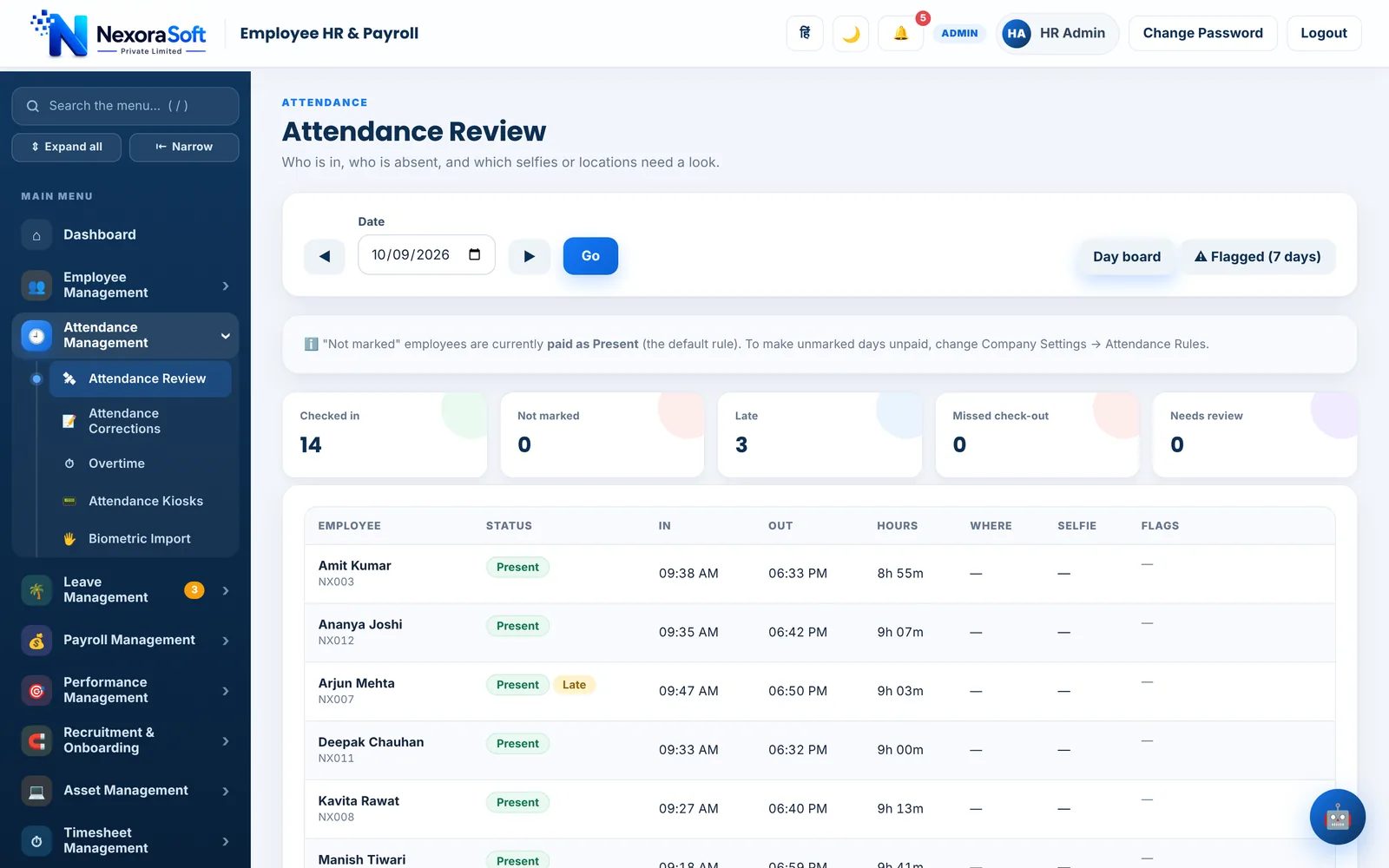
Work sites with a geofence mark attendance by location, and a live map and location log show who is where.
Contractors and vendors
The contractors and vendors (TDS) screen records payments and the TDS deducted, and creates a bank file for them.
ESI and PF
Workers within the wage ceiling are picked up for ESI, and PF is applied where it is applicable.
Minimum wages
A minimum wages check compares pay with the rates you enter by state and category.
Cash discipline
Bank files for wage runs reduce cash payment risk.
Wage Runs Instead of Monthly Sheets
A wage run takes a period (a week, a fortnight), pulls the attendance for each worker, calculates pay at the daily or hourly rate, and produces a payslip and a bank file. Hours-worked reports help site managers check timesheets against attendance before payment.
Because the same system holds permanent staff, you can run monthly payroll for engineers and office staff and weekly wage runs for site workers without separate tools.
- Daily, hourly and weekly pay types
- Site geofence and live map
- Hours worked report
- Bank file for wage runs
Construction Payroll: Task to Feature
| Task | Feature |
|---|---|
| Weekly worker payment | Wage run and bank file |
| Attendance at remote sites | GPS check-in, work-site geofences, field visits |
| Subcontractor payments | Contractors and vendors with TDS |
| Staff on monthly salary | Standard payroll with PF, ESI, PT, TDS |
| Minimum wage compliance | Minimum wages check |
| Registers | Register of Wages, muster roll |
Contract labour, cess and registration rules depend on your projects and state. Confirm statutory requirements with your advisor.
Related Payroll Guides
Payroll Software in India (full guide)Attendance & Payroll SoftwareSalary Bank Transfer SoftwareManufacturingMulti-Branch Business
Payroll Software for Construction Companies – FAQ
Yes. Wage runs calculate pay from days or hours worked and produce payslips and bank files.
By mobile check-in with selfie and GPS against a work-site geofence, a QR/PIN kiosk, or bulk upload by the supervisor.
Yes. The contractors and vendors screen records payments with TDS and generates a bank file.
Yes. Work sites and branches can represent project locations, with site-wise reports.
ESI covers workers within the wage ceiling when applicable to your establishment; the software applies it automatically when switched on.
Yes. Enter the notified rate by state and category and the page compares them with your pay.
See NexoraHRMS Payroll on Your Own Data
Share your salary structure and get a free live demo of NexoraHRMS & Payroll. No commitment; we typically respond within 24 hours.