Home › Inventory Management Software › Barcode Inventory Software in India
Inventory SoftwareBarcode Inventory Software for Receiving, Counting and Labels
Scan to receive goods, scan to count stock, find any product by any code and print Code 128 labels in common sizes. NexoraIMS makes barcodes part of everyday stock work, not a separate tool.
Why Barcodes Change Inventory Accuracy
Most stock errors are typing errors: the wrong SKU, a transposed quantity, a duplicate entry. A barcode scan replaces typing with a read, so receiving and counting get both faster and more accurate.
NexoraIMS is barcode-first on the screens where it matters (goods receipt, stock count, POS and bin moves) and works with ordinary USB scanners that behave like a keyboard.
Barcode Features in NexoraIMS
Scan-to-receive and count
Scan adds one unit; type 12*code to add twelve. An unknown code offers quick product creation.
Global search
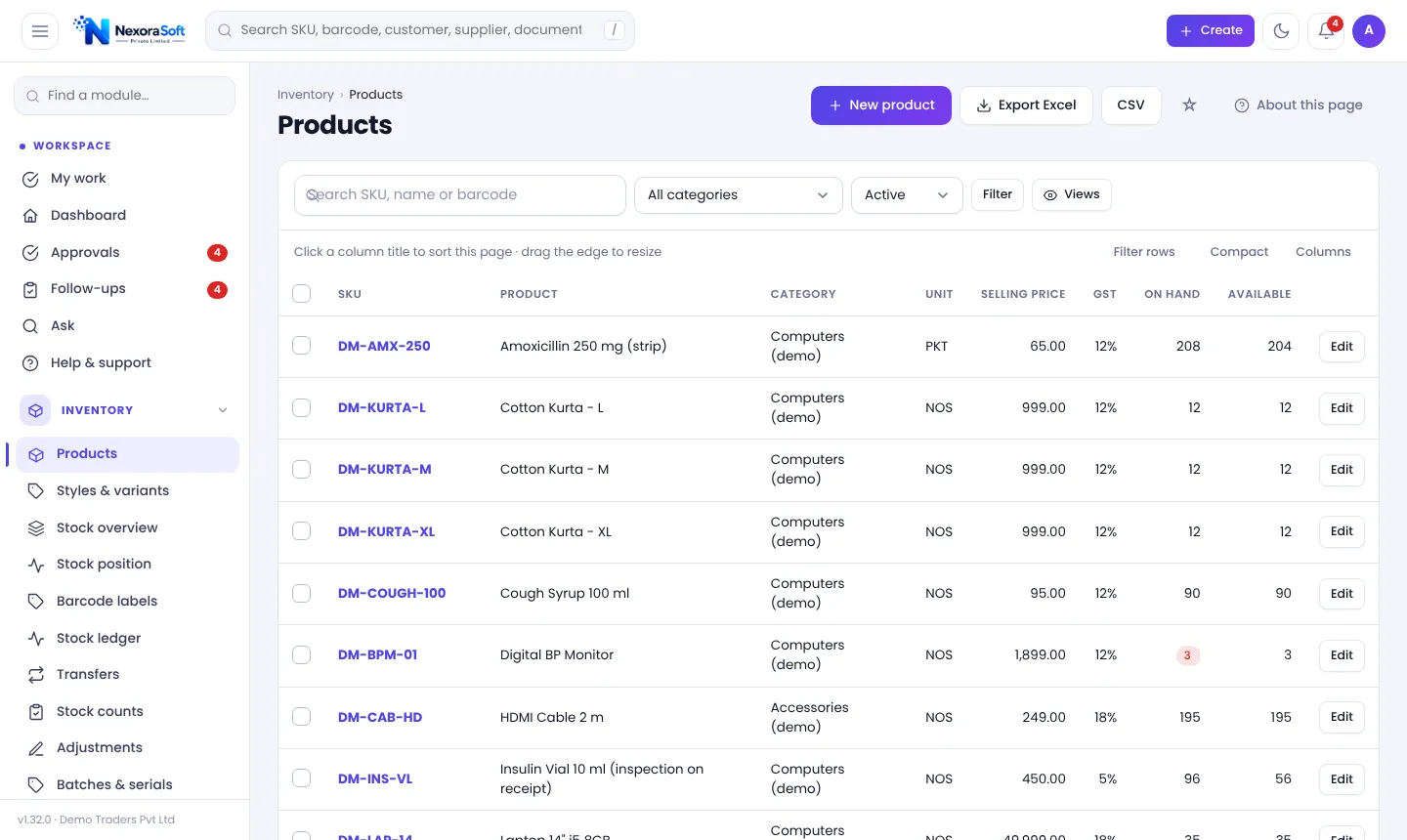
Press / to search SKU, barcode, invoice, PO, GRN, order, transfer, customer or supplier. Enter on an exact SKU or barcode opens it.
Alternate codes
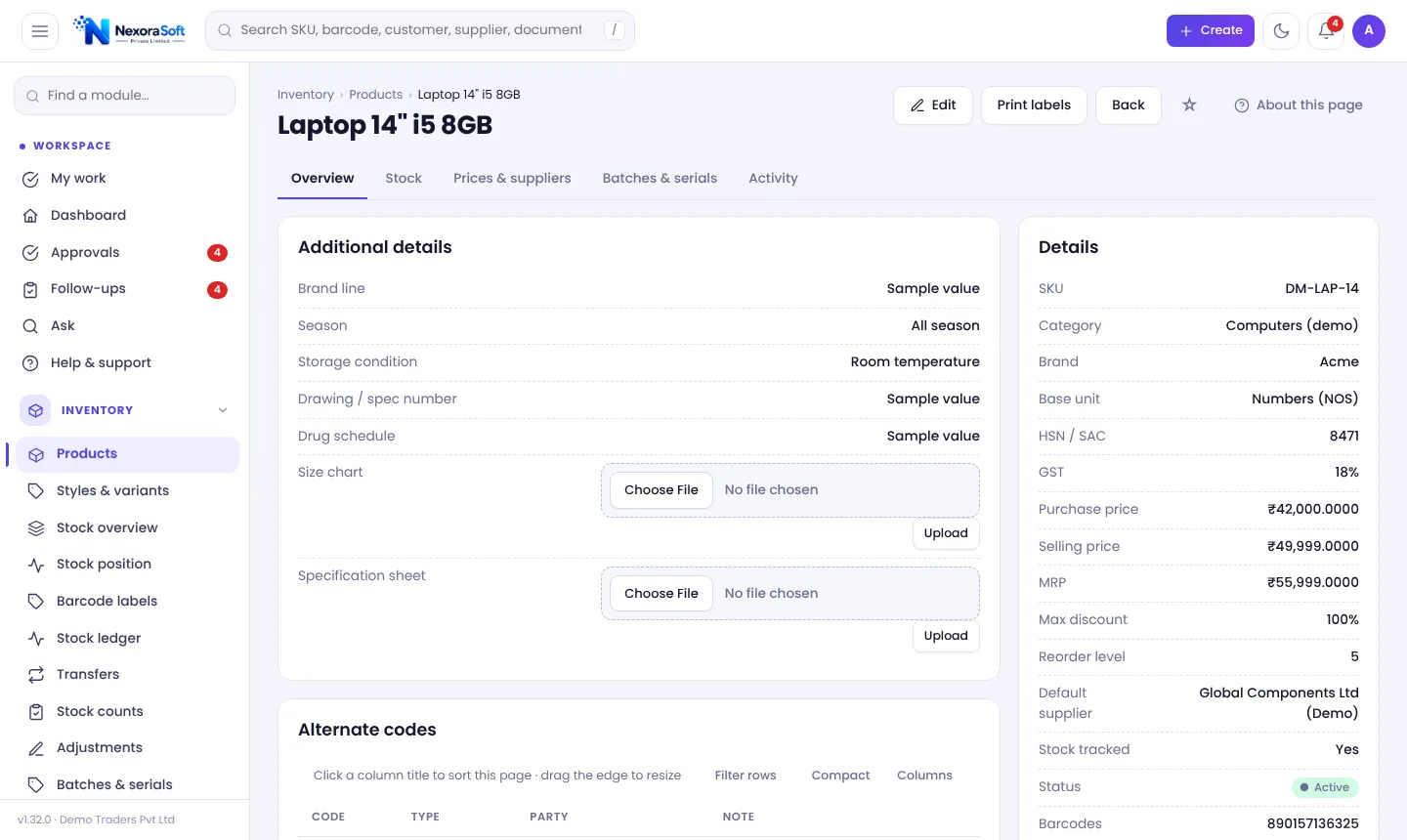
Add the codes your suppliers, customers or the manufacturer use; scanning any of them finds the product. A code belongs to one product.
Code 128 labels
Print labels in 50×25, 38×25, 70×35 or 100×50 mm with name, SKU, price and company as designed.
Bin barcodes
Print bin codes as barcodes and stick them on shelves for put-away and moves.
Duplicate protection
Quick create blocks the same SKU or barcode and warns about similar names.
Labels From Products and Goods Receipts
The Barcode labels page takes one SKU or barcode per line with the number of copies, or you can open it directly from a product or a goods receipt so labels match what just arrived. Choose a layout in the Document designer, and print with browser margins set to none.
The barcode is drawn by the application itself with no external library. Text longer than 40 characters or non-ASCII text is refused so that labels always scan.
- Four label sizes
- Name, SKU, price and company options
- Labels straight from a receipt
- Code 128
Scan Workflow
Label
Print labels or use manufacturer barcodes.
Receive
Scan items on the goods receipt.
Shelve
Scan the bin code to put goods away.
Count
Scan during a cycle count.
Sell
Scan on POS or invoice lines.
Barcode Use at a Glance
| Task | How barcodes help |
|---|---|
| Goods receipt | Scan = +1; 12*code = +12 |
| Stock count | Scan during counting; unknown codes can be created |
| POS | Scan to ring up items |
| Put-away | Scan the bin and product |
| Search | Exact barcode jumps to the item |
Use a scanner that sends Enter after the code, like most USB scanners.
Barcode Inventory Software in India – FAQ
No. A standard USB barcode scanner that types the code and presses Enter works with the scan fields.
Yes, Code 128 labels in four common sizes, from the Barcode labels page, a product or a goods receipt.
Yes. Add them as alternate codes on the product.
Yes. Counting is barcode-first, with scan = +1.
The scan field offers quick product creation with duplicate detection.
Yes, put-away and bin moves use bin codes.
See NexoraIMS on Your Own Stock
Share your products, warehouses and billing flow and get a free live demo of NexoraIMS. No commitment; we typically respond within 24 hours.