A barcode turns typing into scanning. Done well it removes the most common stock errors. Here is how to choose codes, hardware and where to use them.
Which barcode type?
| Type | Use | Notes |
|---|---|---|
| EAN-13 / UPC | Retail products sold in shops | Assigned by the manufacturer or GS1 |
| Code 128 | Internal SKUs, bins, documents | Compact, letters and numbers |
| QR code | Links and mobile scanning | Holds more data, needs camera or imager |
If the product already has a manufacturer barcode, use it. For your own SKUs and bins, Code 128 is the practical choice.
Hardware
- USB scanner (acts like a keyboard): cheapest and works anywhere
- Wireless scanner for the warehouse
- Label printer: thermal, with 50×25 mm or similar label rolls
- Mobile phone camera for occasional scans
Where to scan
- Goods receipt (scan each item)
- Put-away (scan bin and item)
- Stock counts
- Picking and dispatch
- Point of sale
Rollout plan
- Clean the SKU list and decide the code rule.
- Print labels for items without barcodes.
- Start with receiving and counting, then add POS.
- Train staff for a day; keep a manual fallback for the first week.
In NexoraIMS
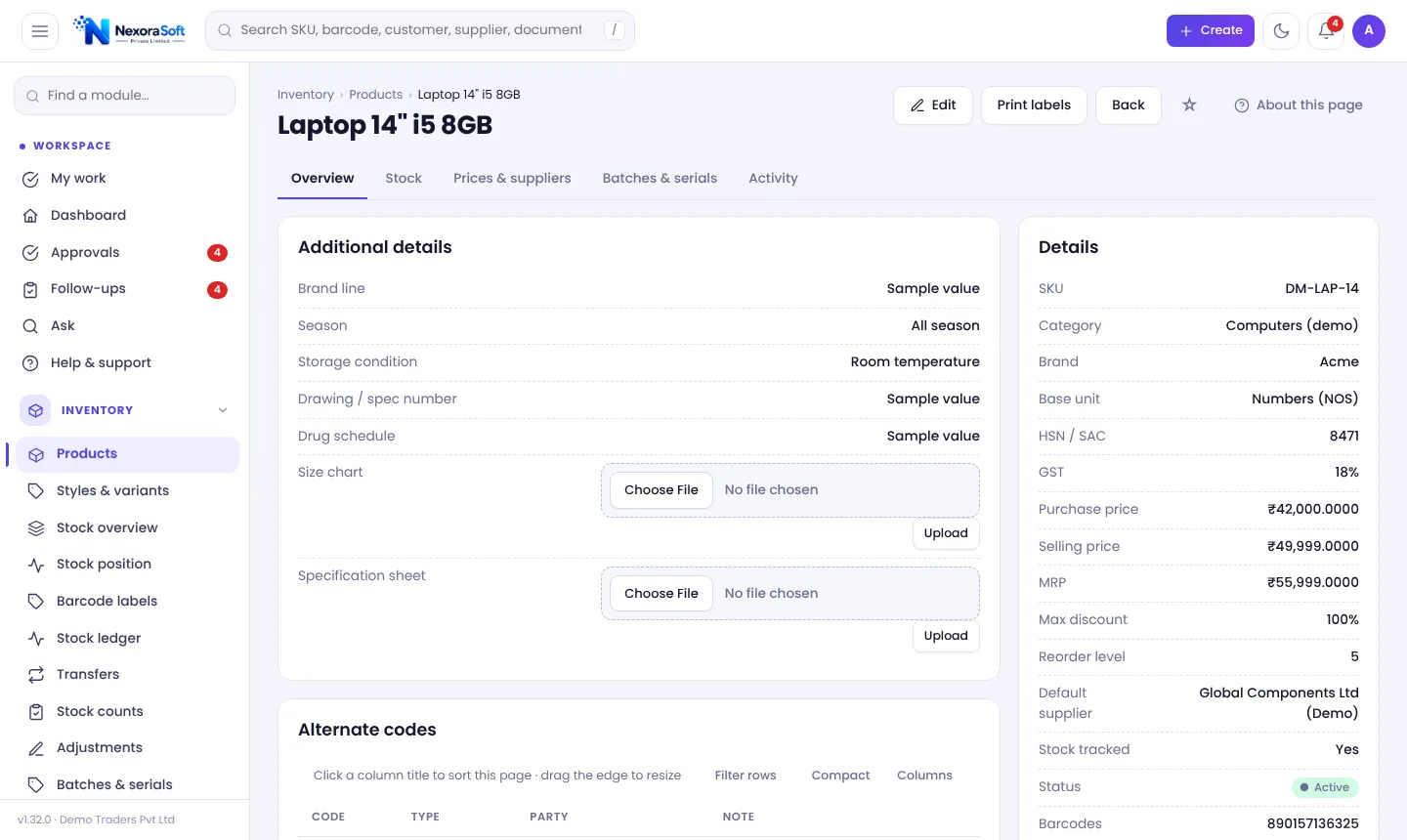
Receiving and counting are barcode-first, alternate codes allow supplier and manufacturer codes, and Code 128 labels print in 50×25, 38×25, 70×35 and 100×50 mm. See barcode inventory software.
Related guides: Inventory Management Software in India (complete guide)
Warehouse Management SoftwareBarcode Inventory SoftwareInventory Software for Retail ShopsCycle Counting vs Physical Stock TakingMulti-Warehouse Inventory ManagementInventory Shrinkage and Stock Audit
See NexoraIMS in Action
Book a free live demo and see stock, purchasing, GST billing and reports run on your own products.
Book a Free Demo +91 98115 51004