There is no single best POS for every restaurant. There is a best fit, and it shows in how well the software handles the features that your kitchen and counter use every day. Use this checklist.
Billing and tax
- GST bills with CGST and SGST and your GSTIN and FSSAI
- B2B invoices with buyer GSTIN
- Sizes, add-ons, combos and discounts with reason
- Cash, card, UPI, wallet and split payment
- Bill numbers that cannot repeat
Kitchen and floor
- KOT with a kitchen display or printer
- Table management with transfer, merge and split
- Reservations and waitlist
- QR ordering if you want guests to order
Control
- User roles and permissions
- Manager approval for discounts, voids and reprint
- Audit log
- Daily backup and restore
Growth
- Loyalty, wallet and coupons
- Feedback and NPS
- WhatsApp campaigns
Back office
- Recipes and stock deduction
- Purchase and vendor payments
- Staff attendance
- Cash register and shifts
- Reports including Z report and menu engineering
Be clear on the limits
Ask every vendor in writing about offline mode, aggregator order import, e-invoicing, payment gateway and hardware. NexoraRMS-POS does not provide offline billing, automatic Zomato or Swiggy import, or e-invoice IRN. A vendor that is open about limits is easier to trust.
Score your shortlist
| Area | Weight |
|---|---|
| Billing and GST | High |
| Kitchen flow | High |
| Control and audit | High |
| Reports | Medium |
| Growth tools | Medium |
| Price and support | High |
Test it with a real busy hour
Features on a slide mean little until they meet a Saturday night. Ask the vendor to run a table of six that adds items twice, moves to another table, splits the bill three ways and pays by UPI and cash. Time the steps. Then cancel one item and see who can approve it and where it is logged.
Check the paper trail
- Can you reprint a bill, and is the reprint marked?
- Is every discount recorded with a reason?
- Does the day-end report match the cash drawer?
- Can a former employee still sign in?
Related guides: Restaurant POS Software in India (complete guide)
Restaurant Billing SoftwareRestaurant POS Software Pricing in IndiaWhat Is Restaurant POS Software?How to Choose Restaurant POS Software
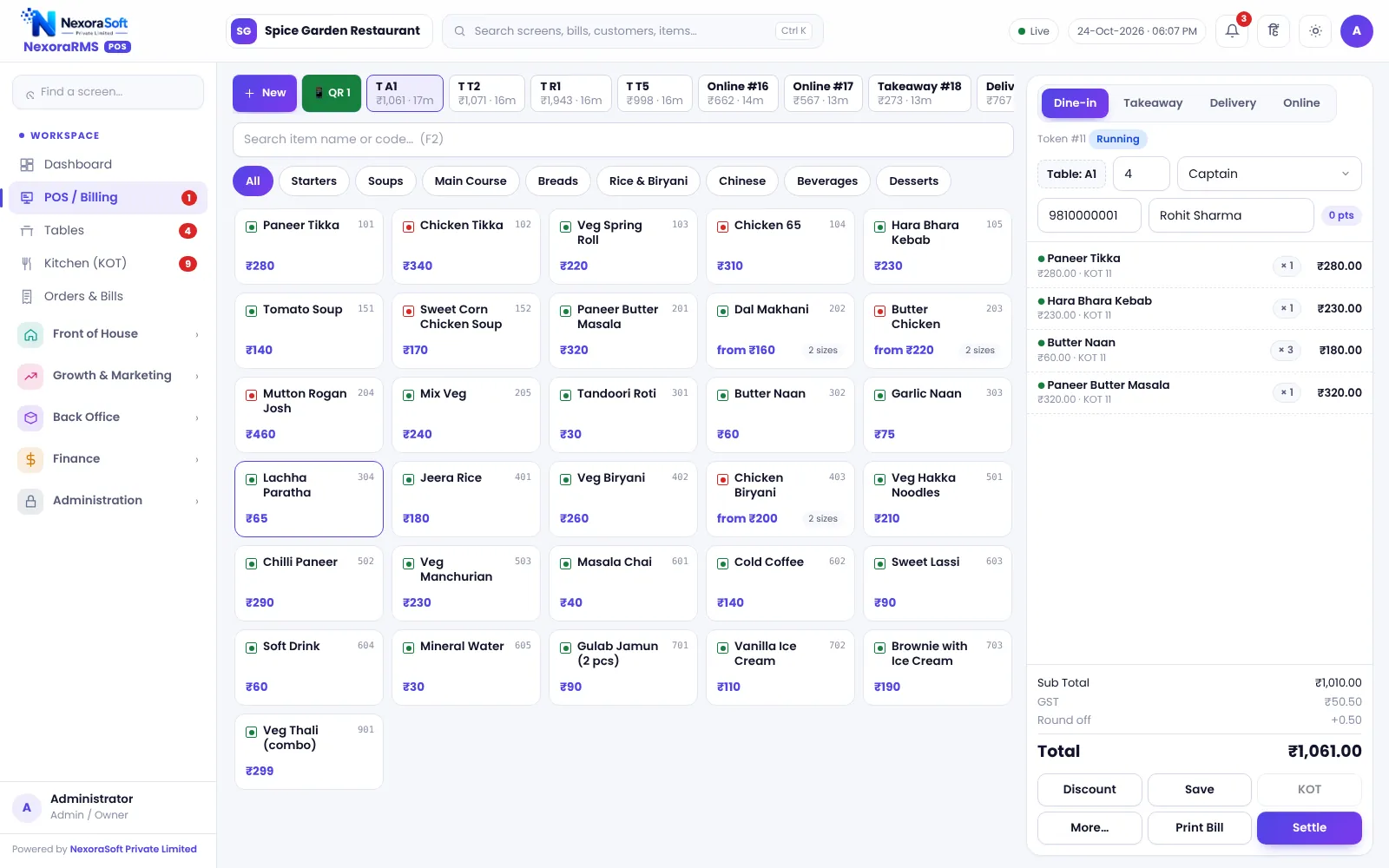
See NexoraRMS-POS in Action
Book a free live demo and see billing, KOT, tables, QR ordering and reports run on your own menu.
Book a Free Demo +91 98115 51004