Home › Restaurant POS Software › Restaurant POS Software Pricing in India
Restaurant POS SoftwareRestaurant POS Software Pricing in India
There is no honest one-size price for restaurant POS software. Here is what drives the cost, what to ask every vendor, and how NexoraSoft quotes NexoraRMS-POS after a free demo.
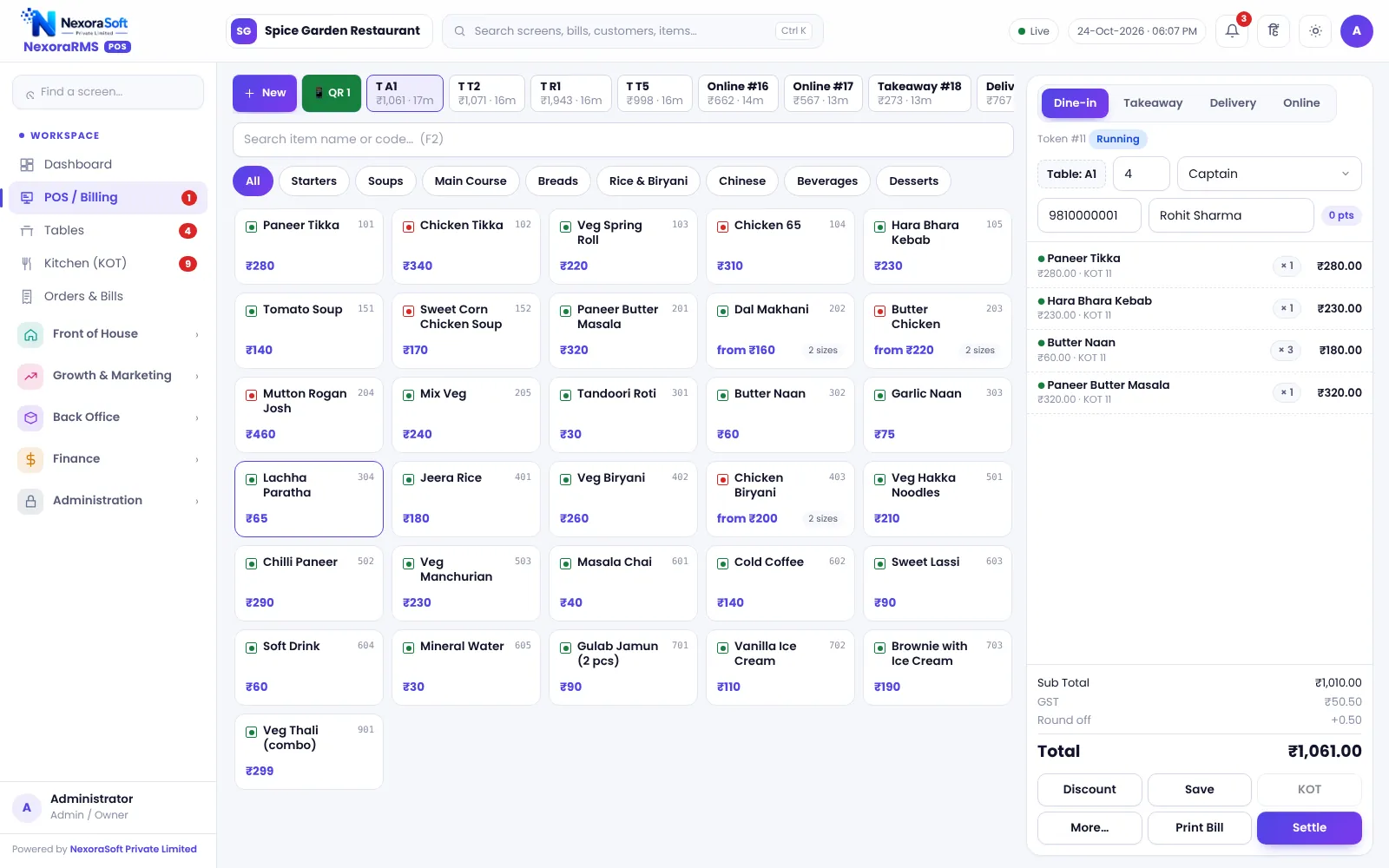
What Drives Restaurant POS Cost
A single-counter cafe and a ten-outlet chain need different things. Price usually depends on the number of outlets and users, the modules switched on (KOT, QR, loyalty, inventory), setup and training, and hardware such as printers, tablets and a cash drawer.
We do not publish a price on the website because we have not found a fair number without knowing your set-up. After a free demo NexoraSoft sends a fixed-scope written quote, so you can compare it with other vendors.
Questions to Ask Any Vendor
Is it one-time or recurring?
Ask for the total for three years, including renewals.
What is limited?
Users, outlets, bills or modules.
Where does data sit?
Server location, backup and export of your data.
What does support include?
Hours, language, on-site visits and response time.
What is extra?
Setup, training, custom reports and integrations.
What are the limits?
Offline mode, aggregator integration, e-invoicing and payment gateway.
Hardware You Need
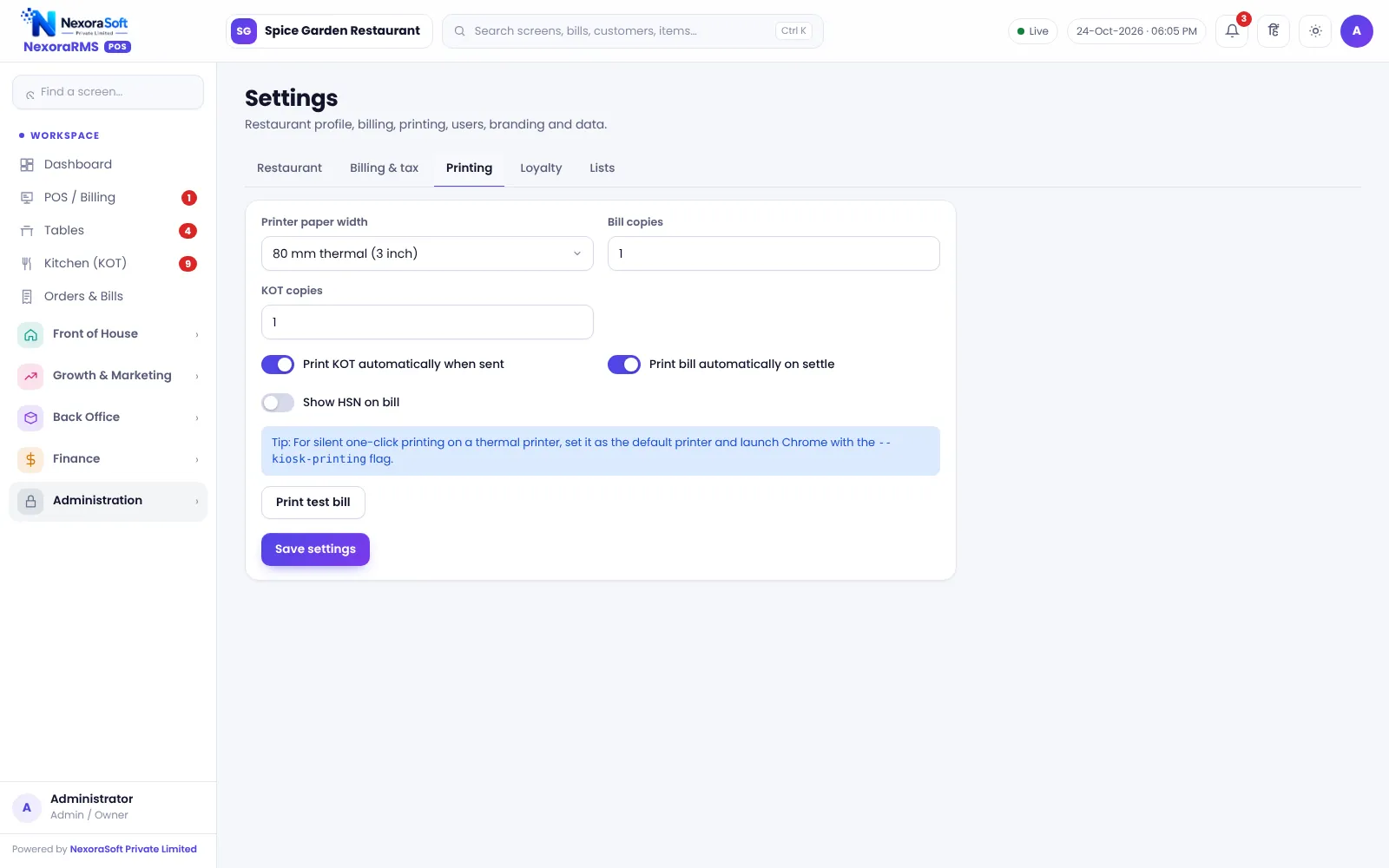
You need a computer or tablet at the counter, a thermal printer (58 or 80 mm), a stable internet connection and, for the kitchen, a printer or a display screen. A cash drawer, barcode scanner and a customer display screen are optional.
NexoraRMS-POS runs in a browser, so most existing Windows PCs, Android tablets and iPads can be used. Printing goes through the browser to the printer installed on the device.
- Counter PC or tablet
- Thermal printer
- Kitchen printer or screen
- Reliable internet
- Optional: cash drawer, scanner, second screen
How We Quote
Call
Share outlets, tables and modules.
Demo
Free live demo.
Quote
Written fixed-scope quote.
Setup
Licence, menu, tax and printers.
Support
Training and ongoing help.
Cost Factors at a Glance
| Factor | Effect on cost |
|---|---|
| Outlets | More outlets, more licences |
| Users | More counters and staff logins |
| Modules | KOT, QR, loyalty, inventory, head office |
| Setup | Menu import, tax, printers |
| Training | Staff and manager sessions |
| Hardware | Printers, tablets, drawer |
Prices vary; ask for a written quote.
Restaurant POS Software Pricing in India – FAQ
Cost depends on outlets, users, modules and setup. NexoraSoft gives a written quote after a free demo, so you know what you are paying for before you commit. NexoraSoft gives a written quote after a free demo, based on outlets, users and modules.
A free live demo with sample data is available, so you can test billing, KOT and reports before you decide. NexoraSoft gives a written quote after a free demo, based on outlets, users and modules.
No. You can use your existing computers, tablets and printers, or buy new ones. Hardware is quoted separately if you need it. NexoraSoft gives a written quote after a free demo, based on outlets, users and modules.
The quote lists setup, training, support and any hardware separately, so you can see every charge up front. NexoraSoft gives a written quote after a free demo, based on outlets, users and modules.
Yes. Modules such as inventory, loyalty or QR ordering can be switched on later without changing your core billing. Ask for a free live demo of NexoraRMS-POS with sample restaurant data to see this on screen.
See NexoraRMS-POS in Your Own Restaurant
Share your menu, tables and billing flow and get a free live demo of NexoraRMS-POS. No commitment; we typically respond within 24 hours.