Once a GST invoice is reported, you do not edit it. If the value or tax was too high, you issue a credit note; if it was too low, a debit note. Both have their own rules, time limits and return tables.
When to issue which
| Situation | Document |
|---|---|
| Goods returned by the buyer | Credit note |
| Taxable value or tax charged was higher than it should be | Credit note |
| Goods or services found deficient | Credit note |
| Post-sale discount agreed in advance and linked to invoices | Credit note |
| Taxable value or tax charged was lower than it should be | Debit note |
| Price increase agreed after the invoice | Debit note |
What a credit or debit note must contain
- Your name, address and GSTIN
- A consecutive serial number, unique for the financial year
- Date of issue
- Recipient name, address and GSTIN
- Number and date of the original invoice(s)
- Taxable value, rate and amount of tax being credited or debited
- Signature of the supplier
Time limits
A credit note reducing your tax liability must be declared by 30 November after the end of the financial year in which the supply was made, or the date of filing the annual return, whichever is earlier. After that, you can still issue a commercial credit note, but you cannot reduce GST with it. A debit note has no such deadline for issue, but the buyer's ITC on it is subject to the Section 16(4) time limit.
How they flow into returns
- Both are reported in GSTR-1 Table 9B: CDNR for registered buyers, CDNUR for unregistered (only for B2C Large invoices and exports).
- Your output tax in GSTR-3B goes down (credit note) or up (debit note).
- Your buyer sees them in IMS and GSTR-2B. A buyer who accepts a credit note reduces their ITC; if they reject it, your liability does not go down.
Financial credit notes without GST
A discount given after the sale that was not agreed before the supply, such as a year-end volume reward decided later, is usually given as a financial credit note without adjusting GST. Your output tax stays as invoiced and the buyer keeps the ITC.
Doing it in software
- Open the original invoice and choose Credit Note or Debit Note.
- Items, rates and the place of supply are copied; change quantities or values.
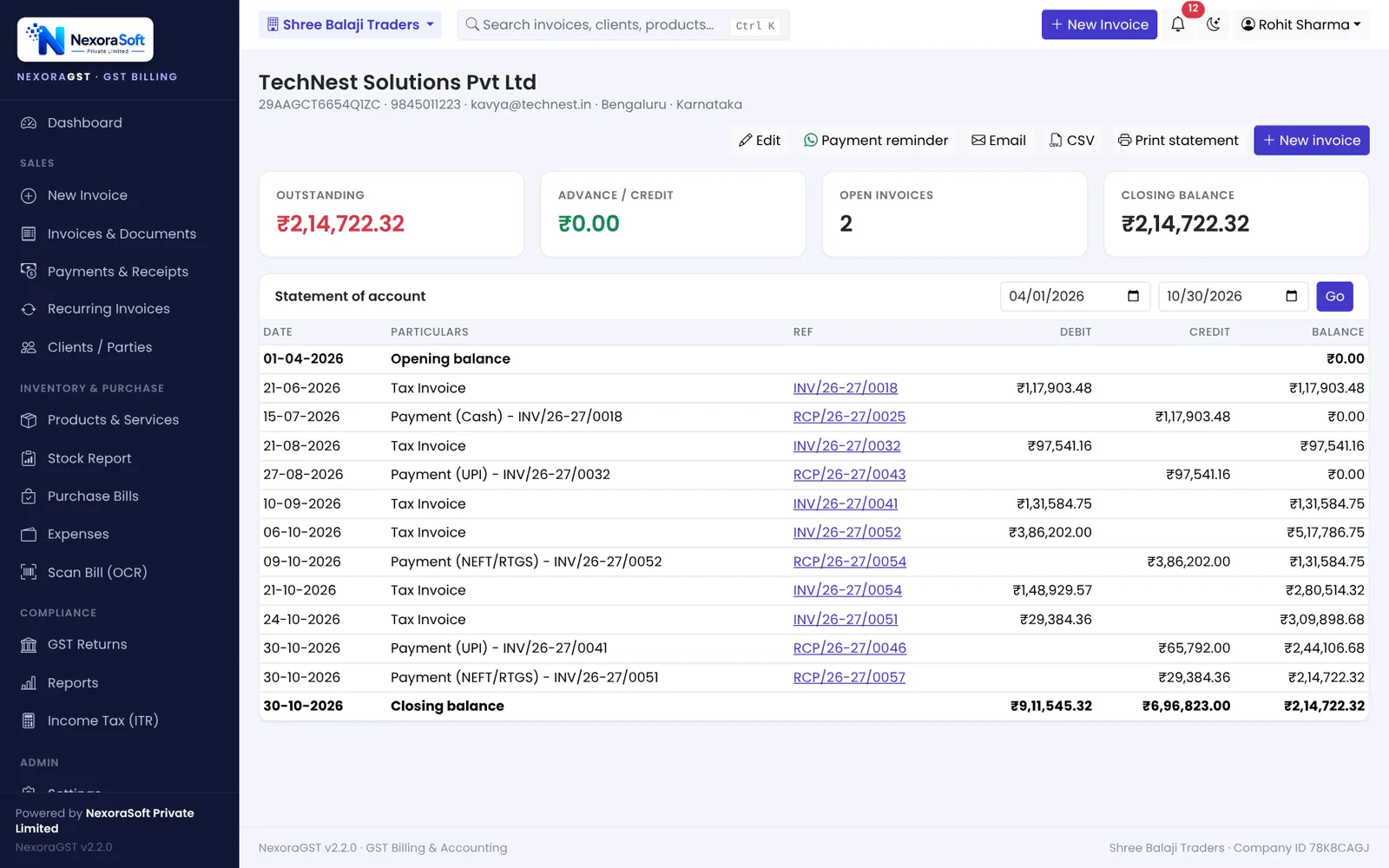
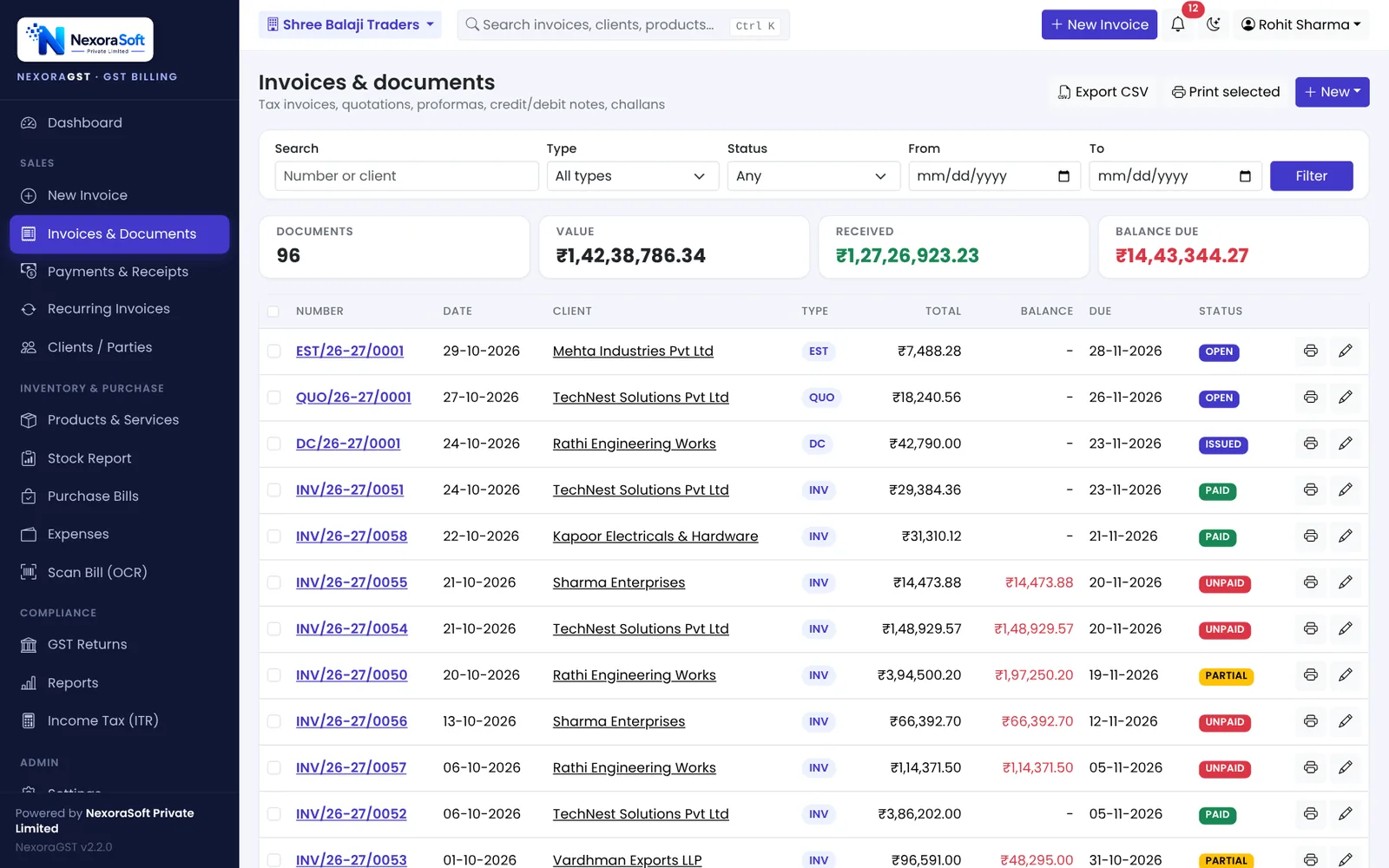
- Save. The original invoice balance, the client ledger and stock (for returns) update automatically.
- The note appears in the right GSTR-1 table.
📌 GST law changes often. This guide reflects the rules as we understand them in October 2026. Confirm anything specific to your business with your CA or on gst.gov.in.
Software for this: NexoraGST GST Billing Software · for small business · in Delhi
How to Create a GST InvoiceGSTR-2B ReconciliationGST Invoice Number RulesGSTR-1 vs GSTR-3BCGST, SGST or IGST? Place of Supply Explained With Examples
See NexoraGST in Action
Book a free live demo and watch invoices, payments, stock and GSTR-1 / GSTR-3B work on your own data.
Book a Free Demo +91 98115 51004