Input tax credit is money. Claim too little and you overpay GST; claim more than what is in GSTR-2B and you face interest, penalty and a notice. Reconciling your purchase bills with GSTR-2B every month is the only reliable way to get it right.
What GSTR-2B is
GSTR-2B is a static, auto-generated statement of the ITC available to you for a month. It is built from what your suppliers report in their GSTR-1, IFF, GSTR-5 and GSTR-6, plus import data, and is generated on the 14th of the following month. Since October 2024, the Invoice Management System (IMS) lets you accept, reject or keep pending each supplier document before GSTR-2B is finalised.
The conditions for claiming ITC
- You have the tax invoice or debit note.
- You have received the goods or services.
- The supplier has reported the invoice, and it appears in your GSTR-2B.
- The supplier has paid the tax (the law requires this, even though you cannot see it directly).
- You have filed your own return.
- You claim it by 30 November after the end of the financial year, or the date you file the annual return, whichever is earlier.
- You pay the supplier within 180 days of the invoice date; otherwise the ITC must be reversed until you pay.
Why your books and GSTR-2B differ
| Situation | What you see | What to do |
|---|---|---|
| Supplier has not filed GSTR-1 yet | In books, not in 2B | Hold the ITC; follow up with the supplier |
| Supplier filed late | Appears in a later 2B | Claim in the month it appears |
| Wrong GSTIN, number or amount | Mismatch | Ask the supplier to amend in GSTR-1 |
| Bill not entered in your books | In 2B, not in books | Enter the bill, or reject in IMS if it is not yours |
| Ineligible credit (Section 17(5)) | In 2B | Do not claim, or reverse |
A monthly reconciliation routine
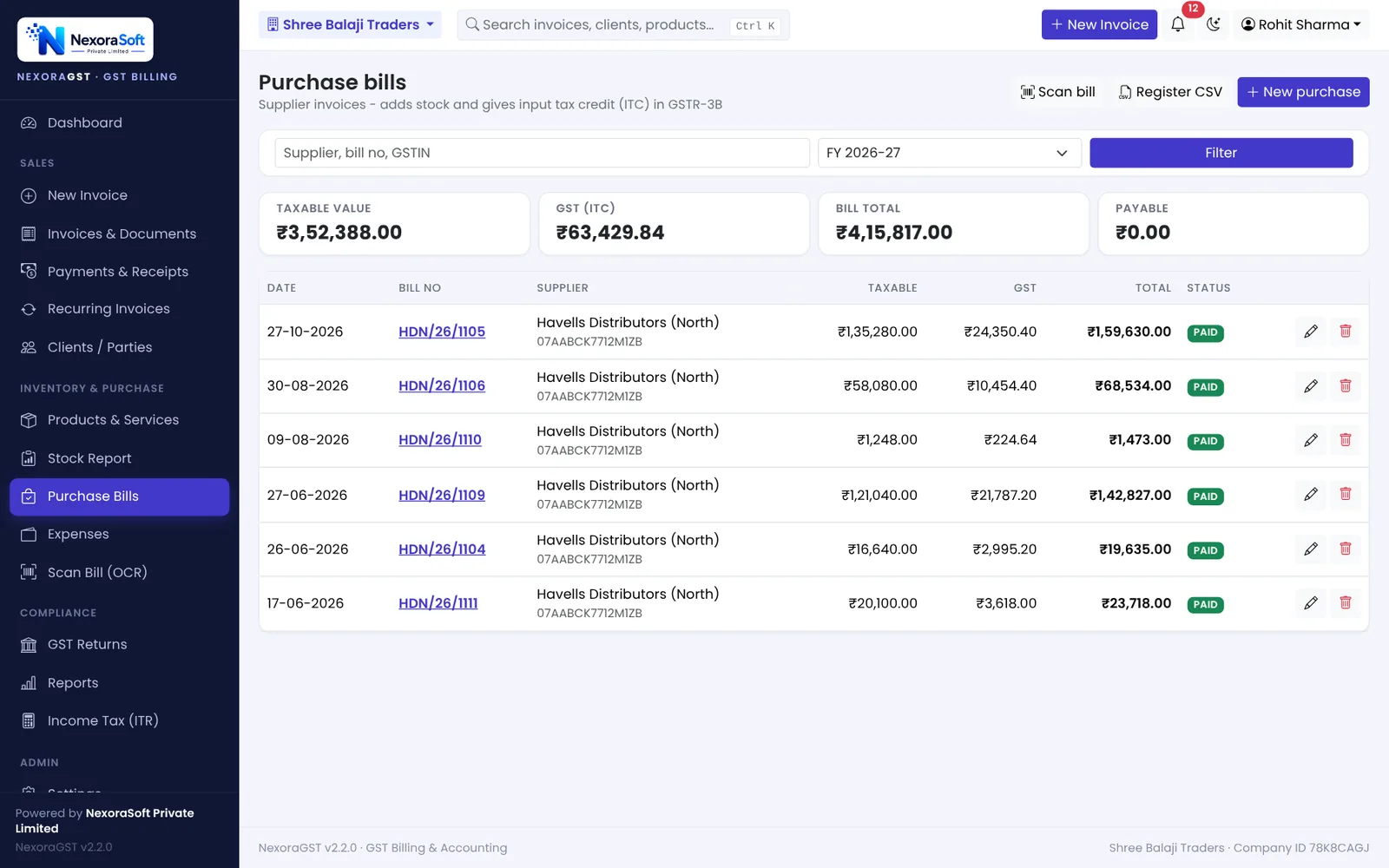
- Enter every purchase bill and expense with GST before the 14th.
- After the 14th, act on documents in IMS: accept, reject or keep pending.
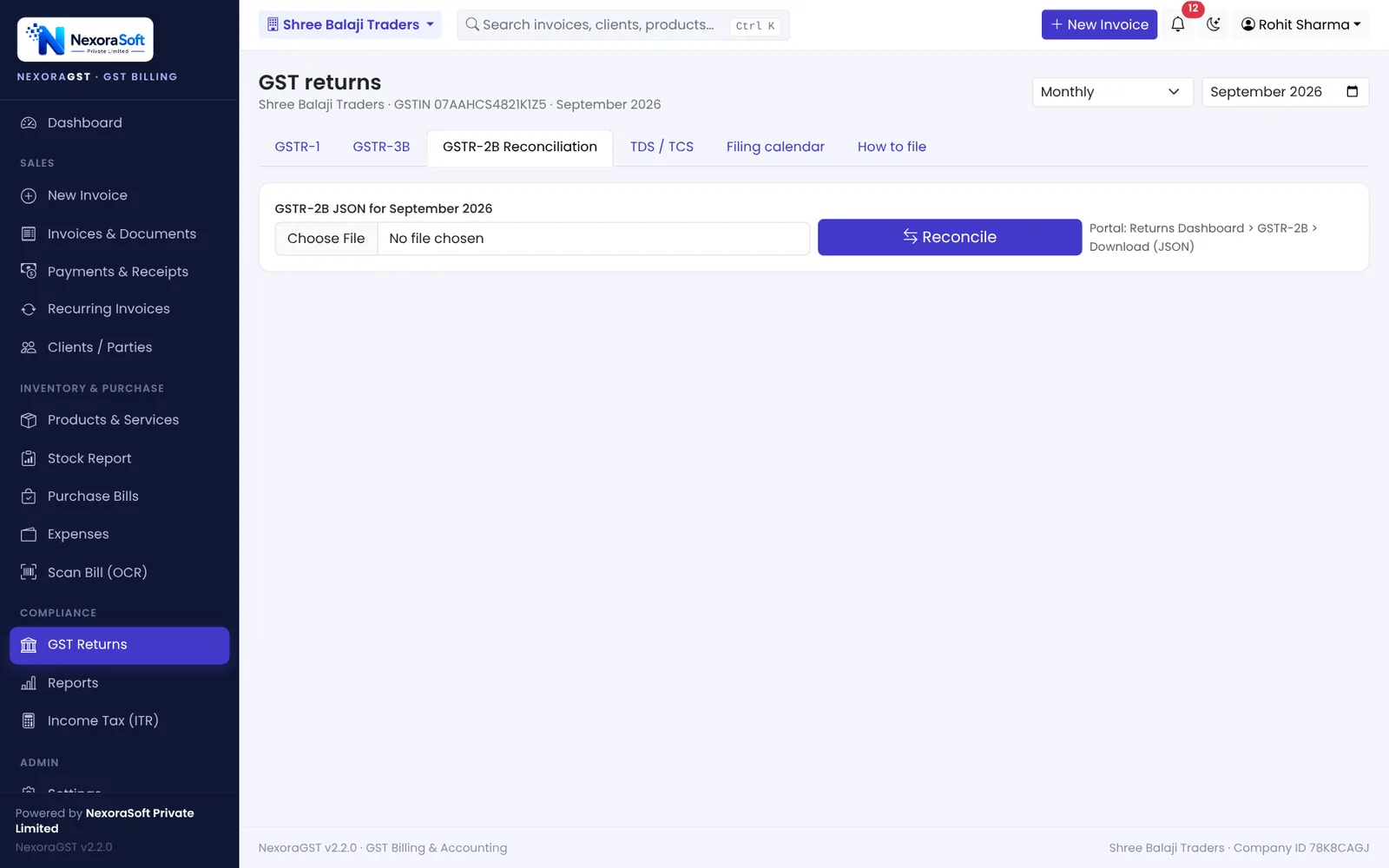
- Download GSTR-2B JSON from the portal and run the reconciliation.
- Review four lists: matched, mismatched, in 2B only, in books only.
- Claim ITC for matched bills in GSTR-3B Table 4.
- Send the mismatch list to suppliers and track until fixed.
Keep an eye on reverse charge and expenses
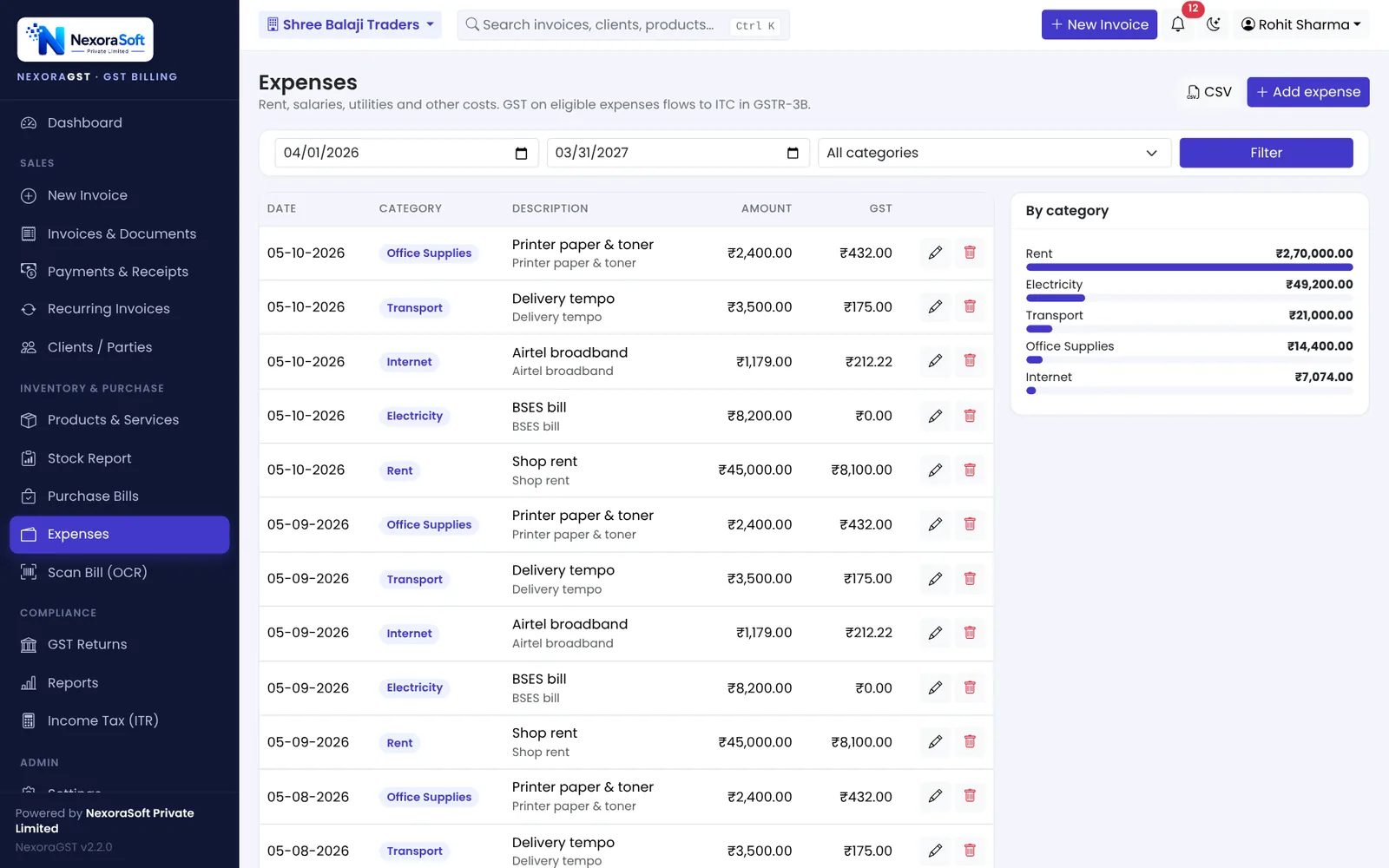
Inward supplies on reverse charge (for example, goods transport by a GTA under RCM, or legal services) do not come from a supplier's GSTR-1 in the usual way. You pay the tax in cash and then claim the credit. Expenses such as rent, internet and repairs also carry ITC, so record them with their GST rather than as a single amount.
📌 GST law changes often. This guide reflects the rules as we understand them in October 2026. Confirm anything specific to your business with your CA or on gst.gov.in.
Software for this: NexoraGST GST Billing Software · for small business · in Delhi
GSTR-1 vs GSTR-3BCredit Note and Debit Note Under GSTGST Billing Software vs Excel and Manual Bill BooksHow to Create a GST InvoiceCGST, SGST or IGST? Place of Supply Explained With Examples
See NexoraGST in Action
Book a free live demo and watch invoices, payments, stock and GSTR-1 / GSTR-3B work on your own data.
Book a Free Demo +91 98115 51004