This is a practical overview, not tax advice. Rates and rules change, and the right treatment depends on your outlet, so confirm everything with your CA. We focus on what your bill and your software must show.
What a restaurant GST bill should show
- Restaurant name, address and GSTIN
- FSSAI licence number if applicable
- Bill number and date
- Item list with quantity and amount
- CGST and SGST (or IGST) by rate
- Total with round-off
Rates: why you must ask your CA
Restaurant services are commonly taxed at 5% without input tax credit for many standalone outlets, while some hotel premises, outdoor catering and specific arrangements are taxed differently. Small businesses may opt for the composition scheme. Because the rules and thresholds change, treat any number in an article as a prompt to ask your CA, not as advice.
Service charge and packing
Service charge, packing and delivery charges can be added to bills. Whether and how tax applies depends on your set-up, so configure them with your CA’s guidance.
B2B invoices
When a company wants input credit it needs a tax invoice with its GSTIN. Your POS should capture the buyer’s GSTIN and print a proper invoice.
What to give your CA
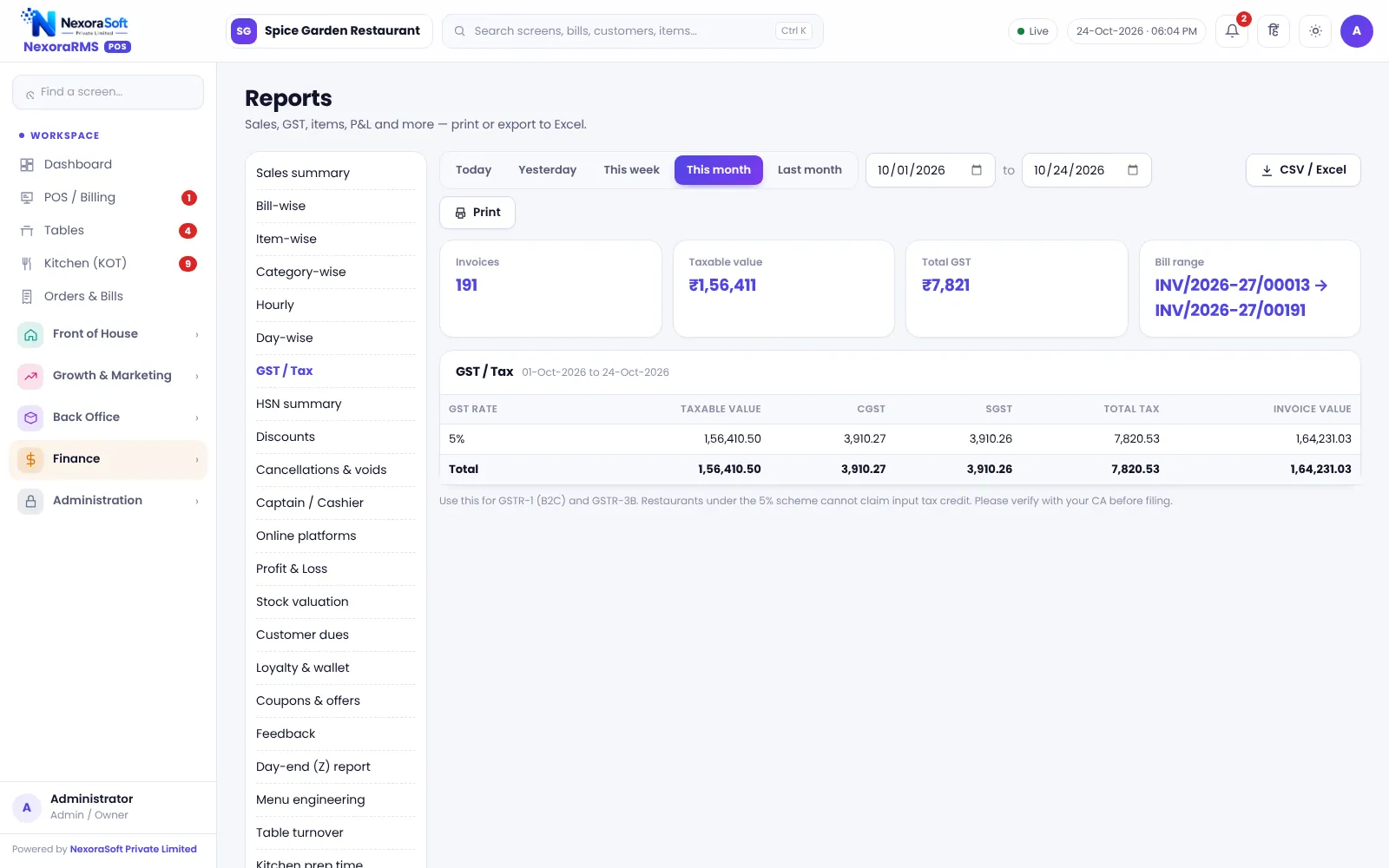
- Month-wise GST summary by rate
- HSN summary where needed
- B2B sales list
- Day-wise sales register
What your POS does and does not do
NexoraRMS-POS applies the rates you set, prints CGST and SGST and provides GST, HSN and GSTR-1 style data and a Tally XML export. It does not file returns, generate e-invoice IRN or e-way bills. See GST billing software for restaurants.
Common mistakes to avoid
- Using one rate for all items without checking
- Adding service charge and forgetting how it is taxed in your set-up
- Issuing a plain bill when a company needs a tax invoice
- Not keeping bill numbers in sequence
- Changing rates mid-month without a note for your CA
A month-end routine
- Export the GST summary by rate
- Export the B2B list with buyer GSTIN
- Match the day-wise sales with the Z reports
- Share the files with your CA and note any rate changes
Related guides: Restaurant POS Software in India (complete guide)
Restaurant Billing SoftwareGST Billing Software for RestaurantsBest Restaurant POS Software in India: Features to CheckRestaurant Reports Every Owner Should Check
See NexoraRMS-POS in Action
Book a free live demo and see billing, KOT, tables, QR ordering and reports run on your own menu.
Book a Free Demo +91 98115 51004