Accounts teams usually book salary in Tally. Re-keying it every month is slow and mismatch-prone, so a clean export is worth setting up once.
What gets exported
A payroll-to-Tally export creates a journal or payment voucher for the month with salary expense, statutory liabilities and net payable. You map payroll heads to your Tally ledgers once, and later months reuse the mapping.
Typical entry
| Ledger | Debit | Credit |
|---|---|---|
| Salary & wages expense | Gross salary + employer contributions | |
| PF payable | Employee + employer PF | |
| ESI payable | Employee + employer ESI | |
| Professional tax payable | PT deducted | |
| TDS on salary payable | TDS deducted | |
| Salary payable / bank | Net pay |
📌 Your chart of accounts and CA may prefer different ledgers or cost centres. Treat this as an example, not accounting advice.
Setup steps
- List payroll heads and statutory liabilities
- Create or choose the Tally ledgers
- Map each head to a ledger in the payroll software
- Export for one month and import into a test company
- Compare totals with the payroll report
- Go live and lock the month
Avoiding mismatches
- Run the export only after the month is locked
- Keep ledger names identical
- Handle F&F and arrears as separate lines
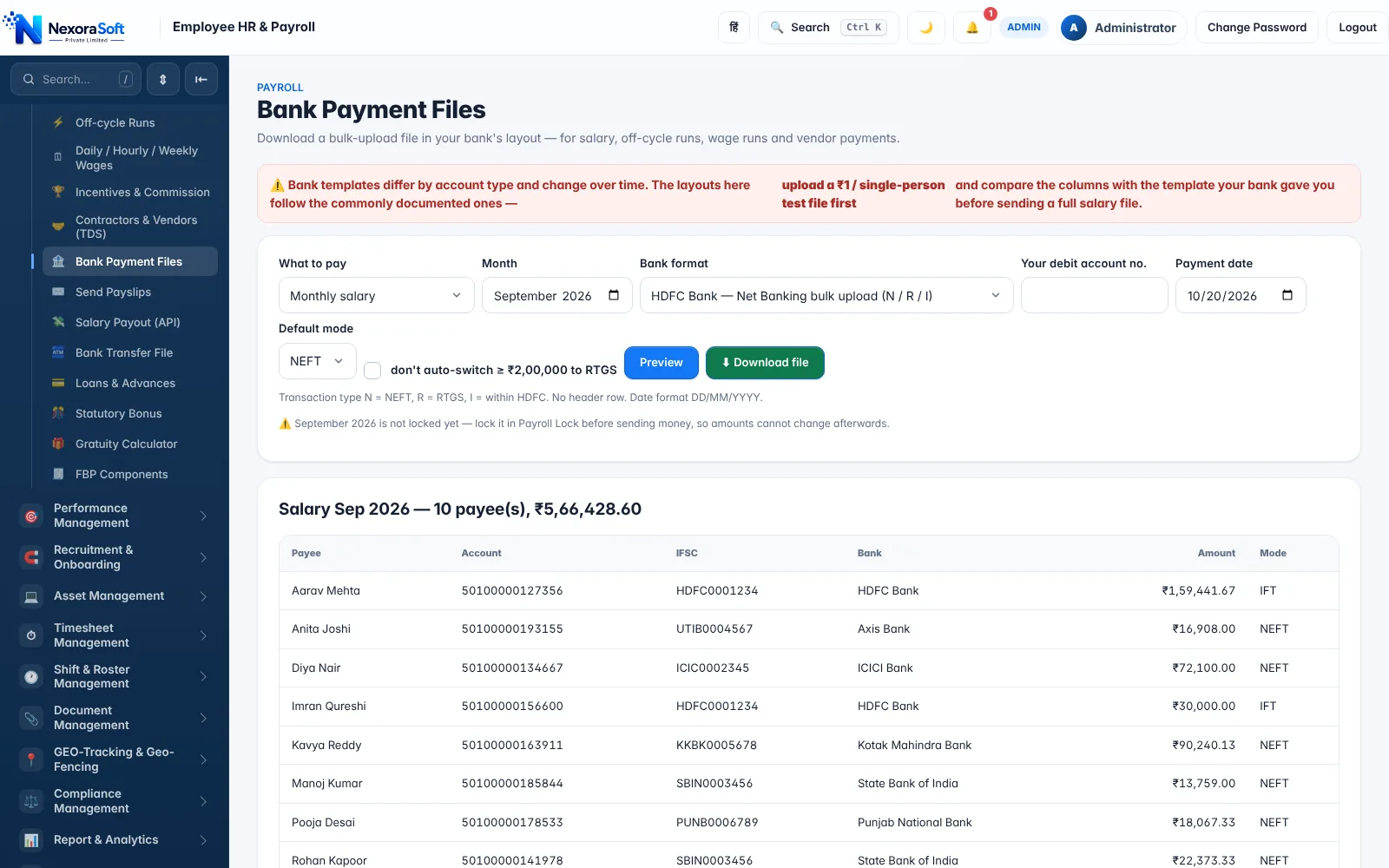
- Reconcile bank payments with the bank file
See payroll Tally integration and salary bank transfer software. NexoraSoft also provides Tally integration services.
Related guides: Payroll Software in India (complete guide)
Payroll Management SoftwarePayroll Tally IntegrationSalary Bank Transfer SoftwarePayroll Software vs Excel: Which Is Better?How to Automate Monthly Salary ProcessingPayroll Compliance Checklist for Indian Companies
See NexoraHRMS Payroll in Action
Book a free live demo and see payroll, PF, ESI, TDS and payslips run on your own salary structure.
Book a Free Demo +91 98115 51004