Feedback is only useful if it is easy to give and someone acts on it. Here is how to set up a simple loop.
Make it easy
A QR on the bill that opens a short page works. Keep it to three ratings, the NPS question and an optional comment.
What NPS is
Ask how likely a guest is to recommend you, from 0 to 10. Promoters (9-10) minus detractors (0-6) gives the score.
Follow up
- Call low ratings within a day
- Thank promoters and invite a public review
- Share themes with staff weekly
Reward
Small loyalty points for feedback raise the response rate.
In NexoraRMS-POS
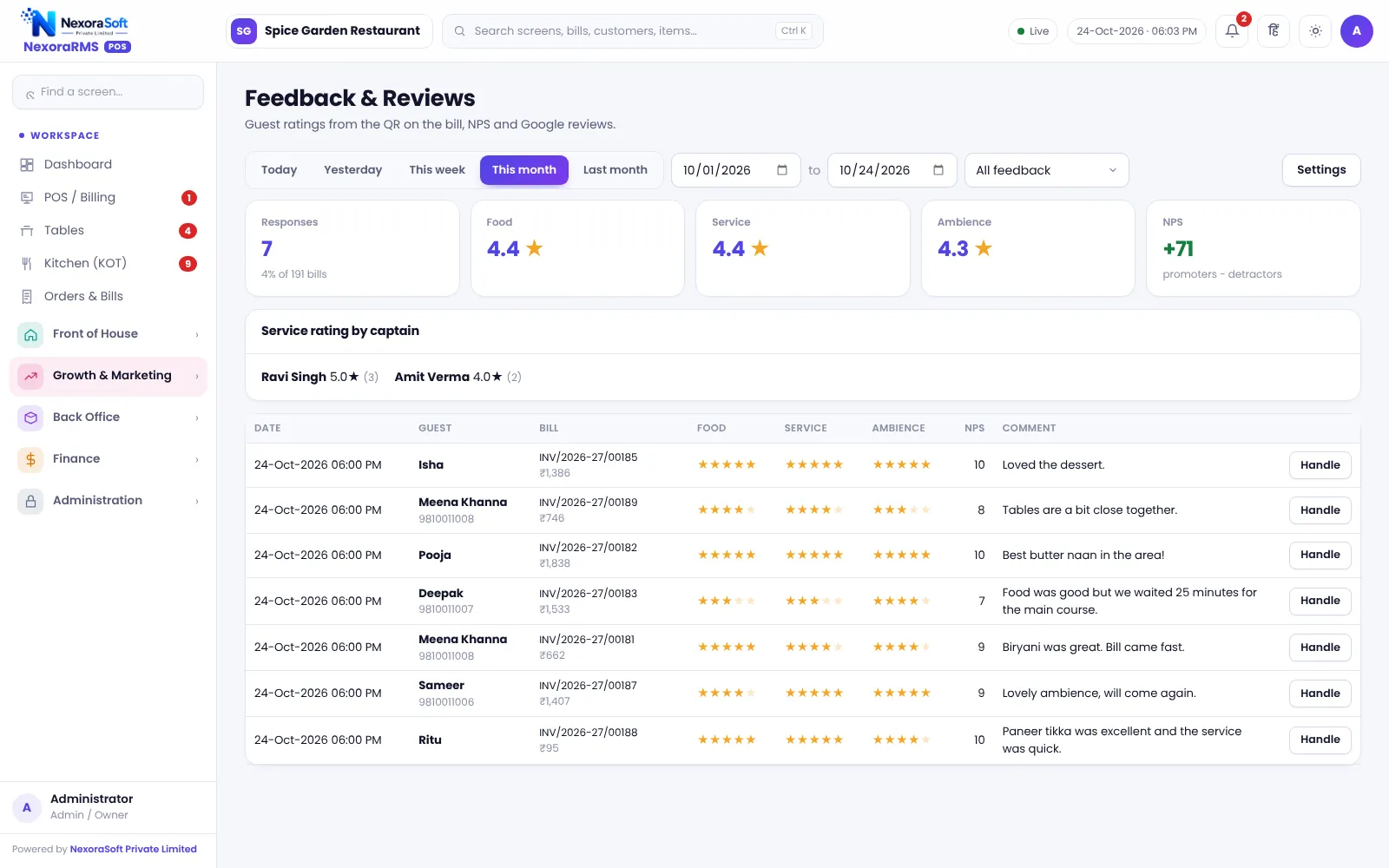
The bill QR opens the rate-your-meal page, and the dashboard shows NPS and comments. See feedback and NPS software.
Reading the numbers
A rating of four stars with falling service scores is a warning even if the overall NPS looks fine. Look at each category: food, service and ambience, and read the comments behind low scores. One comment repeated by many guests is worth more than a perfect average.
Close the loop
When you fix something guests complained about, tell them. A short message to those who gave feedback builds loyalty.
Related guides: Restaurant POS Software in India (complete guide)
Restaurant Loyalty, Wallet & Coupon SoftwareRestaurant Feedback & NPS SoftwareQR Code Menu for RestaurantsRestaurant Loyalty Program Ideas
See NexoraRMS-POS in Action
Book a free live demo and see billing, KOT, tables, QR ordering and reports run on your own menu.
Book a Free Demo +91 98115 51004