Home › Inventory Management Software › Inventory Tally Integration
Inventory SoftwareInventory Tally Integration Export Vouchers to TallyPrime
Stop re-typing invoices into Tally. NexoraIMS exports sales invoices, credit notes, purchase invoices, customer receipts and supplier payments as TallyPrime vouchers, using ledger names you set once.
Why Connect Inventory to Tally
Most Indian businesses keep their accounts in Tally, while stock and billing live somewhere else. Typing every invoice twice invites mistakes and delays closing the books. An export that your accountant can import fixes this.
NexoraIMS produces a ledgers file and a vouchers file in a format TallyPrime imports. It is a one-way export from NexoraIMS to Tally; Tally data does not come back. For a live two-way connection NexoraSoft also offers custom Tally integration services.
Tally Export Features
Voucher types
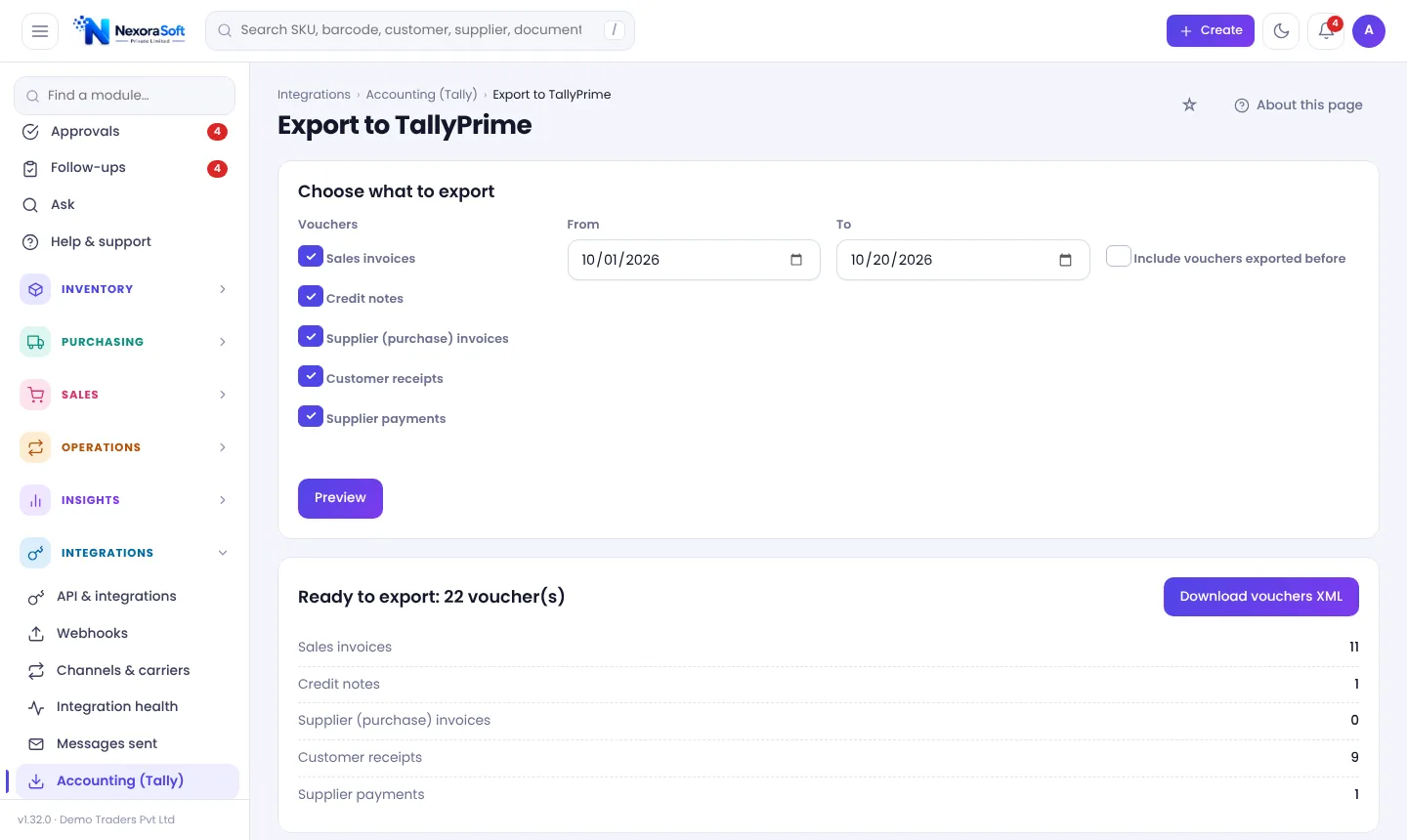
Sales invoices, credit notes, supplier (purchase) invoices, customer receipts and supplier payments.
Ledger mapping
Set your Tally ledger names in Company settings first, then import the ledgers file.
Date range and preview
Choose the period and see how many vouchers will be exported before downloading.
Export once
Each voucher is exported once unless you tick Include vouchers exported before.
Reconcile with bank
Bank reconciliation matches receipts and payments against bank statements.
Test first
Try on a Tally trial company before importing into live books.
Set Up in Four Steps
First, enter your Tally ledger names (sales, purchase, GST, party and bank ledgers) in Company settings. Second, open Export to TallyPrime, choose the voucher types and period, press Preview and then download the XML. Third, in Tally import the ledgers file, then the vouchers file. Fourth, check totals against the NexoraIMS GST summary.
Because each voucher is exported once, you can run it weekly or monthly without duplicates. Ask your accountant to test with a trial company and confirm the mapping suits your chart of accounts.
- Ledgers first, then vouchers
- Preview counts before download
- No duplicates unless you ask
- CA-friendly totals check
Export Workflow
Map
Set ledger names once.
Preview
Choose period and voucher types.
Download
Get ledgers and vouchers XML.
Import
Import into Tally (trial first).
Reconcile
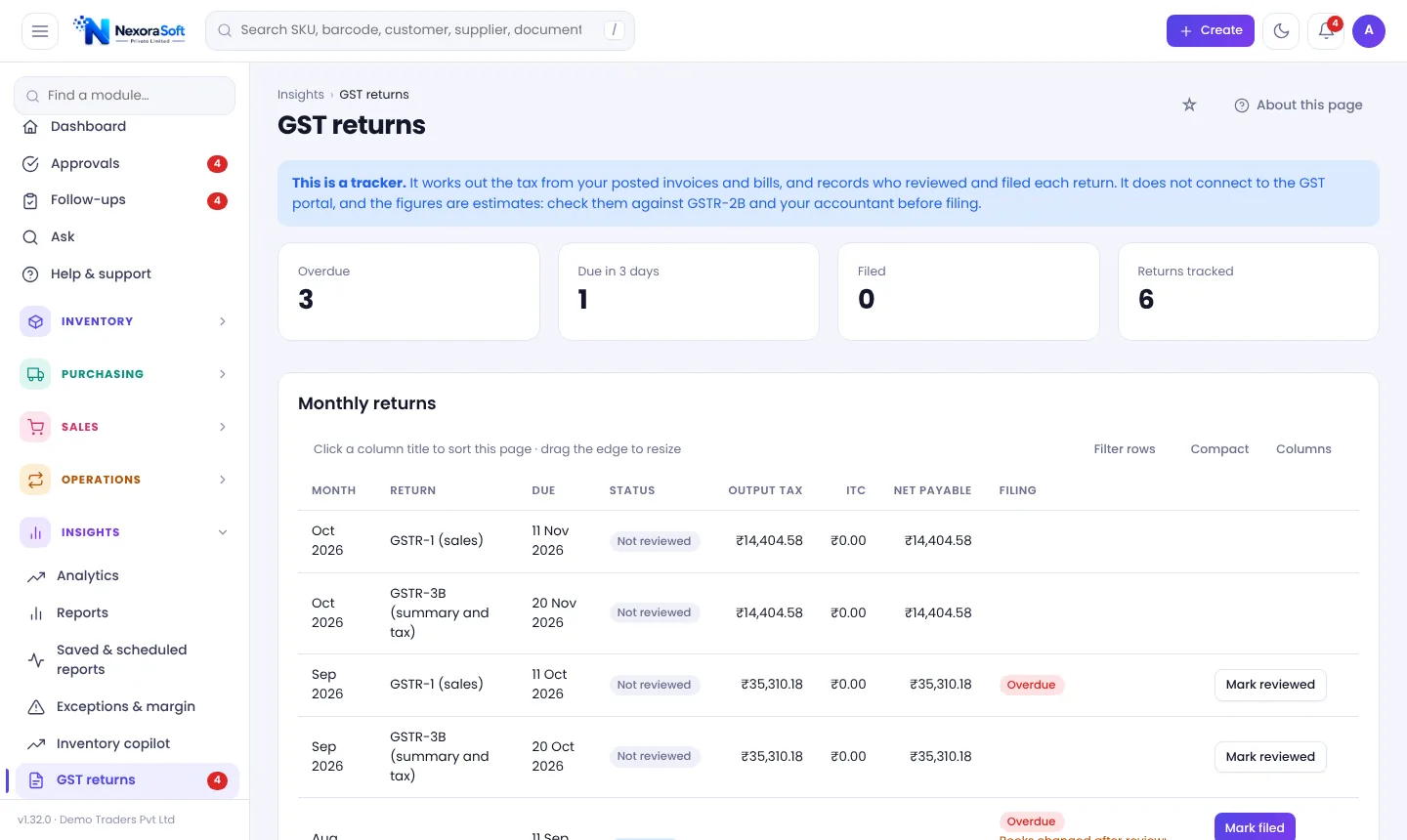
Compare totals with GST and bank.
Tally Integration at a Glance
| Item | Status |
|---|---|
| Sales invoices and credit notes | Exported |
| Purchase invoices | Exported |
| Receipts and supplier payments | Exported |
| Direction | NexoraIMS to Tally (one-way) |
| Live API sync | Available as custom integration |
Test with a trial company before importing into live data.
Inventory Tally Integration – FAQ
Yes, TallyPrime vouchers in XML for sales, credit notes, purchase invoices, receipts and payments.
No. It is a one-way export; Tally data does not flow back.
No. Each voucher is exported once unless you choose to include earlier exports.
Yes. Set Tally ledger names in Company settings and import the ledgers file before the vouchers.
The export is for accounting vouchers; confirm with your accountant how you want stock handled in Tally.
Yes, as a custom integration. See Tally integration services, and the inventory and Tally guide.
See NexoraIMS on Your Own Stock
Share your products, warehouses and billing flow and get a free live demo of NexoraIMS. No commitment; we typically respond within 24 hours.