Most Indian businesses keep books in Tally. The practical question is how invoices and purchases get there without double entry.
Two ways to connect
| Approach | Notes |
|---|---|
| Export vouchers as a file | Simple, controlled, one-way |
| Live sync | Faster but needs setup and monitoring |
What usually moves
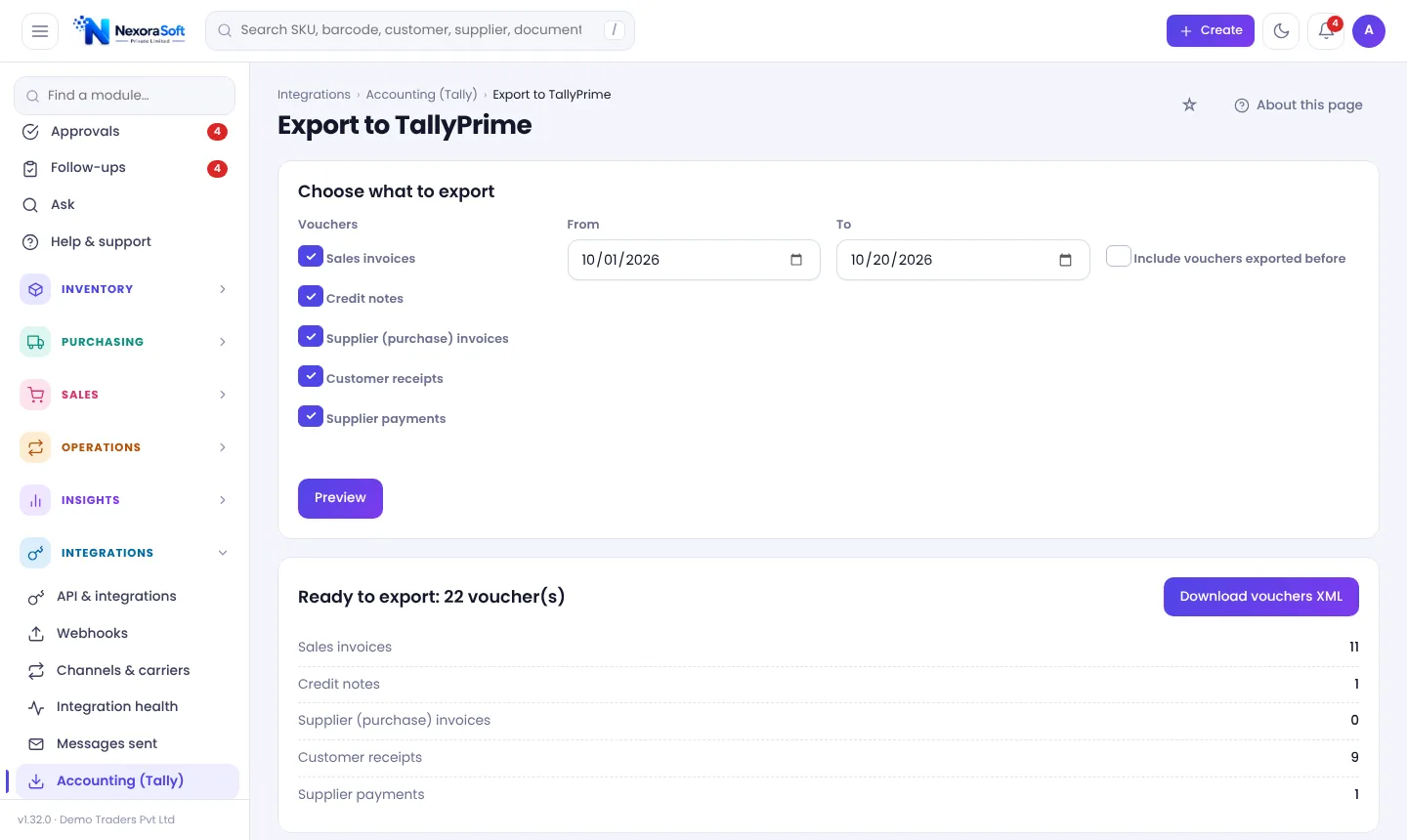
- Sales and purchase vouchers
- Credit and debit notes
- Party and stock item masters
- Receipts and payments
Before the first import
- Match ledger names exactly.
- Agree GST ledger mapping with your accountant.
- Test on a sample company.
- Import a small range, then reconcile totals.
Reconciliation checklist
- Invoice count in software vs Tally
- Taxable value and tax totals
- Party balances
- Stock value vs Tally closing stock
Honest limits
The export is one-way: changes made in Tally do not come back. Always have your accountant review the first runs.
In NexoraIMS
TallyPrime export covers vouchers and masters with ledger mapping. See inventory Tally integration and GST billing.
Related guides: Inventory Management Software in India (complete guide)
GST Billing & Inventory SoftwareInventory Tally IntegrationInventory API & Store IntegrationInventory Management Software vs ExcelGST Billing With Inventory SoftwareThree-Way Matching: PO, GRN and Invoice
See NexoraIMS in Action
Book a free live demo and see stock, purchasing, GST billing and reports run on your own products.
Book a Free Demo +91 98115 51004