Home › Restaurant POS Software › Multi-Outlet Restaurant Software for Chains
Restaurant POS SoftwareMulti-Outlet Restaurant Software with Head Office
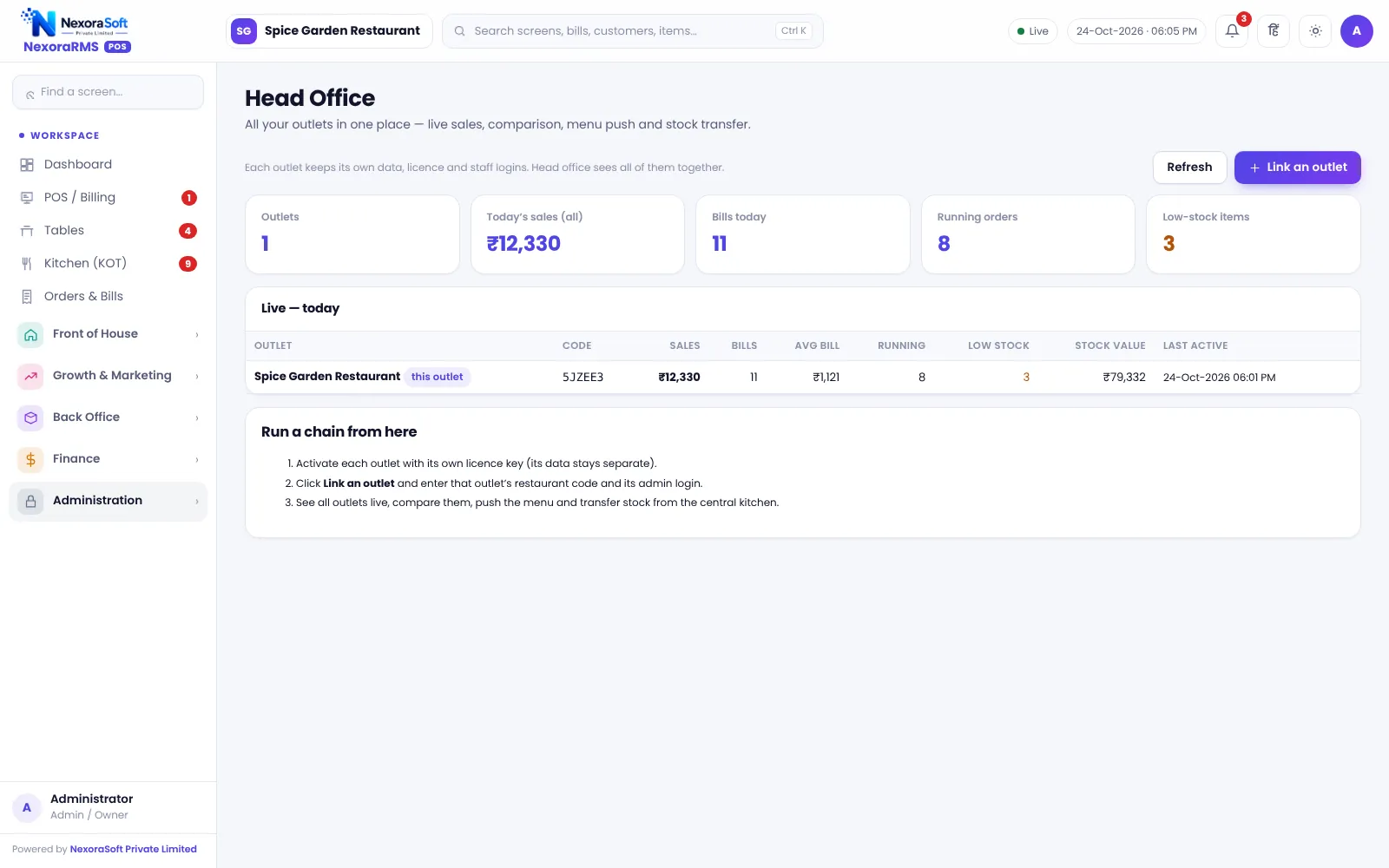
Run several outlets with one set of controls. Head Office shows live outlets side by side, pushes menu changes and moves stock between outlets, while each outlet keeps its own counter, bills and staff.
Managing More Than One Outlet
The second outlet is where most owners lose visibility. Sales come on WhatsApp, menu prices drift, and stock is borrowed without a record. A head-office view puts every outlet on one screen.
Each outlet in NexoraRMS-POS is its own restaurant with its own tables, bills, users and settings. Head Office reads across outlets for the owner. Read multi-outlet restaurant management.
Head Office Features
Live outlets
See each outlet’s sales, bills and running orders.
Comparison
Compare outlets side by side for a period.
Menu push
Send menu updates from head office to outlets.
Stock transfer
Move stock between outlets with a record.
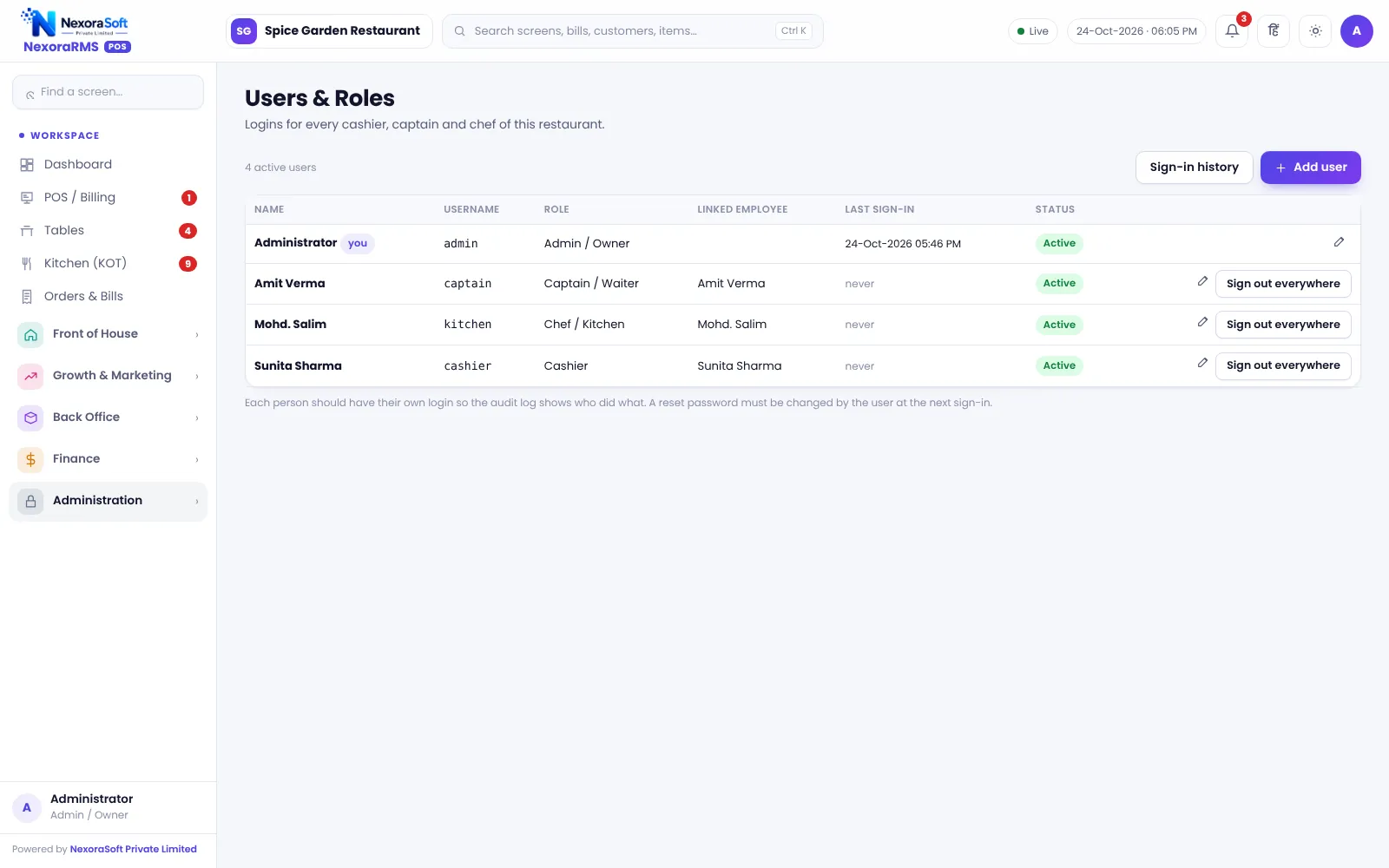
Per-outlet users
Each outlet has its own logins and roles.
Separated data
One outlet cannot read another outlet’s data.
Central Control, Local Billing
Counters keep working on their own bills and numbers. The owner or head office user sees consolidated figures and decides pricing and menu for all.
Each outlet is a separate licence on the same server. Data is kept separate by design, so a manager at one outlet cannot open another.
- Live view of outlets
- Outlet comparison
- Menu push
- Stock transfer between outlets
- Separate users and settings per outlet
Adding an Outlet
Create
Add the outlet and its licence.
Configure
Set GST, printers and tables.
Menu
Push the master menu.
Staff
Create logins and roles.
Monitor
Watch it from Head Office.
Multi-Outlet at a Glance
| Need | NexoraRMS-POS feature |
|---|---|
| One view | Head Office |
| Same menu | Menu push |
| Borrowed stock | Stock transfer |
| Local control | Per-outlet users |
| Franchise reports | Outlet comparison |
Franchise royalty calculation and central purchasing contracts are not built in.
Multi-Outlet Restaurant Software for Chains – FAQ
Yes. Head Office shows live outlets in one place, compares sales and performance, pushes menu changes and handles stock transfer. Each outlet still keeps its own bills and settings.
Yes. Head Office can push menu and price changes to selected outlets, so you do not edit each outlet separately. Outlets can still keep their own local items if needed. NexoraSoft gives a written quote after a free demo, based on outlets, users and modules.
Yes. Each outlet has its own licence, bills and settings, so data stays separate per outlet, while Head Office gives owners a combined view for comparison, menu push and stock transfer between outlets.
Yes. Stock transfer between outlets is recorded, so both sides see the movement and variance can be traced. This helps central-kitchen and sister-outlet supply.
No. Royalty calculation is not part of this version. Outlet-wise sales reports can be used to calculate royalty separately, and custom reports can be discussed with NexoraSoft.
Yes, for many franchise and chain setups, because each outlet has its own licence while Head Office handles menu, comparison and transfers. Royalty reports are not built in, so see the chain and franchise page for details.
See NexoraRMS-POS in Your Own Restaurant
Share your menu, tables and billing flow and get a free live demo of NexoraRMS-POS. No commitment; we typically respond within 24 hours.