Home › Products › NexoraUNMS › NetFlow, IPFIX & sFlow Traffic Analysis
NexoraUNMS · FeatureNetFlow, IPFIX and sFlow Traffic Analysis Software
SNMP tells you that a link is 90% full. Flow data tells you who is filling it. NexoraUNMS receives NetFlow v5, v9, IPFIX and sFlow from your routers, firewalls and switches and turns it into top talkers, traffic by protocol, unusual spikes and a bandwidth forecast.
Top talkersProtocols and portsSpikes and unusual behaviourForecastSite-to-site traffic
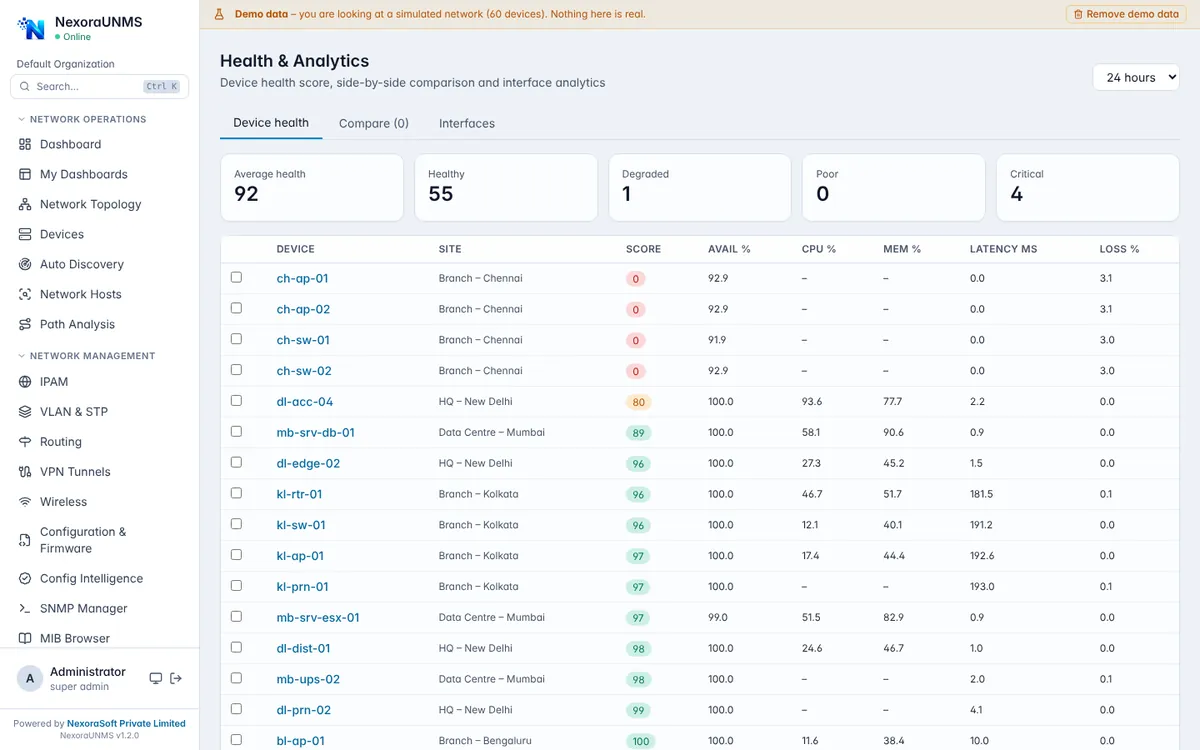
Real NexoraUNMS screens captured with built-in demo data (simulated network).
What Is NetFlow, IPFIX & sFlow Traffic Analysis?
SNMP tells you that a link is 90% full. Flow data tells you who is filling it. NexoraUNMS receives NetFlow v5, v9, IPFIX and sFlow from your routers, firewalls and switches and turns it into top talkers, traffic by protocol, unusual spikes and a bandwidth forecast.
The collector listens on standard flow ports and the application shows ready-to-paste export commands for common vendors, so enabling export on a device takes a few minutes.
This capability is part of NexoraUNMS, so it shares one device inventory, one alert system and one login with monitoring, topology, configuration and reports.
What You Get
Top talkers
See which hosts and subnets use the most bandwidth.
Protocols and ports
Break traffic down by protocol and application port.
Spikes and unusual behaviour
Highlight traffic that departs from the normal pattern.
Forecast
Project bandwidth growth to plan upgrades.
Site-to-site traffic
Define site subnets and see traffic between locations.
Easy export setup
Copy-paste configuration hints for common devices.
How It Works
Enable export
Turn on NetFlow, IPFIX or sFlow on the device.
Point to UNMS
Send to the server on the flow port.
Review
See top talkers and trends.
Plan
Use forecast for capacity.
What to Know
Flow views appear only after a device starts exporting flow records. NexoraUNMS does not guess traffic data; an empty screen simply means no exporter is configured yet.
Frequently Asked Questions
NetFlow (v5 and v9), IPFIX and sFlow.
No. The collector is part of NexoraUNMS; your devices only need flow export enabled.
Yes. Define your site subnets and the site-to-site traffic view summarises volume between them.
SNMP counts total traffic on an interface. Flow data records conversations, so you can see who is using the bandwidth.
Talk to Us About NexoraUNMS
Tell us how many devices and sites you run and what you need to see or control, and get a free live demo of NexoraUNMS. No commitment; we typically respond within 24 hours.