Home › Restaurant POS Software › POS Software for Fast Food & QSR in India
Industry Restaurant POS SoftwarePOS Software for Fast Food & QSR
Speed is the product. NexoraRMS-POS gives quick tap billing, token numbers, combo meals, a kitchen display and a TV board so a queue of guests keeps moving.
TokensTV boardCombosSpeed
What QSR Counters Need
A QSR counter bills one guest every minute or less at peak. Orders are mostly takeaway, with combos and upsell prompts, and the kitchen works from a strict queue.
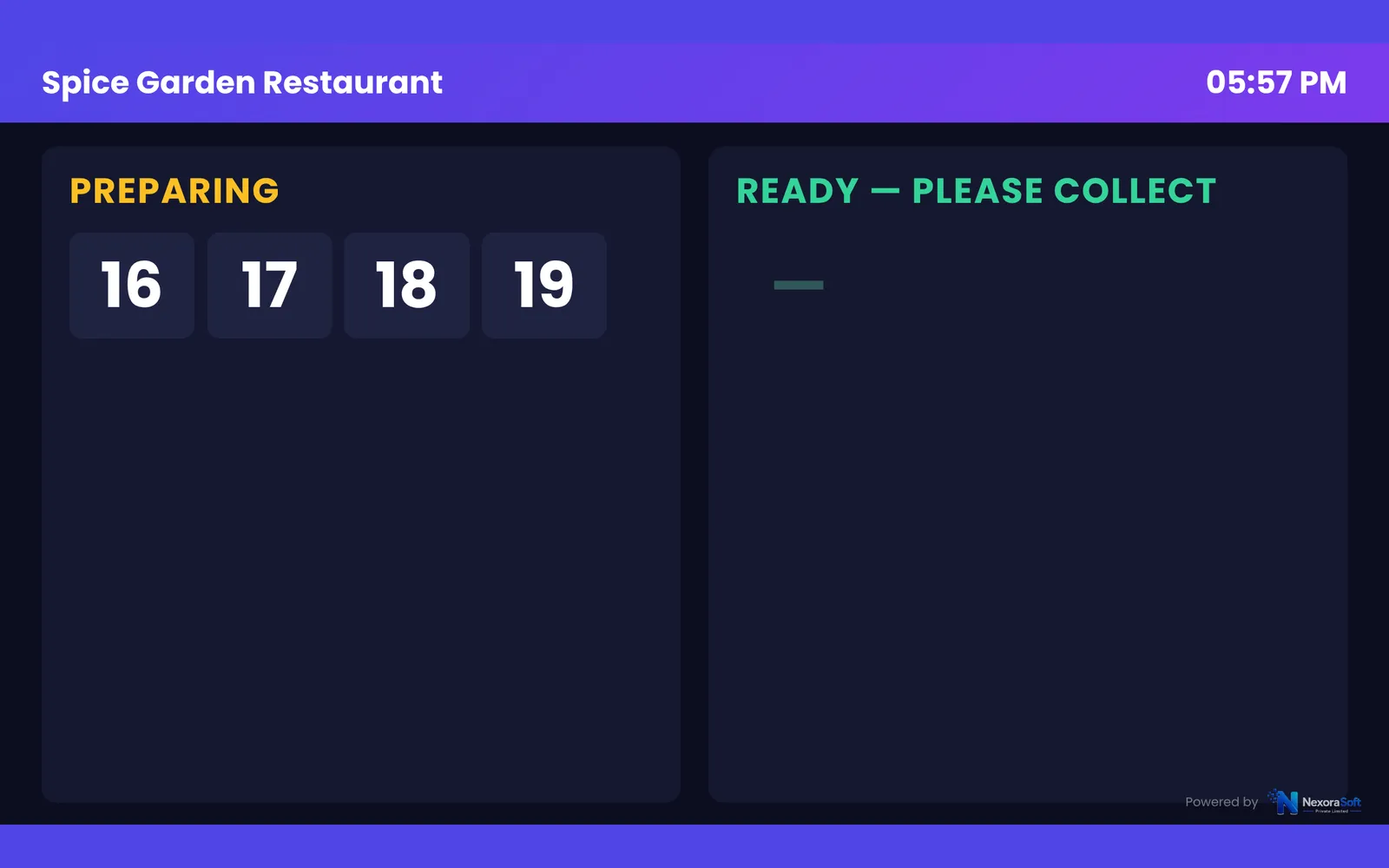
NexoraRMS-POS offers a counter screen, combos, compulsory add-ons and tokens. A TV board lists preparing and ready tokens so guests know when to collect.
Challenges and How NexoraRMS-POS Handles Them
Quick billing
Item code and search for fast entry.
Combos
Meal combos billed as one item.
Tokens and TV board
Preparing and ready tokens on a screen.
Kitchen display
Queue for the kitchen.
Customer display
Show order and total to the guest.
Peak hour report
Heatmap for staffing.
Keep the Queue Moving
Orders get a token, the kitchen sees them on the display and the TV board shows when each token is ready. The cashier does not need to call out.
The heatmap shows peak hours so you can staff accordingly.
- Token board
- Combos and compulsory add-ons
- Customer display
- Heatmap
- Fast item codes
QSR POS at a Glance
| Need | NexoraRMS-POS answer |
|---|---|
| Speed | Tap billing and codes |
| Queue | Token TV board |
| Upsell | Combos and add-ons |
| Staffing | Heatmap |
No offline mode.
Getting Started
Set up the restaurant
Add combos and enable tokens for takeaway.
Build the menu
Add categories, items, sizes, add-ons and tax rates, or import the menu from CSV.
Floor and staff
Draw sections and tables, then create logins for cashier, captain and chef with the right permissions.
Print and test
Set the bill width and header, print a test bill and KOT, and run a few dummy orders.
Go live
Train the team, start with one shift, and review the Z report at close.
POS Software for Fast Food & QSR in India – FAQ
Yes. Token billing issues a token per order, and a TV board shows preparing and ready tokens, which suits QSR and fast food counters. You can verify this in a free live demo of NexoraRMS-POS using your own menu and tables.
Yes. Combos can be created with fixed items and price, with choice groups if needed, and the kitchen ticket shows the components. NexoraSoft gives a written quote after a free demo, based on outlets, users and modules.
Item codes and search work, and scanner support depends on your setup. Check your scanner in the demo. You can verify this in a free live demo of NexoraRMS-POS using your own menu and tables.
A food court counter can use a simple fast billing setup. For multiple stalls see POS software for food courts. You can verify this in a free live demo of NexoraRMS-POS using your own menu and tables.
See NexoraRMS-POS in Your Own Restaurant
Share your menu, tables and billing flow and get a free live demo of NexoraRMS-POS. No commitment; we typically respond within 24 hours.