Home › Restaurant POS Software › POS Software for Food Courts in India
Industry Restaurant POS SoftwarePOS Software for Food Courts
Each counter in a food court needs fast billing and its own accounts. NexoraRMS-POS gives every stall a billing screen with tokens, kitchen display and reports.
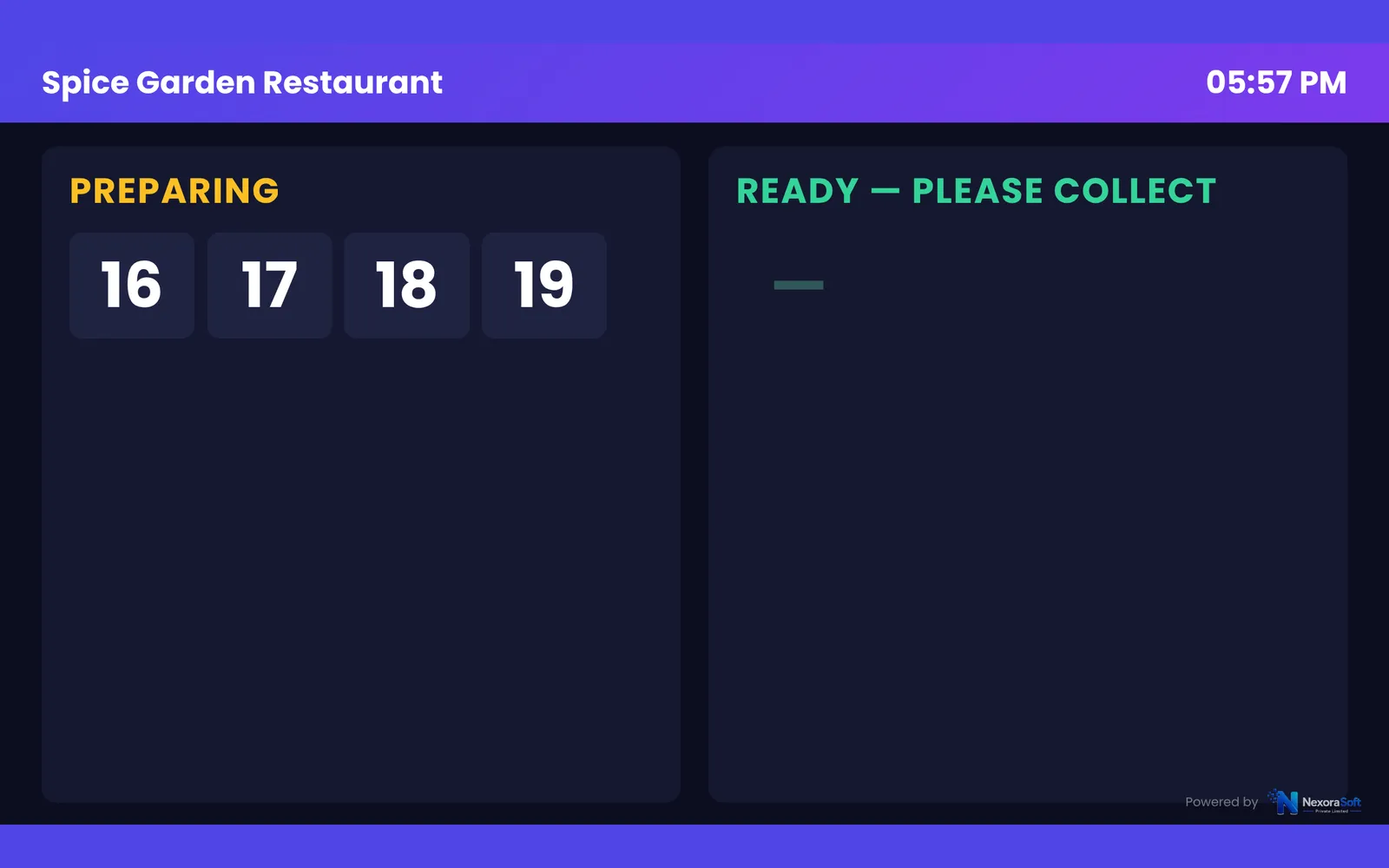
TokensOutletsGSTTV board
What Food Courts Need
Food court stalls run quick transactions with a queue, often several counters under one operator or separate operators with their own GST.
NexoraRMS-POS suits a stall with token billing, a TV board and a kitchen display. Operators with several stalls can manage each as an outlet from Head Office.
Challenges and How NexoraRMS-POS Handles Them
Tokens
Fast takeaway tokens.
Quick billing
Few taps to bill.
Multiple stalls
Each stall as its own outlet.
Reports
Sales per stall and per hour.
GST bills
Own GSTIN per outlet.
Customer display
Order and total on a second screen.
Many Counters, One View
Each stall has its own bills and GST details. A head office user can compare stalls and see peak times.
Tokens and a TV board reduce counter crowding.
- Own GSTIN per outlet
- Head Office comparison
- TV board
- Customer display
Food Court POS at a Glance
| Need | NexoraRMS-POS answer |
|---|---|
| Speed | Tokens and quick billing |
| Several stalls | Outlets and Head Office |
| Tax | GST per outlet |
Mall-level revenue-sharing reports are not built in.
Getting Started
Set up the restaurant
Create each stall as an outlet with its own GST details.
Build the menu
Add categories, items, sizes, add-ons and tax rates, or import the menu from CSV.
Floor and staff
Draw sections and tables, then create logins for cashier, captain and chef with the right permissions.
Print and test
Set the bill width and header, print a test bill and KOT, and run a few dummy orders.
Go live
Train the team, start with one shift, and review the Z report at close.
POS Software for Food Courts in India – FAQ
Yes. Each stall can be set up as an outlet with its own bills and reports, and Head Office gives a combined view. You can verify this in a free live demo of NexoraRMS-POS using your own menu and tables.
No. Mall revenue-share reports are not part of this version. Outlet-wise sales reports can be used for revenue share calculation. You can verify this in a free live demo of NexoraRMS-POS using your own menu and tables.
Yes. It runs in a browser, so a tablet or any device with a modern browser can be used for billing. Ask for a free live demo of NexoraRMS-POS with sample restaurant data to see this on screen.
See NexoraRMS-POS in Your Own Restaurant
Share your menu, tables and billing flow and get a free live demo of NexoraRMS-POS. No commitment; we typically respond within 24 hours.