There is no single best GST billing software for everyone. A kirana store, a distributor and a consulting firm need different things. This checklist helps you judge any software, including ours, against what your business actually does.
The 15-point checklist
| # | Check | Why it matters |
|---|---|---|
| 1 | All GST document types | Tax invoice, bill of supply, credit and debit note, delivery challan, quotation and proforma |
| 2 | Correct CGST/SGST/IGST/UTGST | Wrong tax type means paying again and claiming a refund |
| 3 | GSTIN validation | A typo in a buyer GSTIN costs them ITC and costs you goodwill |
| 4 | Invoice numbering | Consecutive, 16 characters max, separate series, yearly reset |
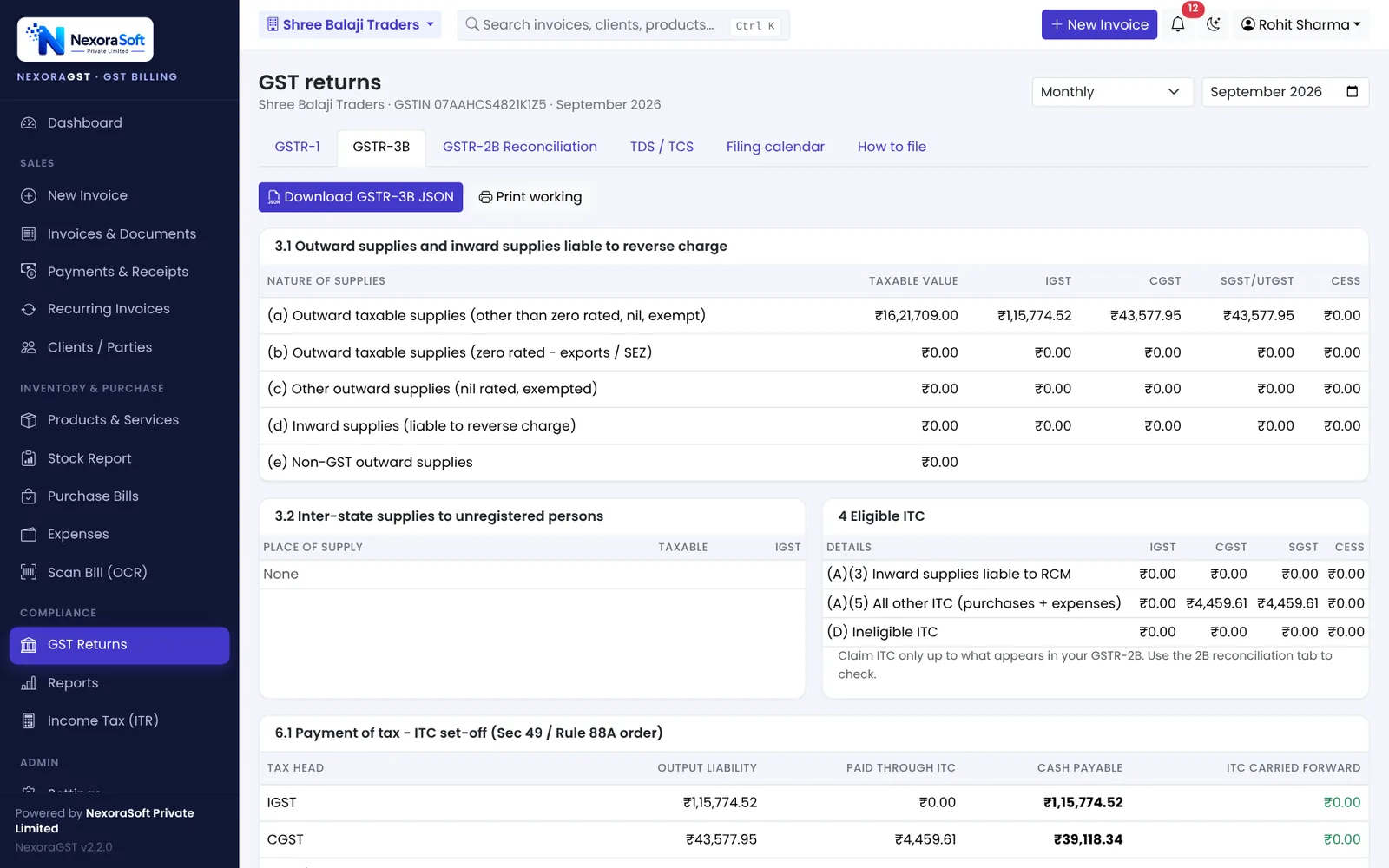
| 5 | GSTR-1 and GSTR-3B output | JSON for the portal or at least table-wise data for your CA |
| 6 | GSTR-2B reconciliation | Claim only ITC that is in 2B |
| 7 | E-way bill support | JSON or API from the invoice, so details are not typed twice |
| 8 | E-invoice (if turnover above Rs 5 crore) | IRN and QR code are mandatory above the limit |
| 9 | Payments and receivables | Part payments, ledger, aging and reminders |
| 10 | Stock linked to billing | Sales, returns and challans should move stock automatically |
| 11 | Print formats | A4 and thermal, your logo, UPI QR, Hindi labels if your customers need them |
| 12 | Users and roles | Staff should not see what they do not need |
| 13 | Backup and data ownership | Daily backup, export, and a private database for your data |
| 14 | Phone and mobile access | Bills and payments from anywhere |
| 15 | Support you can reach | A real team, in your language, when the return is due tomorrow |
Questions to ask in the demo
- Show me an inter-state invoice and the GSTR-1 table it lands in.
- What happens if I edit an invoice after saving it: does stock change twice?
- How do I cancel an invoice, and how does it show in Documents Issued?
- How do I reconcile GSTR-2B?
- How do I get my data out if I stop using the software?
- Who answers the phone when something breaks?
Cloud, desktop or self-hosted?
| Type | Good for | Watch out for |
|---|---|---|
| Cloud (hosted by vendor) | No IT work, access anywhere | Data location, export options, renewal price |
| Desktop | Single PC, no internet needed for billing | Backups, multi-user access, phone access |
| Self-hosted web app | Your own server or hosting, data under your control | Someone must run the server and backups |
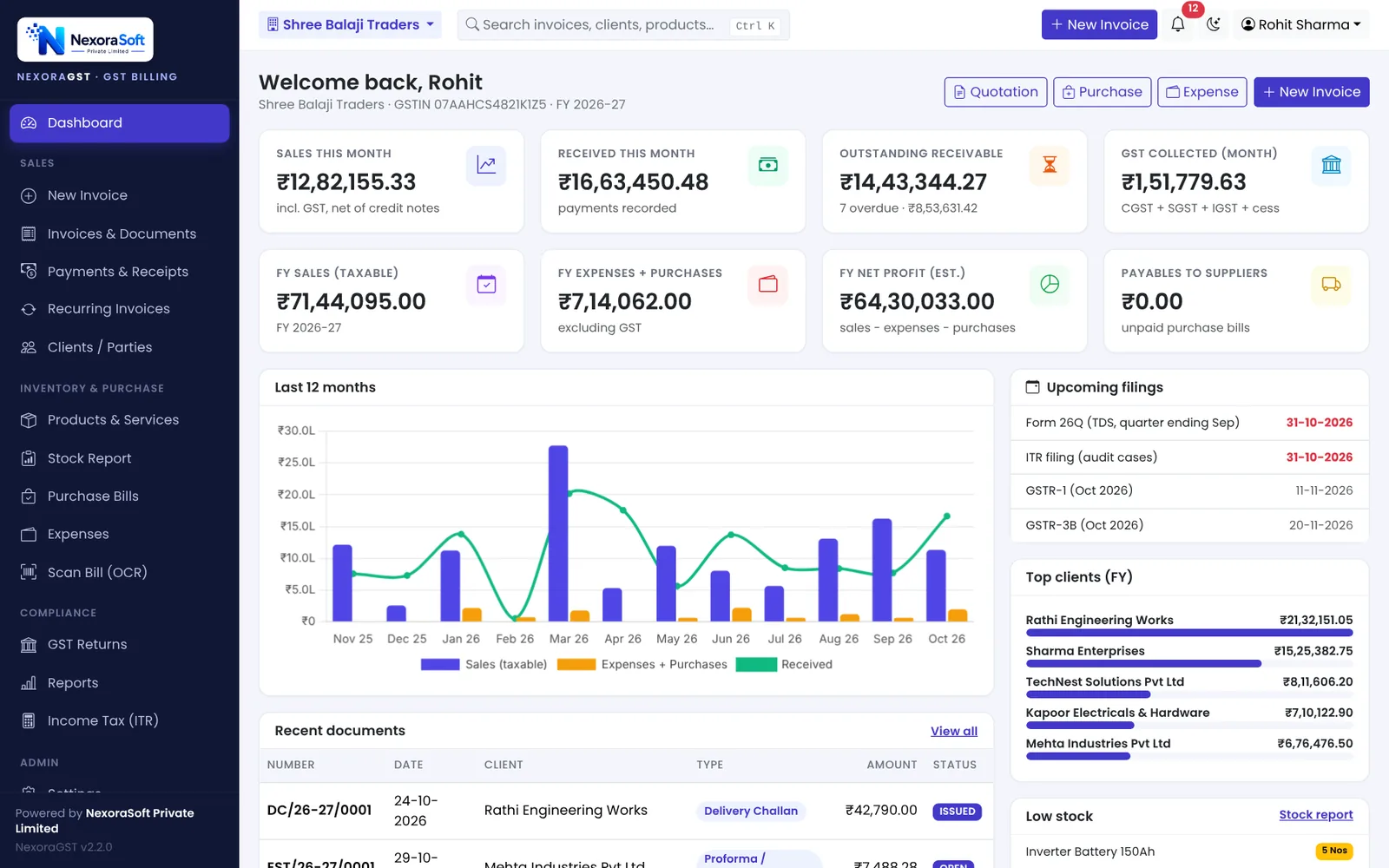
NexoraGST is a web application that can run on NexoraSoft hosting, your own hosting or a local office server, with a separate database for each licence.
Be honest about what you need
If your turnover is above Rs 5 crore, e-invoice integration is a must-have, and you should check how the software produces the IRN. If you are below it, a clean tax invoice, reliable returns data and good receivables tracking matter more than long feature lists. For NexoraGST, we list what it does not do on the product page.
📌 GST law changes often. This guide reflects the rules as we understand them in October 2026. Confirm anything specific to your business with your CA or on gst.gov.in.
Software for this: NexoraGST GST Billing Software · for small business · in Delhi
GST Billing Software vs Excel and Manual Bill BooksGSTR-1 vs GSTR-3BGSTR-2B ReconciliationHow to Create a GST InvoiceCGST, SGST or IGST? Place of Supply Explained With Examples
See NexoraGST in Action
Book a free live demo and watch invoices, payments, stock and GSTR-1 / GSTR-3B work on your own data.
Book a Free Demo +91 98115 51004