Excel is free and a bill book costs a few hundred rupees. GST billing software costs more on day one. The real comparison is what each one costs you every month in time, errors, missed payments and return stress.
Side by side
| Task | Bill book / Excel | GST billing software |
|---|---|---|
| Making a bill | Type or write every field; tax worked out by hand or formula | Pick client and items; tax, total and words filled in |
| CGST/SGST vs IGST | You decide every time | Decided from the GSTIN and place of supply |
| Invoice numbers | Easy to skip or repeat | Consecutive, per series, reset each year |
| Payments | Separate register or memory | Recorded on the invoice; outstanding is live |
| Stock | Separate sheet, often out of date | Moves with every bill and return |
| GSTR-1 | Copy invoices into the portal or offline tool | JSON from saved invoices |
| GSTR-3B | Work out totals and ITC by hand | Tables built from sales and purchases |
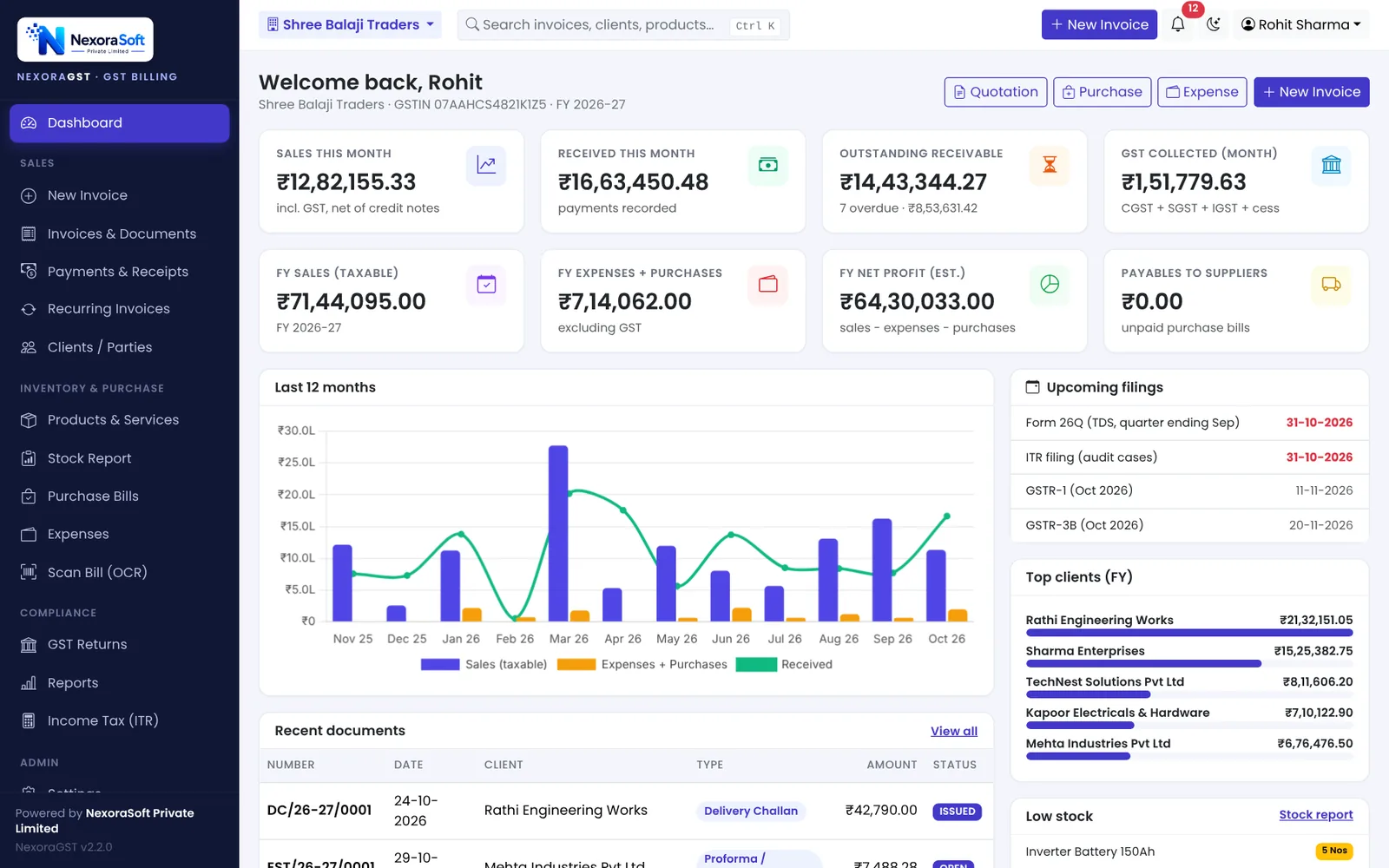
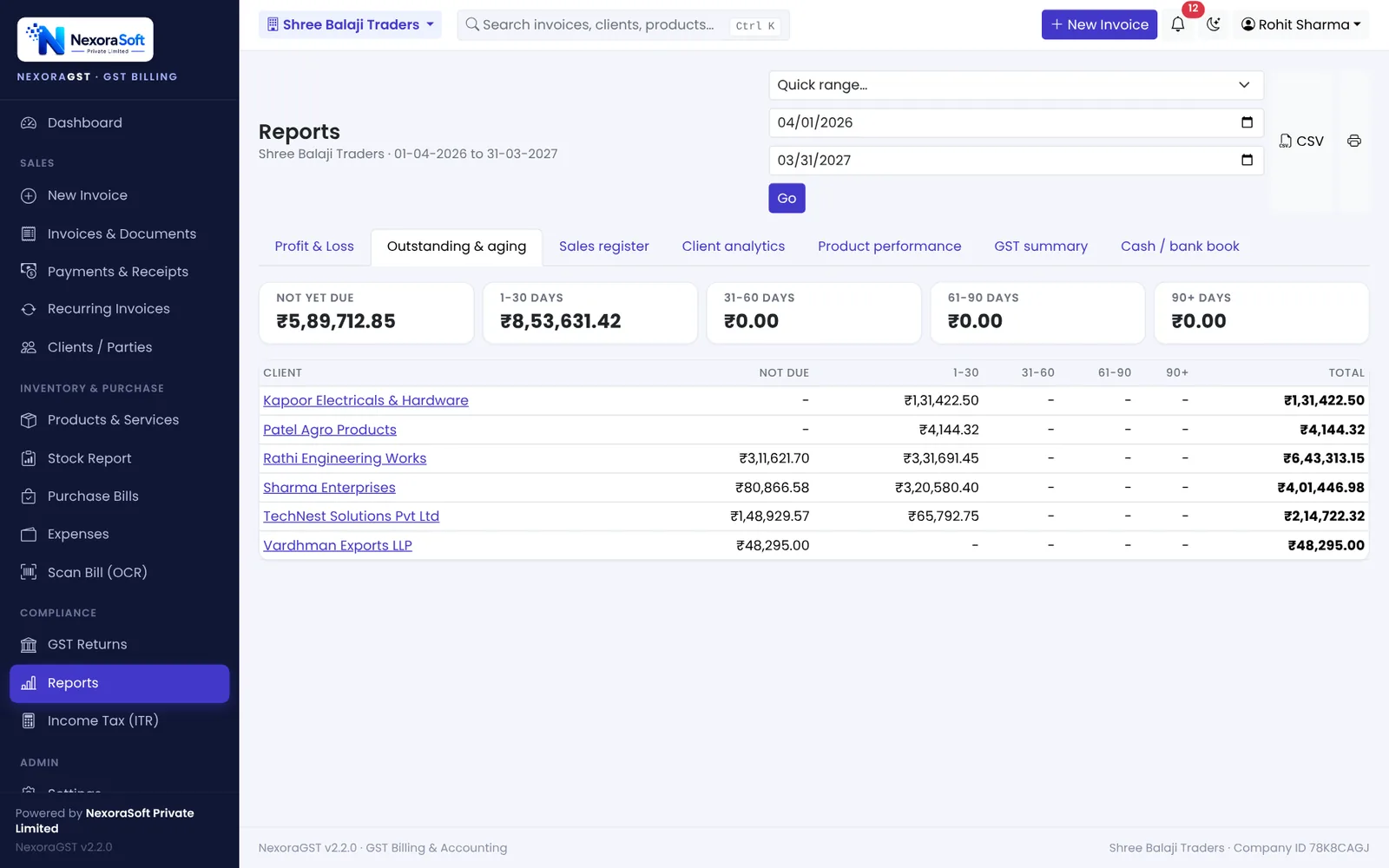
| Reports | Build pivots each month | P&L, aging, sales register ready |
| Backup | Depends on someone remembering | Automatic daily backup |
| Access control | Anyone with the file sees everything | Roles for admin, accountant and staff |
The hidden costs of Excel billing
- Time: a minute or two longer per bill adds up to many hours a month for a busy counter.
- Tax errors: a wrong formula or a wrong state code repeats on every bill until someone notices.
- Lost ITC for your buyers: a wrong GSTIN or missed invoice in GSTR-1 means your customer cannot claim credit, and they will call you.
- Collections: without a live outstanding list, overdue payments are noticed late.
- Month-end: the CA spends days re-typing data, and you pay for it.
When Excel is still fine
If you issue a handful of invoices a month, have no stock and your CA prepares returns from your sheet, Excel can work. Once you bill daily, sell across states, keep stock or chase payments, software pays for itself.
What to look for in GST billing software
- All document types: invoice, quotation, credit and debit notes, challan, bill of supply
- Correct CGST/SGST/IGST and GSTIN validation
- GSTR-1 and GSTR-3B data you can upload
- GSTR-2B reconciliation for your purchases
- Payments, ledgers and aging
- Stock linked to billing
- Works on phone and PC, with user roles
- Automatic backup, and your data in a private database
- A vendor you can reach by phone
Switching without disruption
- Pick a start date, ideally the 1st of a month or 1 April.
- Import clients and products from your existing Excel sheets.
- Set your invoice series to continue from your last number.
- Enter opening balances for clients who owe you.
- Run old and new side by side for one week if it makes you comfortable.
📌 GST law changes often. This guide reflects the rules as we understand them in October 2026. Confirm anything specific to your business with your CA or on gst.gov.in.
Software for this: NexoraGST GST Billing Software · for small business · in Delhi
How to Create a GST InvoiceGSTR-1 vs GSTR-3BGSTR-2B ReconciliationCGST, SGST or IGST? Place of Supply Explained With ExamplesE-Way Bill Rules in India
See NexoraGST in Action
Book a free live demo and watch invoices, payments, stock and GSTR-1 / GSTR-3B work on your own data.
Book a Free Demo +91 98115 51004