The reorder point tells you when to place an order so that new stock arrives before you run out. It is a simple formula, but the inputs need care.
The formula
Reorder point = (Average daily demand × Lead time in days) + Safety stock
The first part is the stock you expect to sell while waiting for the supplier. Safety stock is the buffer for demand swings and late deliveries.
Worked example
| Input | Value |
|---|---|
| Average daily sales | 20 units |
| Supplier lead time | 7 days |
| Safety stock | 40 units |
| Lead-time demand | 20 × 7 = 140 |
| Reorder point | 140 + 40 = 180 units |
When stock plus open orders falls to 180, order again.
Choosing the inputs
- Use recent sales, not lifetime averages; seasonality matters.
- Use real supplier lead times from past receipts, not promised ones.
- Count open purchase orders as stock on the way.
- Revisit the numbers regularly.
For the buffer, see our safety stock formula guide.
Common mistakes
- Ignoring open orders, which causes double ordering
- Using one reorder level for every season
- Setting the same safety stock for all items regardless of value or variability
- Never updating levels
Automating it
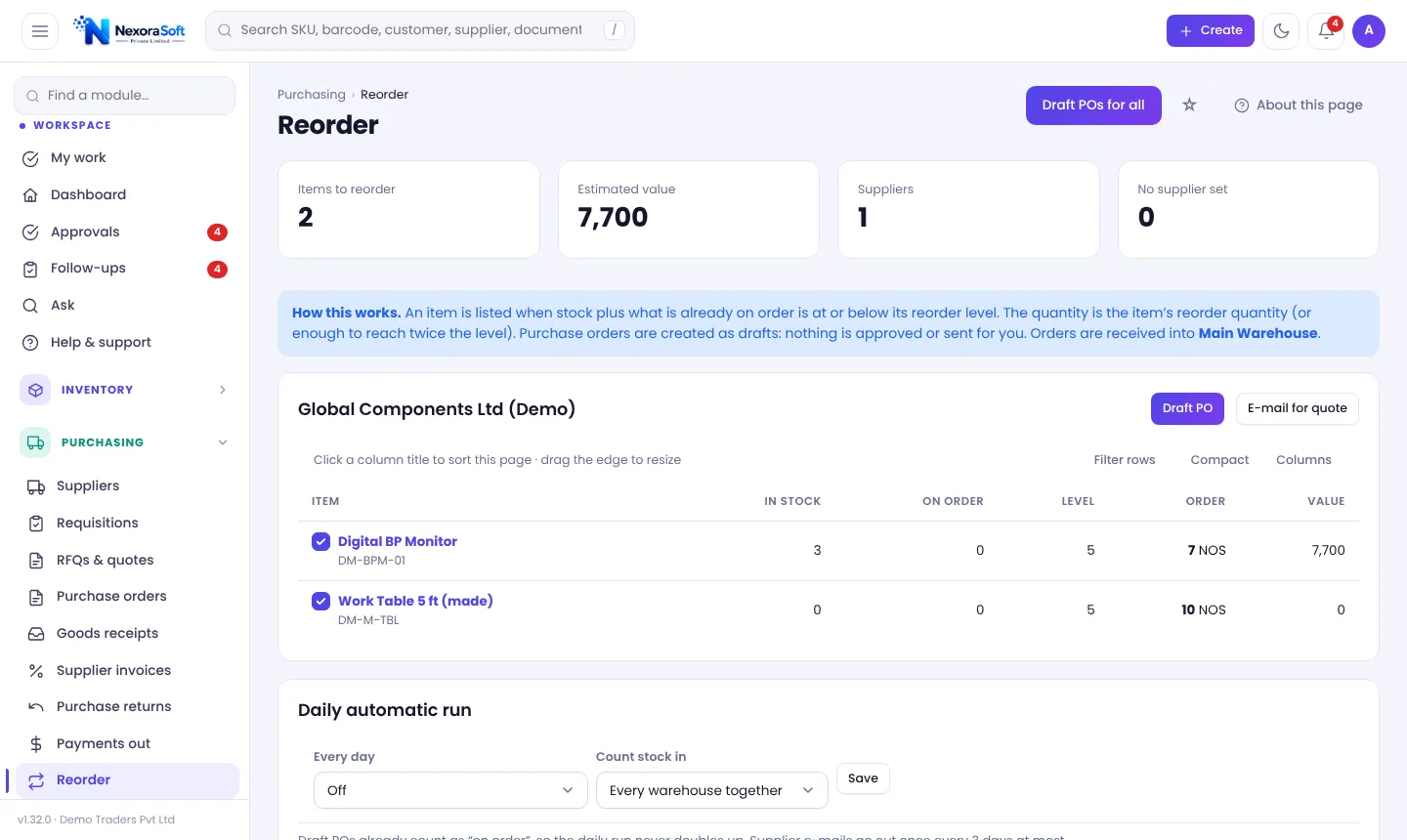
In NexoraIMS each product has a reorder level, and the Reorder page lists items at or below it (counting open POs), grouped by default supplier with a suggested quantity and a one-click draft PO. A demand forecast adds a "will run short" view. See reorder point software.
Related guides: Inventory Management Software in India (complete guide)
Reorder Point & Replenishment SoftwarePurchase Order Management SoftwareInventory Analytics & ABC AnalysisABC Analysis in InventoryInventory Turnover RatioSafety Stock Formula
See NexoraIMS in Action
Book a free live demo and see stock, purchasing, GST billing and reports run on your own products.
Book a Free Demo +91 98115 51004