How to design role-based dashboards: roles, permissions and scope, why the server must enforce access, a practical role set and the sign-in controls that go with it.
Why Role-Based Views Matter
A single dashboard for everyone becomes either too thin for managers or too sensitive for staff. Role-based dashboards give each person the numbers they need and nothing more, which also makes the screen faster to read.
Roles, Permissions and Scope
Three ideas get mixed up, so keep them apart:
- Role: a job such as CEO, finance manager, sales manager, operations or IT, or staff.
- Permission: what a role may view or do, for example finance.view or sales.view.
- Scope: which records within that permission, such as one branch or one region or only your own pipeline.
Hiding Is Not Security
The common shortcut is to hide a widget in the browser. Anyone who can call the API can still fetch the data. The server must check the permission for every widget request and refuse it when the role lacks it. In NexoraDashboard a widget a role cannot view is both hidden on screen and refused by the API.
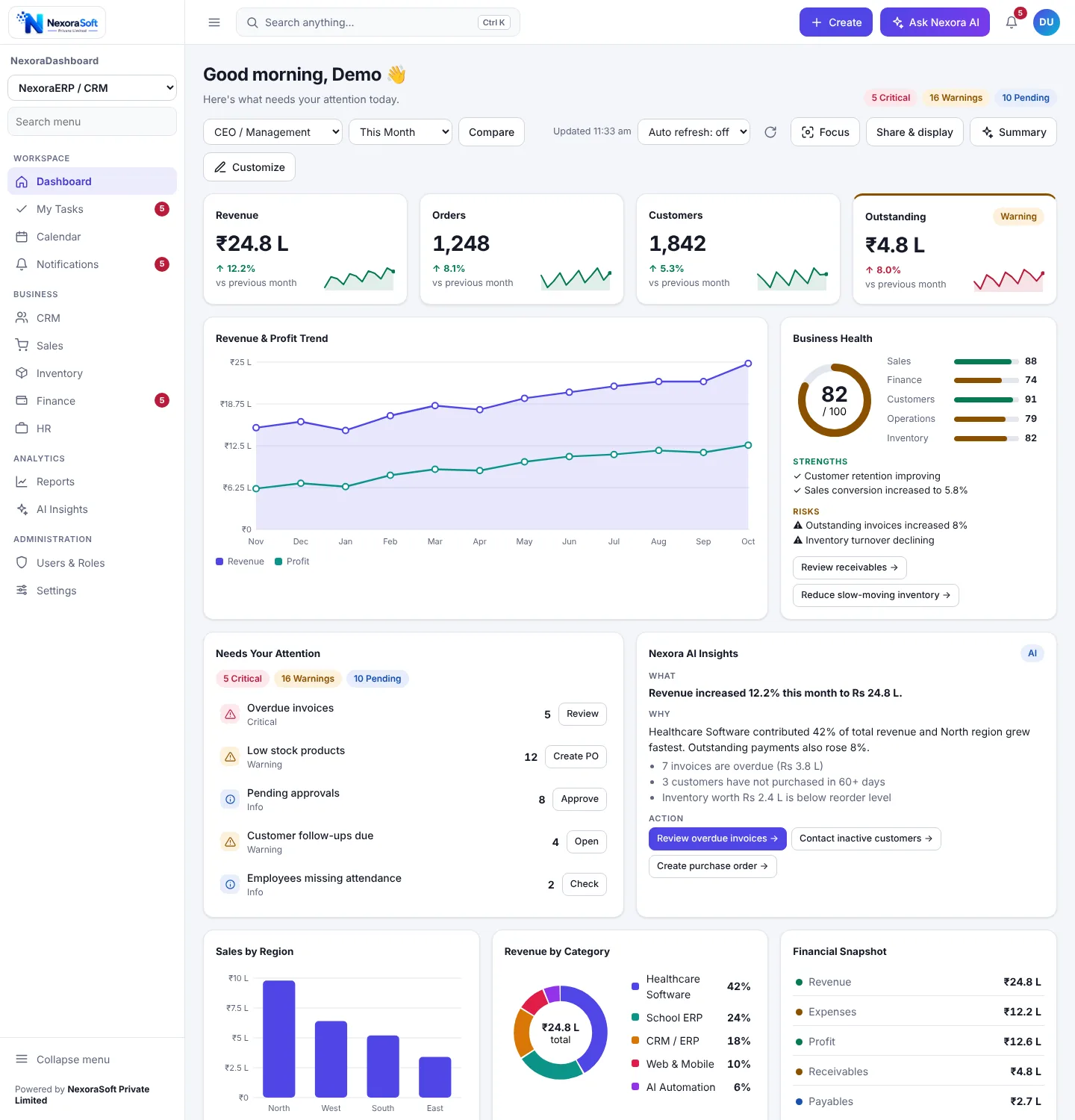
A Practical Role Set
| Role | Typical widgets |
|---|---|
| CEO or Admin | Everything: revenue, orders, outstanding, health score, attention list, insights. |
| Finance Manager | Revenue, expenses, outstanding, overdue invoices, financial snapshot. |
| Sales Manager | Orders, customers, target, funnel, region, top performers. |
| Operations or IT | Operational and network widgets such as stock, clinical or node status. |
| Staff | Their own tasks and a limited view, nothing financial. |
Sign-In Controls That Go With It
Permissions are only as good as the login. Use individual accounts, a minimum password length with letters and numbers, throttling after repeated failed attempts, CSRF protection on every state-changing request and an idle session timeout. Make sure the last administrator account cannot be disabled by mistake.
Sensitive numbers: payroll, margins and bank balances need their own permission. A privacy mode that masks amounts is useful when a dashboard is shown on a shared screen.
Keep Roles Few
Start with four or five roles. Every extra role is a template to maintain and a test case. Add a role only when a real group needs a different set of widgets.
See It in Practice
Read how NexoraDashboard handles roles and security, and how the hospital, ERP and CRM and NOC packs use different templates for different roles.
Business Dashboard SoftwareERP and CRM DashboardExecutive Dashboard GuideDashboard Development Services
Set Up Role-Based Dashboards for Your Team
Free consultation, no commitment. We usually reply within 24 hours.
Book a Free Demo +91 98115 51004