Home › School Management Software › Software for Coaching Institutes & Tuition Centres
School Software · NexoraEDUSoftware for Coaching Institutes & Tuition Centres
Coaching and tuition centres run on batches, instalments and frequent tests. NexoraEDU treats a batch as a class, so fees, attendance, tests and parent updates work without extra set-up.
BatchesInstalmentsTestsQuizzesParents
What Coaching Institutes Need
Coaching centres have batches that start at different dates, fee plans with instalments, frequent tests and parents who want to see progress. Staff turnover is high and software must be easy to learn.
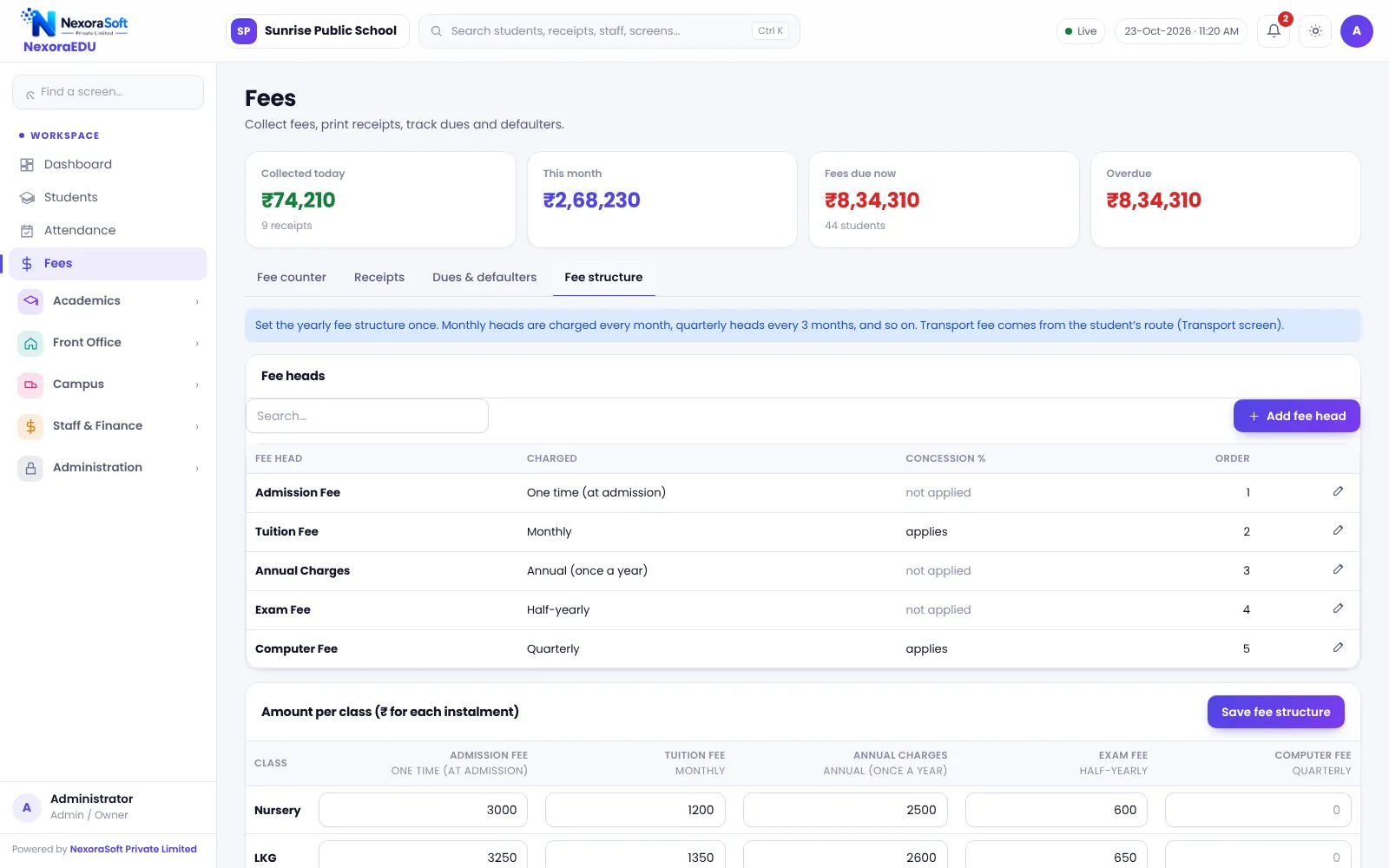
Create each batch as a class and section, apply a fee structure, mark attendance, run tests as exams and let parents log in to see results. You can ignore the modules you do not need.
Challenges and How NexoraEDU Handles Them
Batches as classes
Create a batch for each course, level or timing.
Instalments and dues
Fee heads, instalments, part payment and defaulter list.
Attendance
Batch-wise attendance with low-attendance list.
Tests and results
Run each test as an exam and see rank.
Parent portal
Parents see attendance, fees and results.
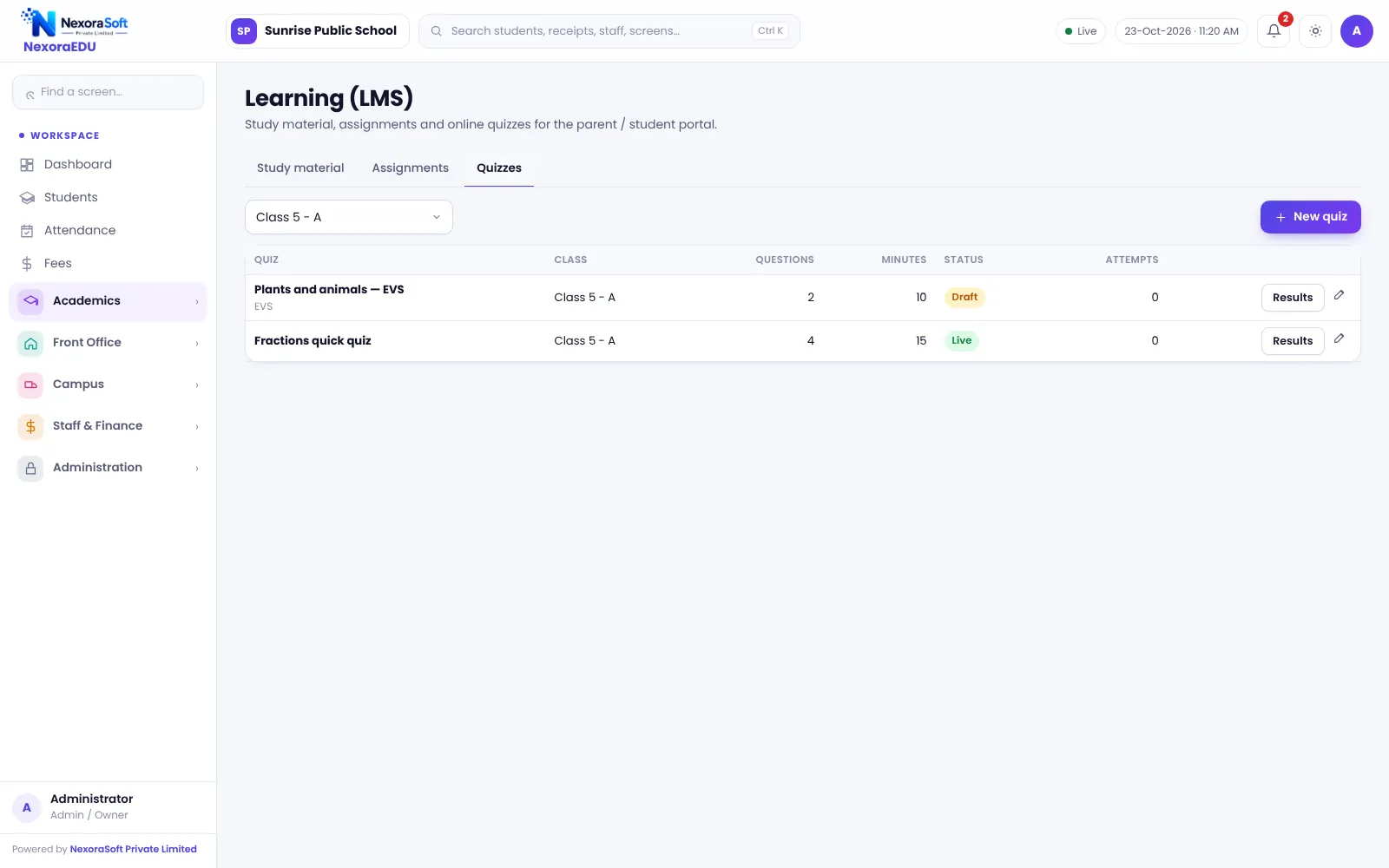
Online quizzes
Timed MCQ quizzes with auto-marking.
Tests, Rank and Follow-Up
Frequent tests are easy to record: create the test, enter marks and see rank and result. Attendance and results appear together in the parent portal.
NexoraEDU does not include a question bank, adaptive tests, or live classes, and it is not built for university affiliation or entrance-exam analytics.
- Batch-wise fee plans
- Test-wise marks and rank
- Quiz with auto-marking
- Attendance with low list
- Parent web portal
Coaching Needs at a Glance
| Need | NexoraEDU answer |
|---|---|
| Batches | Class and section structure |
| Instalments | Fee heads and due dates |
| Tests | Exam module with rank |
| Quiz | Timed MCQ with auto-marking |
| Question bank | Not included |
Getting Started
Set up the school
Add the institute name, address and logo and create batches as classes.
Classes and subjects
Create classes, sections and subjects, and assign class teachers.
Fees and students
Add fee heads and the class-wise structure, then import students from Excel.
Users and training
Create logins with the right roles and train the fee counter and teachers.
Go live
Start with attendance and fees, then switch on exams, portal and campus modules.
Related School Management Software Guides
School Management Software India (full guide)School Fee Management & Collection SoftwareExam, Result & Report Card SoftwareSchool LMS, Assignment & Online Quiz SoftwareEducation Software Solutions for SchoolsSchool Software for CBSE SchoolsSchool Software for Small & Budget Private SchoolsSchool Management Software in DelhiOnline Quizzes and Assignments in a School LMSSchool Canteen and Hostel Management Tips
Software for Coaching Institutes & Tuition Centres – FAQ
You can create each batch as a class or section and admit students into it at any time, with fee structures applied per class. For different instalment schedules in one batch, define fee heads and due dates that match your plan. Test your most complex batch in the demo.
Yes. Each test can be created as an exam with subjects and maximum marks, and results show total, percentage, grade and rank for the class. It does not include a question bank or adaptive test engine. Online MCQ quizzes with auto-marking are available for simple practice tests.
Yes. Parents log in to the web portal to see attendance, fee dues and results. This reduces calls to the centre. The portal is not a mobile app and needs an internet connection, but it works in any phone browser.
No. Live video classes are not included. You can share notes and assignments and run quizzes through the learning section, while using your preferred video tool for live teaching. Results from quizzes and tests stay in one place with attendance and fees.
No. It is designed for schools and coaching or tuition centres. Universities need affiliation, credit and semester processes that are not part of this software. If you run a college, tell us your needs and we can discuss a custom approach.
See NexoraEDU Working for Your School
Share your classes, fee structure and workflow and get a free live demo of NexoraEDU. No commitment; we typically respond within 24 hours.