Home › School Management Software › School Software for Small & Budget Private Schools
School Software · NexoraEDUSchool Software for Small Private Schools
A small school needs a fee counter that works, attendance that adds up and reports it can trust. NexoraEDU lets you start with the basics and switch on more as your team is ready.
Small schoolsFeesAttendanceStaged startWritten quote
What Small Schools Need
Small private schools often have a principal who is also the accountant, a few teachers who multitask and parents who pay in cash. Budget is tight, and a failed software project is expensive.
NexoraEDU lets you go live in steps: students and fees first, then attendance, then exams and the parent portal. Each step has a visible benefit, so staff see value before the next one begins.
Challenges and How NexoraEDU Handles Them
Fees first
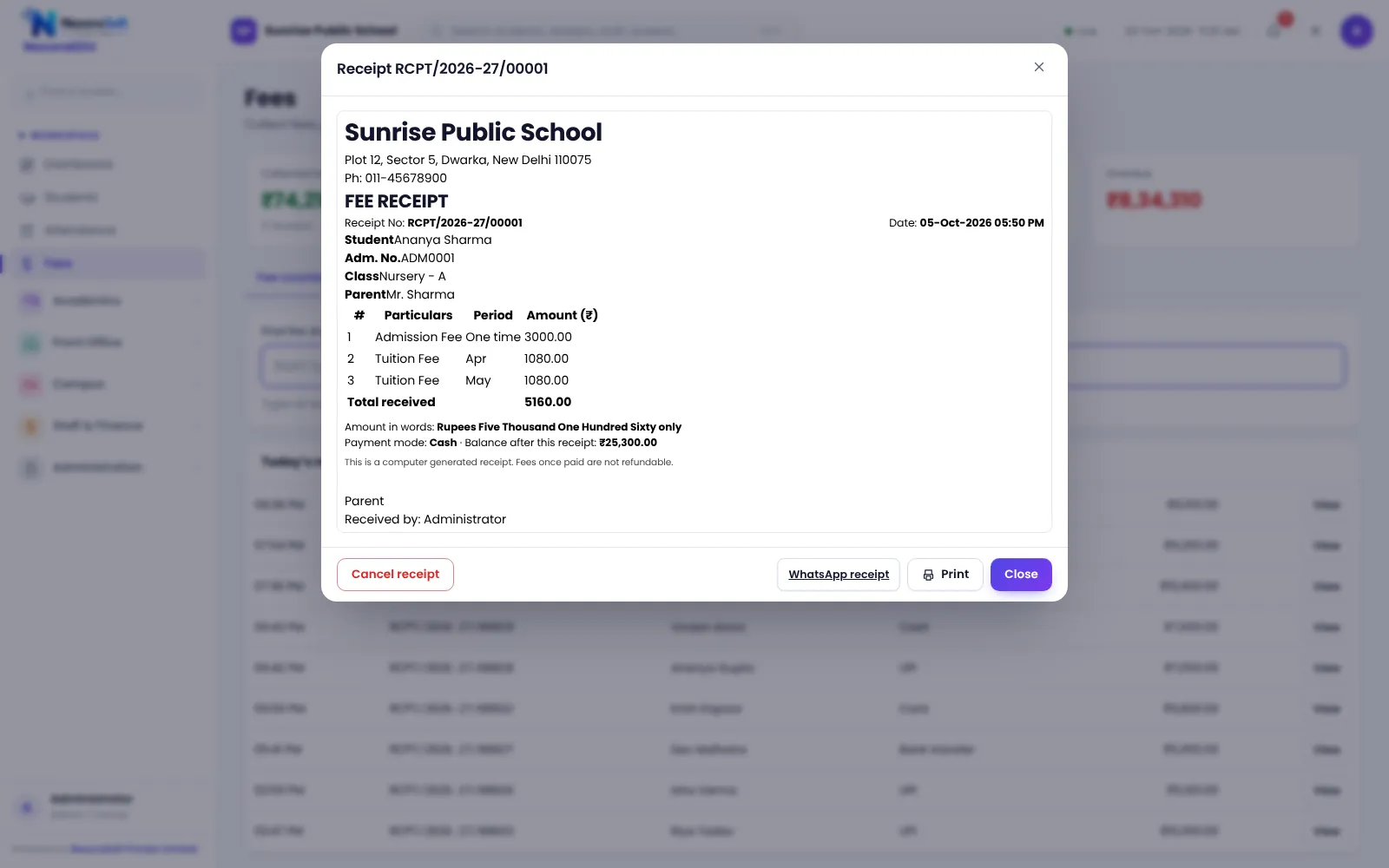
Receipts, dues and defaulter list from week one.
Attendance
Mark and total attendance without registers.
Exams later
Switch on exams and report cards when ready.
Portal when ready
Parents get logins after your data is clean.
Simple roles
Principal, accountant and teacher roles.
Daily backups
Backups kept on the server and downloadable.
A Practical Three-Step Start
Week one: school profile, classes, fee structure and student import. Week two: fee counter live and attendance started. Next month: exams, report cards and the parent portal.
Pricing depends on strength, modules, hosting and training; we quote in writing after a free demo.
- Go live in stages
- Short staff training
- Fee counter first
- No heavy hardware needed
- Free demo and written quote
Small School Needs at a Glance
| Need | NexoraEDU answer |
|---|---|
| Cash and receipts | Fee counter with A4 or thermal receipt |
| Less paperwork | Digital attendance and records |
| Low risk | Start with two modules |
| Backups | Daily server backup |
| Mobile app | Not included |
Getting Started
Set up the school
Add the school profile and classes, then import students from Excel.
Classes and subjects
Create classes, sections and subjects, and assign class teachers.
Fees and students
Add fee heads and the class-wise structure, then import students from Excel.
Users and training
Create logins with the right roles and train the fee counter and teachers.
Go live
Start with attendance and fees, then switch on exams, portal and campus modules.
Related School Management Software Guides
School Management Software India (full guide)School Fee Management & Collection SoftwareSchool Management Software Pricing in IndiaEducation Software Solutions for SchoolsSchool Software for CBSE SchoolsSchool Software for ICSE & ISC SchoolsSchool Software for State Board SchoolsWhat Is School Management Software?Best School Management Software in India: Features to CheckSchool ERP vs Excel and Paper RegistersHow to Implement School Software for a New Session
School Software for Small & Budget Private Schools – FAQ
Yes. NexoraEDU suits schools of many sizes. For a small school we recommend starting with students, fees and attendance. Hosting and pricing are based on your strength and modules, and we quote after a free demo so you only pay for what you will use.
A computer with a modern browser and a stable internet connection is enough to start. A thermal receipt printer is optional, and A4 receipts work with any printer. Phones can be used for portal access by parents. Test your printer in the demo.
Not for daily use. We handle set-up, import and training. The school should nominate one person who knows the fee structure and class lists. For hosting and backups, we explain the options at scoping so you know who is responsible for what.
Yes. You can start with a few modules and use more later, because they share the same student record. Teachers and parents can be introduced at your pace. Take a backup before major changes such as promotion to the next class.
Call +91 98115 51004 or email info@nxorasoft.com with your student strength and the modules you want. We run a free demo and send a fixed-scope written quote. There is no obligation, and you can compare it with other vendors using the checklist on the pricing page.
See NexoraEDU Working for Your School
Share your classes, fee structure and workflow and get a free live demo of NexoraEDU. No commitment; we typically respond within 24 hours.