There is no single best school software for every school. There is a best fit, and it shows in how well the software handles the work your office does every day. Use this checklist when you compare.
Students and admissions
- One student record with guardians, class, section and documents
- Enquiry tracking and admission form
- Import from Excel
- Promotion to the next class
- Bonafide and transfer certificate
Fees
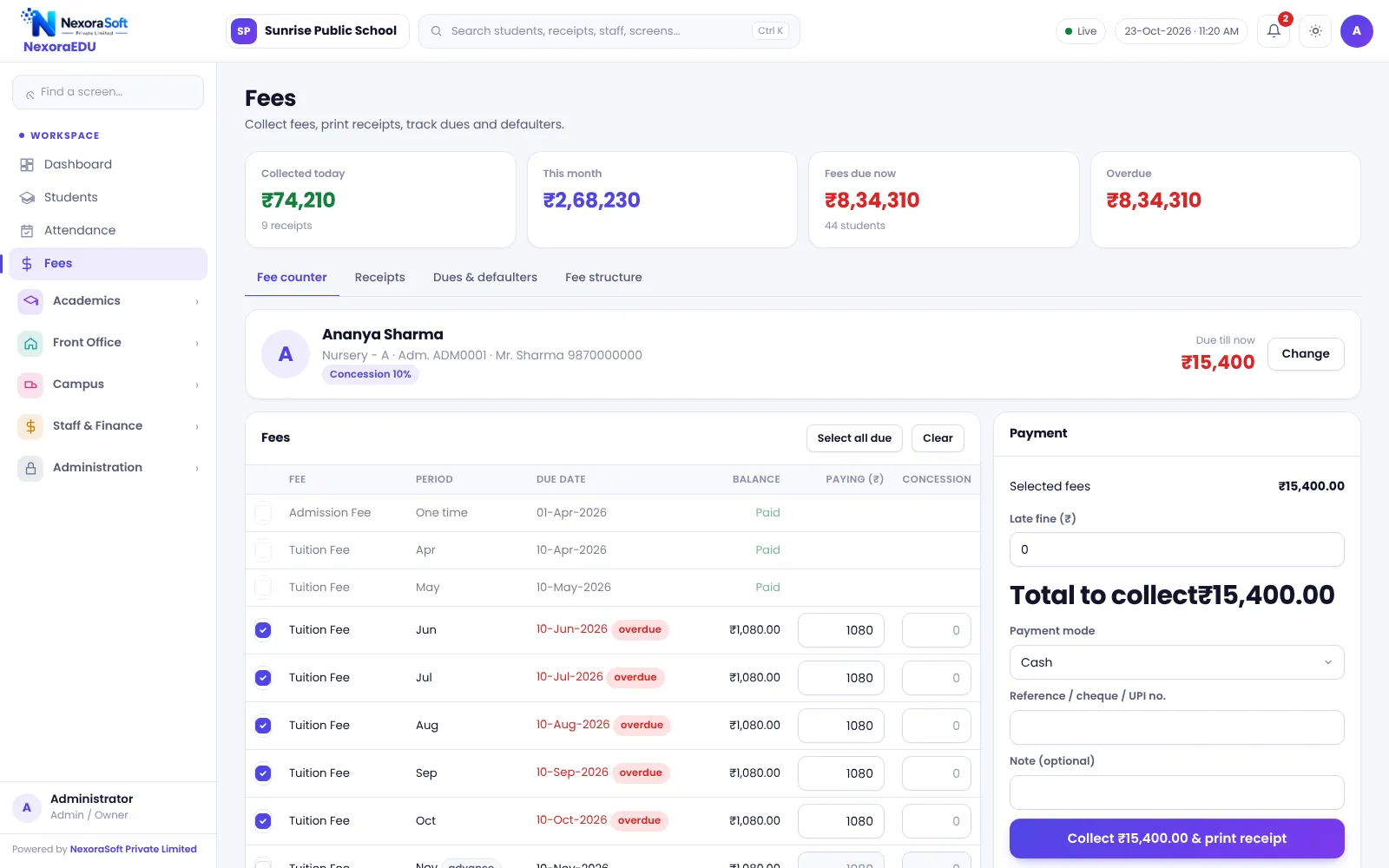
- Fee heads and class-wise structure
- Part payment, concession with approval, late fine
- A4 and thermal receipts, receipt cancellation with reason
- Dues and defaulters by class
- Online payment through the school’s own gateway
Academics
- Attendance with monthly sheet
- Timetable with clash warning
- Exam terms, marks lock, rank, report card
- Homework, study material and quizzes
Parents and communication
- Parent and student portal
- WhatsApp click-to-send for notices
- Helpdesk for requests
Control
- Roles and permissions enforced on the server
- Teachers see only their own classes
- Audit log
- Daily backup and download
Be clear on the limits
Ask every vendor in writing about mobile app, SMS and WhatsApp automation, biometric attendance, GPS tracking and offline use. NexoraEDU is a web system without a mobile app, with click-to-send WhatsApp, no biometric or GPS and no offline mode. A vendor who is open about limits is easier to trust.
Score your shortlist
| Area | Weight |
|---|---|
| Fees and receipts | High |
| Attendance and exams | High |
| Parent portal | Medium |
| Control and backup | High |
| Price and support | High |
Test it with a real busy day
Ask the vendor to run a morning at the fee counter: a part payment, a sibling concession that needs approval, a late fine, a receipt reprint and a cancellation. Then ask for the dues list for the same class. If the numbers agree at the end, the ledger is sound.
Ask what is included in year one
- Set-up and data import
- Training sessions and their number
- Hosting and backups
- Support hours and channel
- Updates after go-live
Ask what happens to your data
A school’s data is its memory. Ask how you can download a backup, how long the server keeps copies and what happens if you stop using the software. NexoraEDU lets administrators download a backup file and the server keeps daily copies for fourteen days.
Do not pay for what you will not use
A small school may never use hostel or canteen modules. Choose modules you will use in the first year and add others later, since they share the same student record.
Related guides: School Management Software in India (complete guide)
School Fee Management & Collection SoftwareOnline School Fee Payment SoftwareSchool Reports & Analytics SoftwareSchool Management Software Pricing in IndiaSchool Management Software in Delhi NCRWhat Is School Management Software?How to Choose School Management SoftwareSchool Fee Collection: How to Reduce DefaultersSchool Attendance Management Guide
See NexoraEDU in Action
Book a free live demo and see admissions, attendance, fees, exams and the parent portal run on your own school data.
Book a Free Demo +91 98115 51004