Buying school software is a decision for several years. A structured approach, a demo on your own data and a clear list of limits will protect you from the common regrets.
Step 1: List what hurts today
Write down the three or four tasks that waste the most time: fee follow-up, attendance totals, report card preparation, parent calls. These decide which modules matter most.
Step 2: Ask for a demo with your data
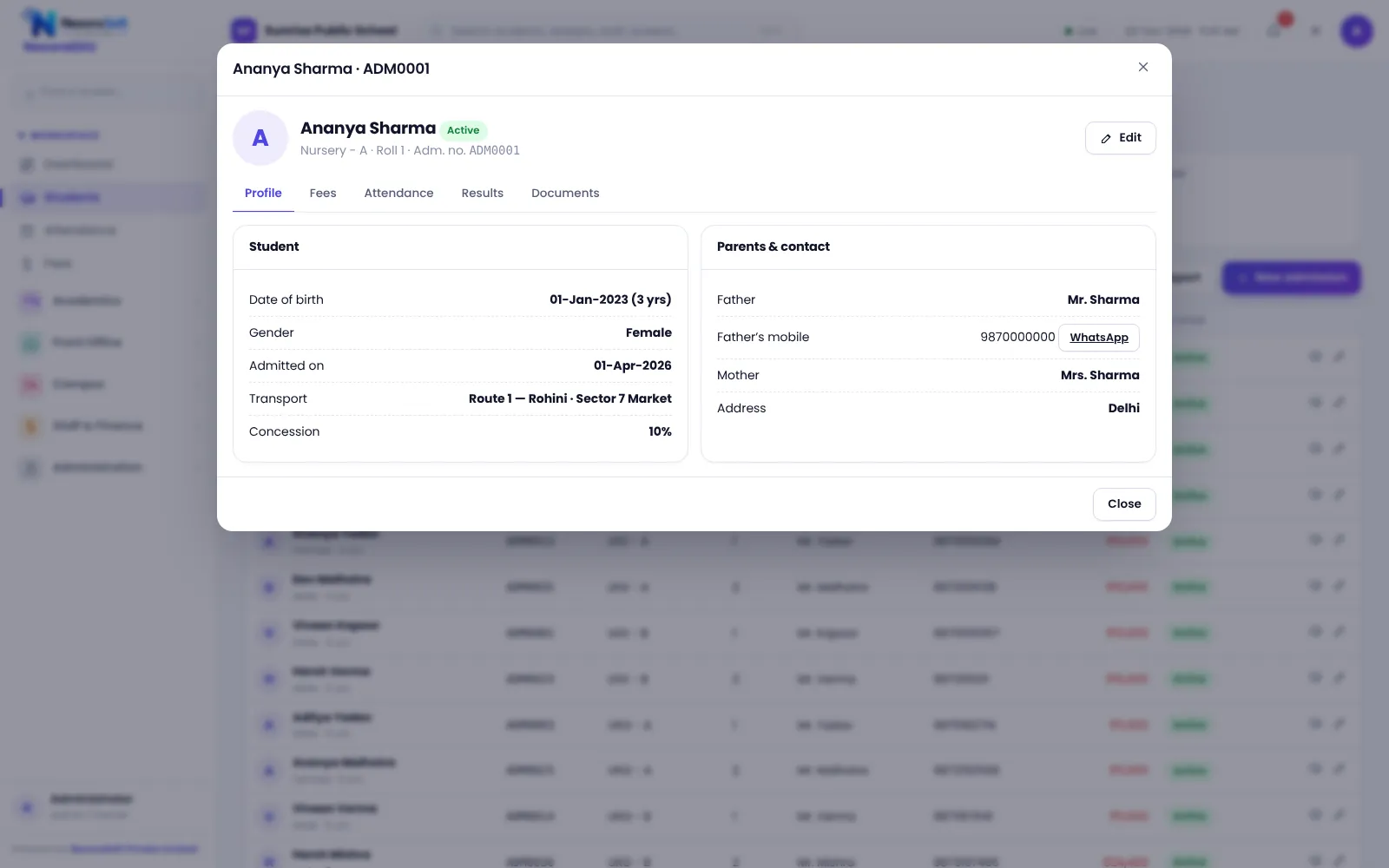
A demo with generic data proves little. Give the vendor a class list and your fee structure, and ask them to show a real receipt, a report card and the parent view.
Step 3: Test the hard cases
- Part payment and a late fine on the same receipt
- A concession that needs principal approval
- A student who changes class or route mid-year
- A teacher who tries to open another teacher’s class
- A receipt cancelled by mistake
Step 4: Check ownership and exit
Ask how you can take your data if you stop. NexoraEDU lets administrators download a backup file, and the server keeps daily copies. Ask every vendor for the same assurance in writing.
Step 5: Read the limits
- Mobile app available or not
- SMS and WhatsApp automation or click-to-send
- Biometric attendance and GPS tracking
- Offline mode
- Board report card formats
Step 6: Compare total cost
| Item | Year 1 | Year 2 |
|---|---|---|
| Software or licence | ||
| Hosting | ||
| Data import | ||
| Training | ||
| Support |
See pricing factors and the feature checklist.
Red flags during evaluation
- A demo that never uses your own classes or fee structure
- No clear answer on a mobile app, SMS or biometric support
- Pricing that changes between calls
- No written scope or list of what is not included
- No way to download your data
Who decides
The principal or management owns the decision, but the accountant and a teacher should test the screens they will use every day. If they find the fee counter slow or the attendance screen confusing, the project will struggle regardless of the feature list.
After you choose
Agree a start date before the session, nominate a champion, and plan data clean-up. Our implementation guide has a six-week plan.
Related guides: School Management Software in India (complete guide)
School Timetable Management SoftwareExam, Result & Report Card SoftwareSchool Management Software Pricing in IndiaSchool Software for Small & Budget Private SchoolsSchool Management Software in NoidaBest School Management Software in India: Features to CheckSchool Fee Collection: How to Reduce DefaultersSchool Attendance Management GuideClash-Free School Timetable GuideSchool ERP vs Excel and Paper Registers
See NexoraEDU in Action
Book a free live demo and see admissions, attendance, fees, exams and the parent portal run on your own school data.
Book a Free Demo +91 98115 51004