Home › School Management Software › School Software for State Board Schools
School Software · NexoraEDUSchool Software for State Board Schools
State Board schools need practical software that the whole staff can learn quickly. NexoraEDU is configurable to your board’s classes, subjects and exam pattern, without unneeded complexity.
State BoardFeesAttendanceTCStaged roll-out
What State Board Schools Need
Many State Board schools are private institutions with a large number of students, tight budgets and staff who are not used to software. They need a system that is simple, quick to learn and reliable at the fee counter.
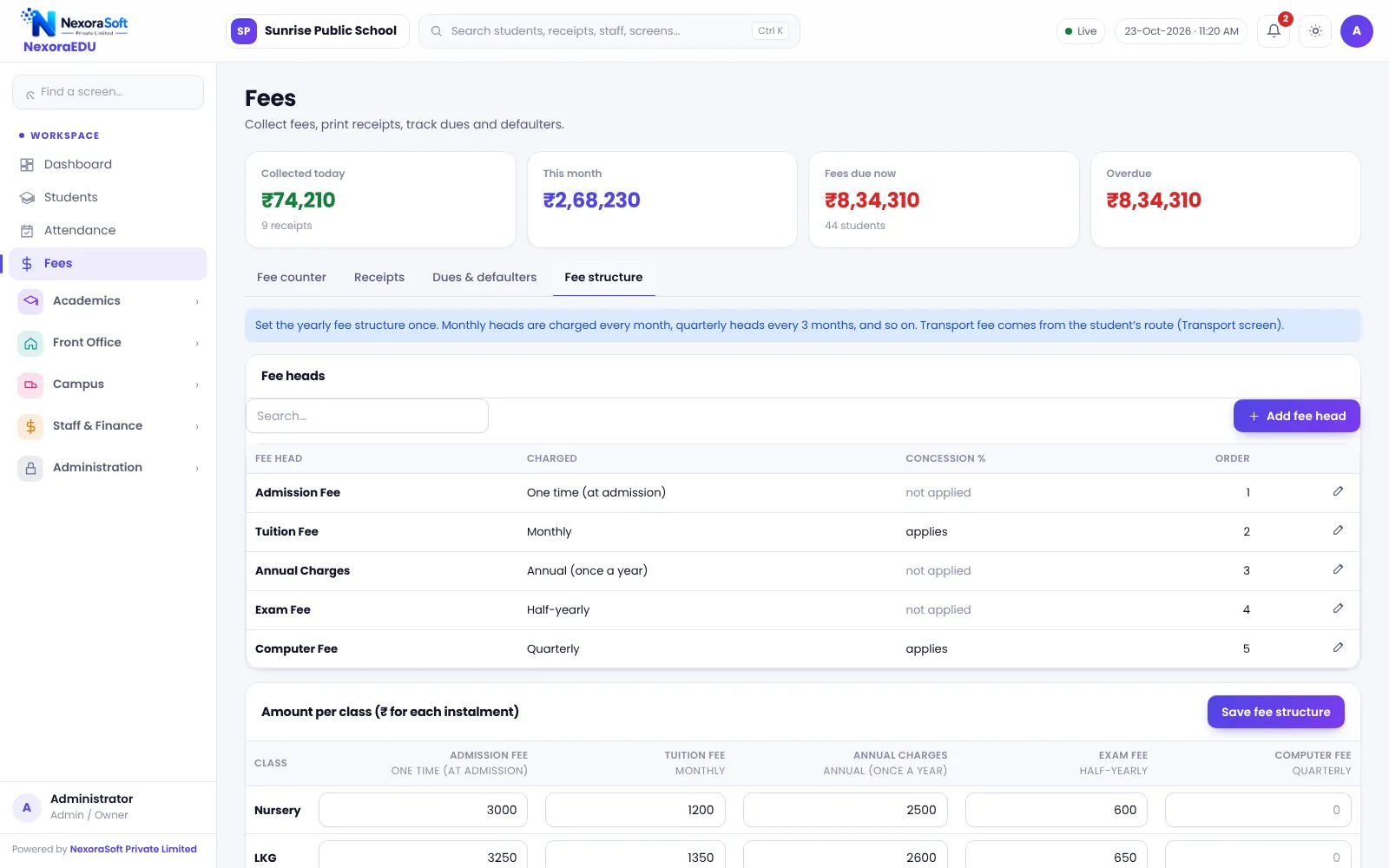
NexoraEDU lets you start with the basics: students, fees and attendance. Exams, report cards, parent portal and campus modules can be added when the staff is comfortable. The exam pattern, subjects and grade scale are yours to configure.
Challenges and How NexoraEDU Handles Them
Fee counter first
A fast fee counter with receipts is the quickest win.
Simple attendance
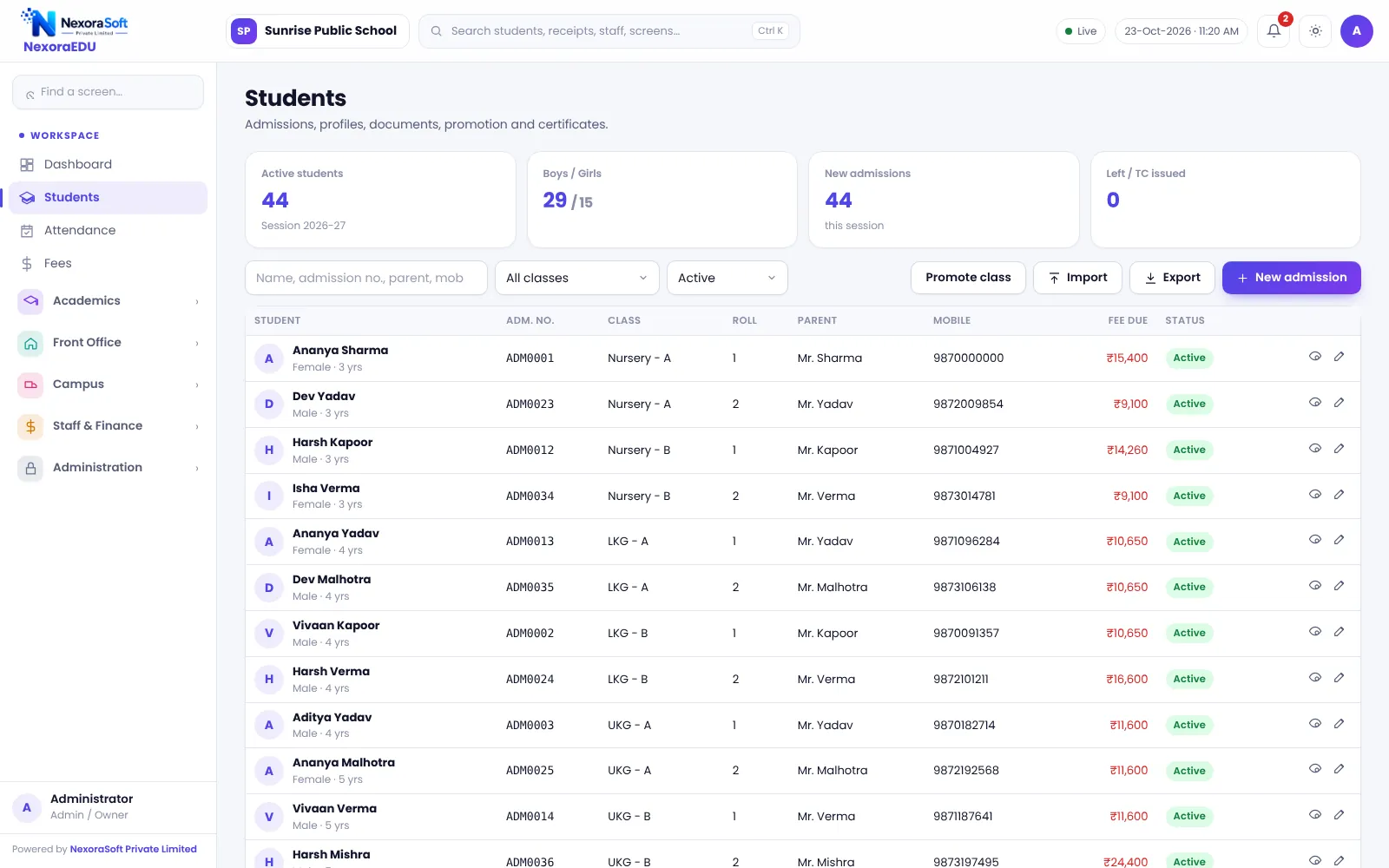
Class-wise attendance with a monthly sheet.
Your exam pattern
Configure exams and grades to your state board pattern.
TC and bonafide
Certificates from student data.
Transport
Route-wise lists and monthly route fee.
Training
Short training sessions for office staff and teachers.
Start Small, Grow With the School
We recommend going live in stages: first student data and fees, then attendance, then exams and the parent portal. This keeps the change manageable and builds confidence in the staff.
Regional-language report cards are not a built-in feature in this version, so confirm your language requirement in the demo.
- Staged roll-out
- Simple, role-based logins
- Fee receipts on A4 or thermal
- Exam pattern you define
- Backups every day on the server
State Board School Needs at a Glance
| Need | NexoraEDU answer |
|---|---|
| Simple start | Students, fees and attendance first |
| Exam pattern | Configurable |
| Certificates | TC and bonafide |
| Regional language | Confirm in demo |
| Mobile app | Not included |
Getting Started
Set up the school
Add the school name, board, address and logo, then set up classes and sections.
Classes and subjects
Create classes, sections and subjects, and assign class teachers.
Fees and students
Add fee heads and the class-wise structure, then import students from Excel.
Users and training
Create logins with the right roles and train the fee counter and teachers.
Go live
Start with attendance and fees, then switch on exams, portal and campus modules.
Related School Management Software Guides
School Management Software India (full guide)School Fee Management & Collection SoftwareSchool Management Software Pricing in IndiaSchool Software for IB & International SchoolsSchool Software for Preschools & Play SchoolsSchool Software for Boarding & Residential SchoolsSchool Software for Small & Budget Private SchoolsReport Card and Grading System GuideParent-Teacher Communication with a School PortalSchool ERP vs Excel and Paper RegistersHow to Implement School Software for a New Session
School Software for State Board Schools – FAQ
The interface is in English. Report cards can contain names and remarks as typed, but a fully localised report card in a regional script depends on your layout needs and printing set-up. Share a sample of your current report card during the demo so we can tell you honestly what is possible.
Yes, within the limits of configuration. You define classes, subjects, exam terms, maximum marks and grade scale. Test your pattern on sample marks, and check the printed report card against the format your state board expects before you start the term.
Pricing depends on strength, modules, hosting and training, and we quote after a free demo. Starting with fees, students and attendance keeps the first-year scope smaller. See the small private schools page and the pricing guide for the factors that decide cost.
Most schools start with the fee counter and attendance, which are simple screens. We train the fee counter and teachers in short sessions and provide support after go-live. Keep one person at the school as the main contact to speed up the first month.
NexoraEDU runs from a server and needs a working connection from each computer. It does not work offline in this version. For schools with weak connectivity, we advise a stable broadband line at the office and a mobile data backup for the fee counter.
See NexoraEDU Working for Your School
Share your classes, fee structure and workflow and get a free live demo of NexoraEDU. No commitment; we typically respond within 24 hours.